
Copy link to clipboard
Copied
Hello I created a dropdown menu button and as of now I have 1 toggle component.
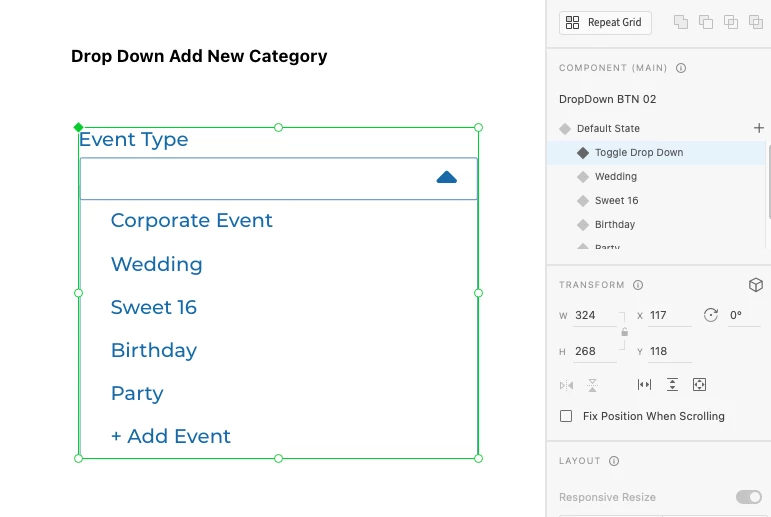
Im trying to set up to where when the user clicks on the "+ Add Event" button it will turn it into a Input where some can type in the event name. Here is an example.
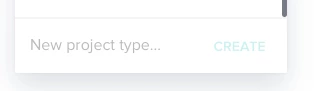
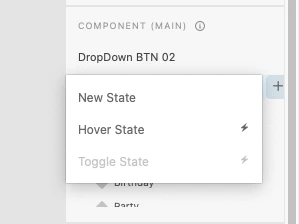
The problem is because I have one toggle my component doesnt give me the option to create a 2nd toggle. Hoew should I handle this? If I click on "Create New State" instead of toggle then the user wont be able to close the dropdown menu like before when it was a toggle state.
Here is a preview link.
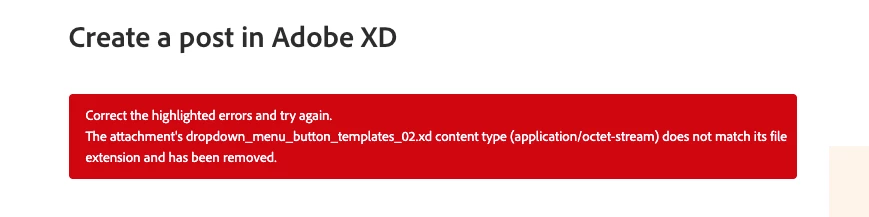
Hopefully I explained this correctly where it makes sense. I tried to attach the xd file but i keep gettings this stubid error.
Copy link to clipboard
Copied
Hi Ruben, you don't need to use a toggle state. The toggle state is a quick way to make simple components with just two states. It's like the other states but with a two way link to the default state.
What you need is an extra state where the dropdown has an input, so when the + Create New is clicked, it will point to that state.
Since I already have your file from your previous thread, I set it up for you. Here's the file, and here's the prototype. If you want the input to add a new category, it will make things a lot more complex, so I'd end it here and explain to devs what needs to happen.
Also, the forum doesn't like .xd files. You can upload to dropbox / google drive or any other cloud service and share the link here.
Copy link to clipboard
Copied
This is perfect thank you so much. Since this component is now slightly different from the original dropdown menu component is possible to make this its own master component.
I know I am able to overide the original component but I wouldl ike for this to be its own master component. Is this possible with xd? basically trying to do a save as for the component if that make sense.
Thanks again for all your help I really appreciate it.
Copy link to clipboard
Copied
Since Xd is trying really hard to stop you from duplicating a main component, you will have to:
1. Save the file as a local document
2. Rename the component(s)
3. Create a new Cloud Document and paste them there, or to your existing file.
You just need to make this switch from local to cloud so the link will be broken.
Copy link to clipboard
Copied
Awesome thank you so much for all of your help I really appreciate it.
Get ready! An upgraded Adobe Community experience is coming in January.
Learn more