Exit
  • Global community
    • Language:
      • Deutsch
      • English
      • Español
      • Français
      • Português
  • 日本語コミュニティ
  • 한국 커뮤니티
0

Link Updated is incorrect

New Here ,
Mar 25, 2022 Mar 25, 2022

Steps:

1.) I create a link to a flow and share it with stakeholders 

2.) I get feedback and make changes to the artboards, then update the link


Expected result:

The link and flow – including artboards, description, # of artboards – should all update.


Actual result:

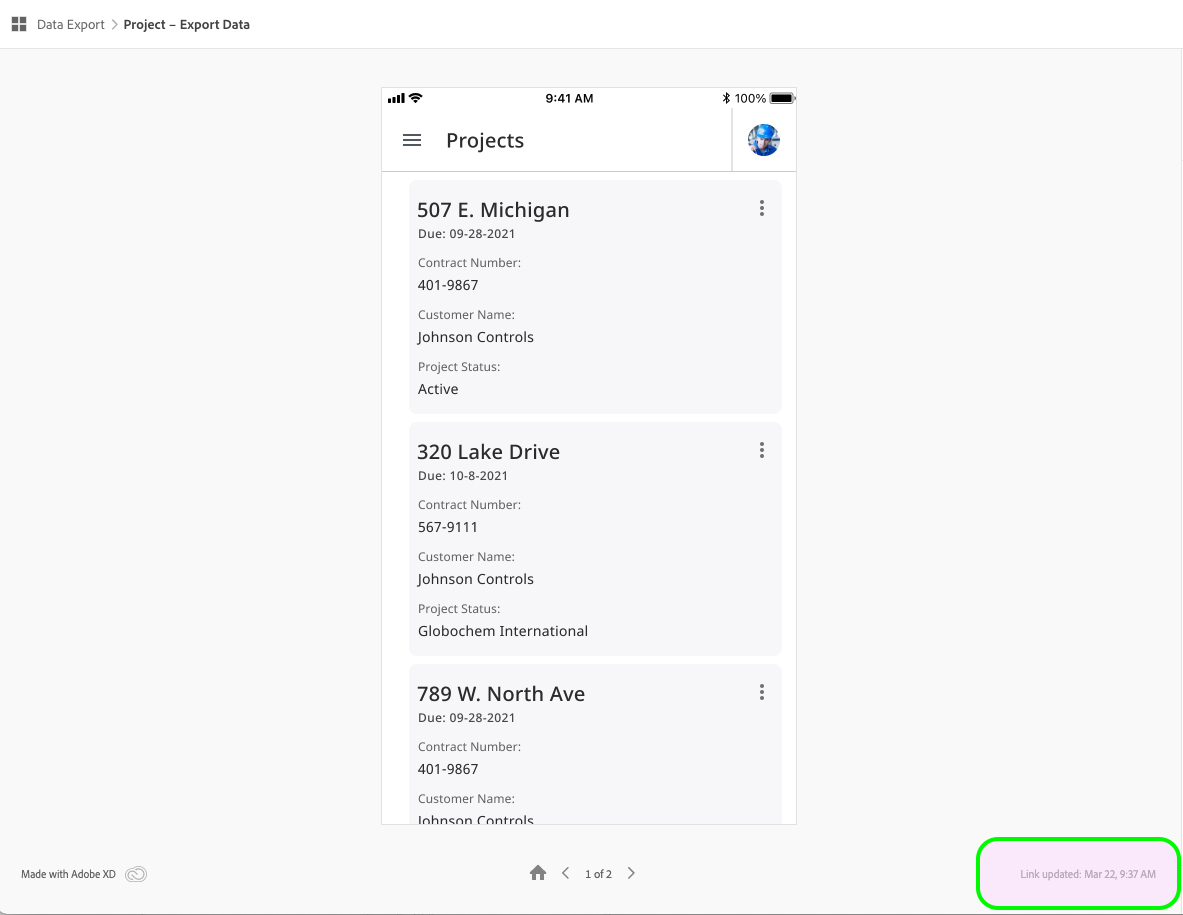
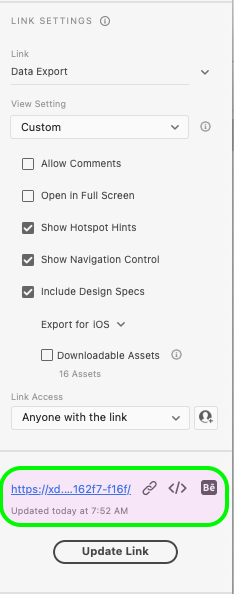
Link (usually) updates with the correct artboards and interactions, but the "link updated" displays the incorrect time, the link description (i.e. the name of the flow, the # of artboards in the flow, the "updated at") are all  incorrect. Even when I refresh, this displays incorrectly. It often takes a long time for stakeholders' link to display the changes and edits to the flow.


This is causing confusion with stakeholders and it's really frustrating.

 

442
Translate
Report
Community guidelines
Be kind and respectful, give credit to the original source of content, and search for duplicates before posting. Learn more
community guidelines
Community Expert ,
Jul 14, 2022 Jul 14, 2022
LATEST

Hi @match_fit, I'm not familiar with the issue, but I think I'd try to deselect the home icon in the at the top left of the flow's first artboard to delete the flow (that doesn't mean deleting any interactions, artboards or elements btw, as you know) and clicking on it again to recreate the flow & update the link as a workaround, that may refresh everything. If you need to manually remove the shared link and create a new one for some testing, you can do so at: https://assets.adobe.com/links  Hope this helps!

Translate
Report
Community guidelines
Be kind and respectful, give credit to the original source of content, and search for duplicates before posting. Learn more
community guidelines