

Ontré
Participant
November 5, 2020
Answered

Maintaining state of a component?

  • November 5, 2020
  • 1 reply
  • 535 views

Consider this simple construct:  A Settings button that pops up an overlay artboard that contains three toggle settings.
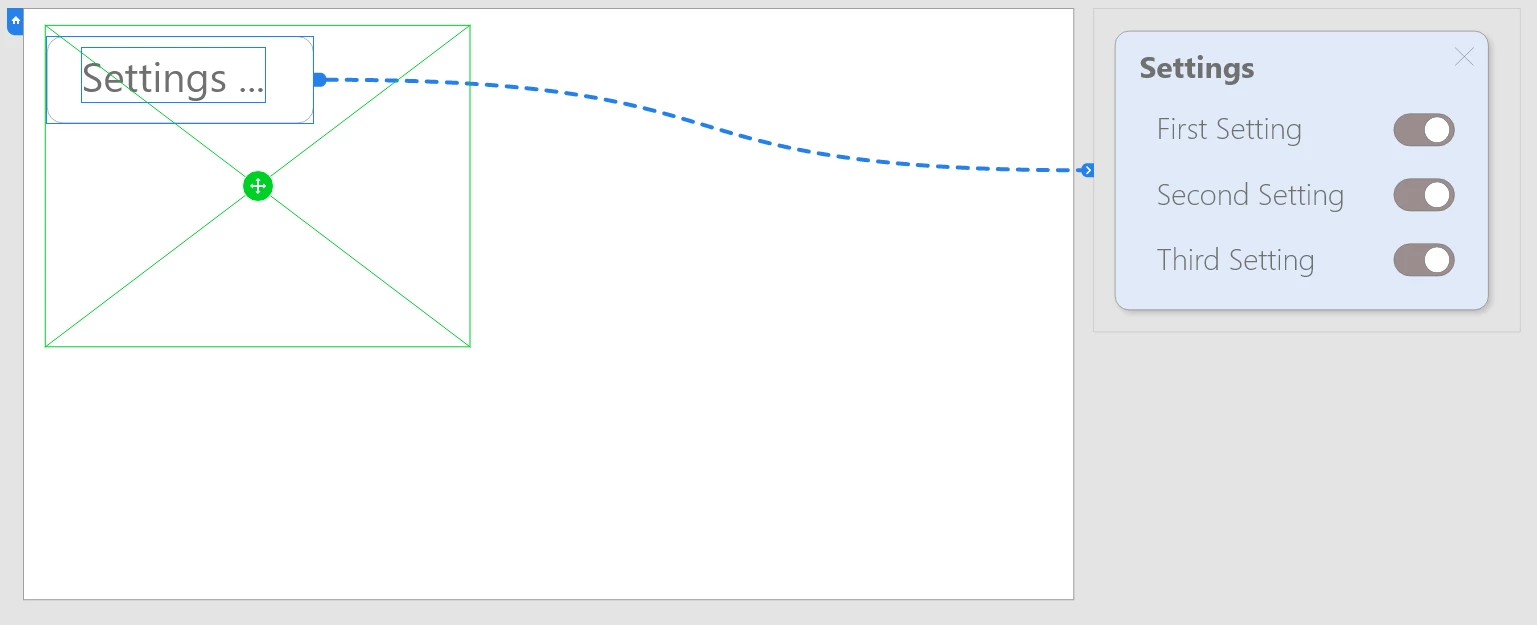
 

When I run this prototype and toggle some of the settings...
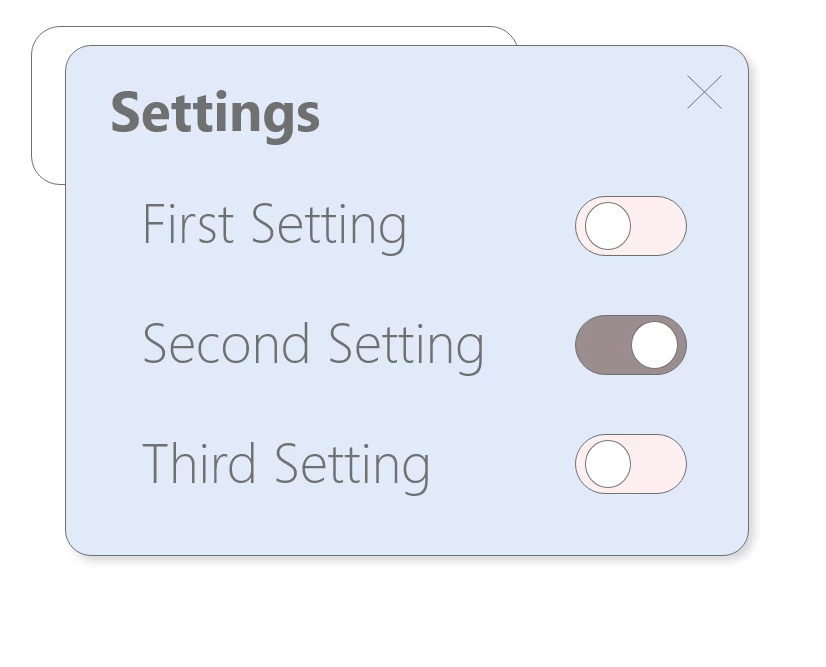
Then close the pop-up...

And re-open it...
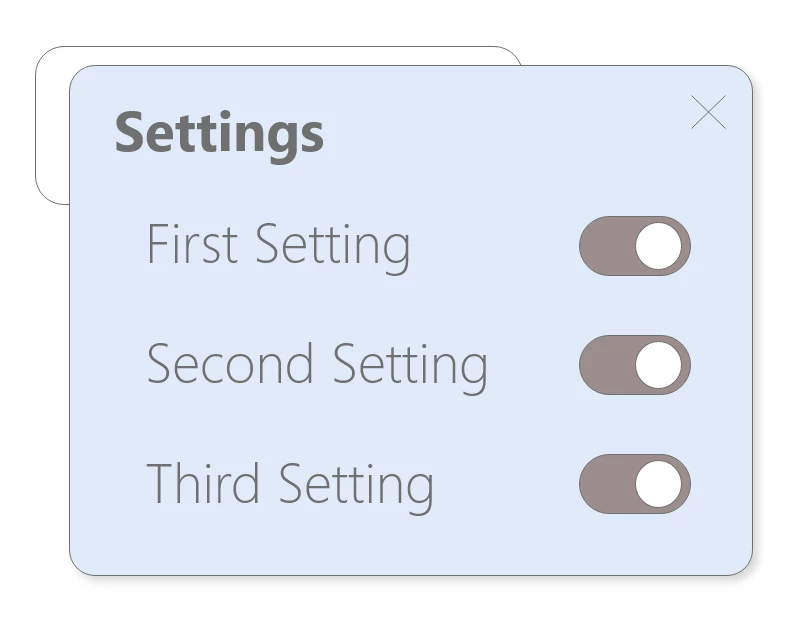
The toggle buttons all reset to their default state every time they are displayed. 


I need them to remember their states and after days and days of looking for the answer, I cannot figure out how to make this work. 


I'm sure I'm missing something very basic.  How do I get a component to maintain its state?


Thanks!

    This topic has been closed for replies.
    Correct answer HARSHIKA_VERMA

    Hi there,


    Thank you for reaching out. If I heard you right, you are looking for the similar functionality mentioned here: https://adobexd.uservoice.com/forums/353007-adobe-xd-feature-requests/suggestions/39112162-maintain-last-known-component-state-when-autoanima If so, please submit your feedback and upvote the request to add your voice.


    Thanks,

    Harshika

    1 reply

    HARSHIKA_VERMA
    Community Manager
    HARSHIKA_VERMACommunity ManagerCorrect answer
    Community Manager
    November 6, 2020

    Hi there,


    Thank you for reaching out. If I heard you right, you are looking for the similar functionality mentioned here: https://adobexd.uservoice.com/forums/353007-adobe-xd-feature-requests/suggestions/39112162-maintain-last-known-component-state-when-autoanima If so, please submit your feedback and upvote the request to add your voice.


    Thanks,

    Harshika

    Ontré
    OntréAuthor
    Participant
    November 6, 2020

    Yes, that's the same issue.  Are you suggesting this is not currently possible?  This is such a basic requirement when prototyping UI simulations, I can't imagine there not being some way to do this (without mass duplication of artboards for all possible states).