
mwstandsfor
Inspiring
September 28, 2020
Answered

Missing Fonts

  • September 28, 2020
  • 1 reply
  • 541 views

After updating to 33.1.12 all of my locally installed (non-system) fonts are missing. I'm also using FontBase as my font manager but that's never been a problem. All of the fonts appear in Photoshop and Illustrator so this is a XD problem. 


Windows 10

Os Build 19041.508
This topic has been closed for replies.
Correct answer Ares Hovhannesyan

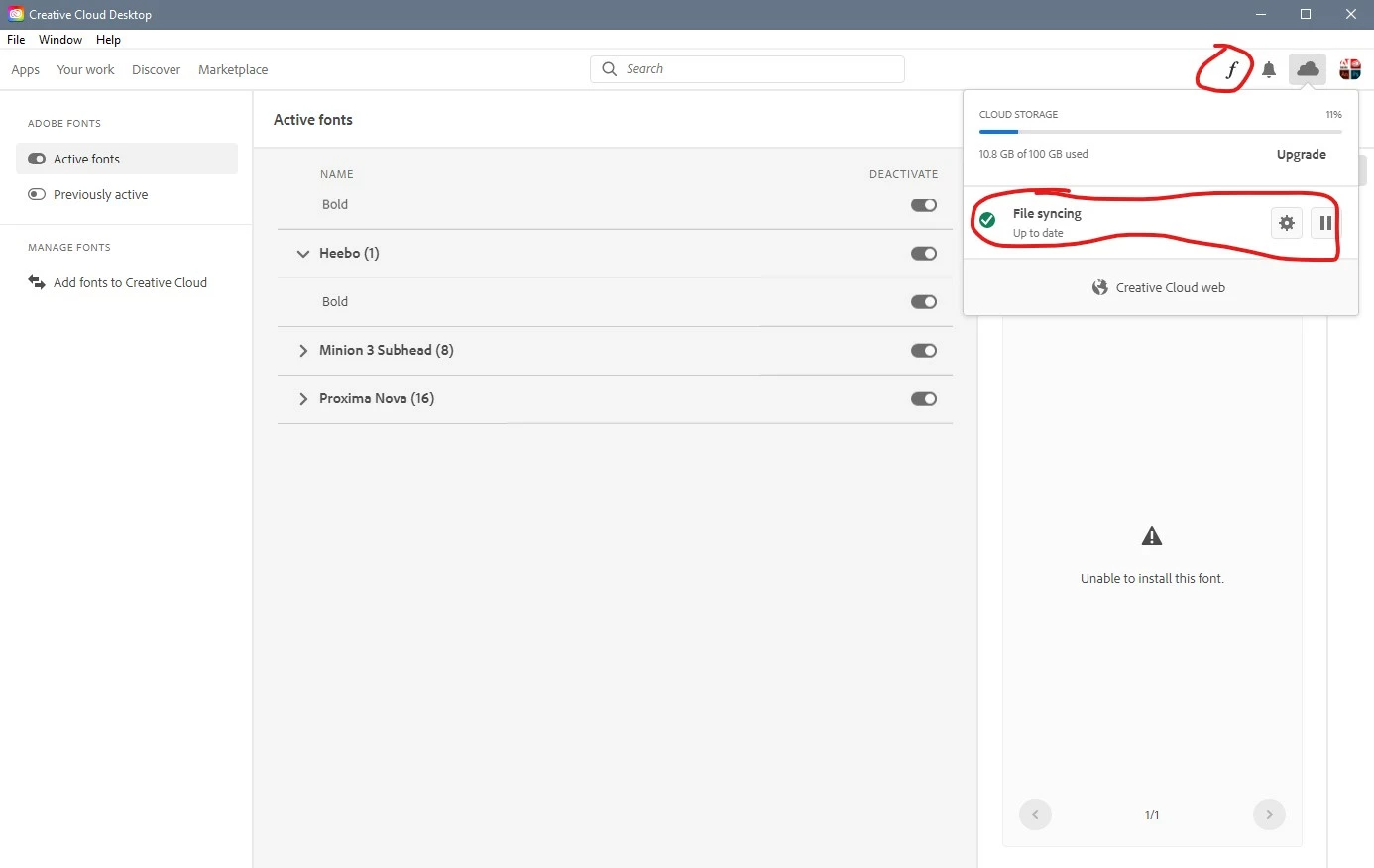
Please check  your fonts in cc app manager. If some of them aren't active install them. Also you can try to instan/reinstall. 

If that do not help, sing out/sign in into your Adobe account via cc app manger. 

Also you can try to recover your cc app through unistall/repair mode when you go to uninstall process. 

Another solution can reinstalling Adobe xd. 


1 reply

Ares Hovhannesyan
Community Expert
Ares HovhannesyanCommunity ExpertCorrect answer
Community Expert
September 28, 2020

Please check  your fonts in cc app manager. If some of them aren't active install them. Also you can try to instan/reinstall. 

If that do not help, sing out/sign in into your Adobe account via cc app manger. 

Also you can try to recover your cc app through unistall/repair mode when you go to uninstall process. 

Another solution can reinstalling Adobe xd.