
Outlook complains of embedded jar malware in Adobe XD files
When I try and send certain Adobe XD file through Outlook it reports possible jar-related malware. I have done extensive tests to try and narrow down the issue but have come to an impasse and need help from Adobe.
When I try and paste the offending document into this community board it results in: "The attachment's 210223 test6.xd content type (application/octet-stream) does not match its file extension and has been removed." Therefore @Adobe, please reach out to me for a sample file that shows this issue.
1. When sending the outlook file, the message from Outlook reads:
- Does it happen with fresh, blank Adobe XD files? YES
Create a new file → save to desktop → Send through outlook → gets flagged
i.e. No objects were created in a file; it was saved completely blank
- What age of Adobe XD files have this issue? Some older or more recent files have the issue, but others do not
An Adobe XD file from 5/2020 → BAD
An Adobe XD file fom 1/2021 → GOOD
An Adobe XD file from 2/2021 → BAD
- Do other with files get flagged by Outlook? No.
e.g. Sent a PPT, PDF, SVG attachments → works ok
- Is the offending Adobe XD file sendable by others? Could it be my setup with Outlook? No.
- A colleague tried sending me back the same Adobe XD file → also flags as malware for him
- Do other users of Adobe XD create problematic files? No.
- A colleague sent me a fresh Adobe XD file from his system → It came through successfully
- 7. Does Symantic see a threat in the specific file? No. File scan of the same problematic Adobe XD file → did not detect a threat
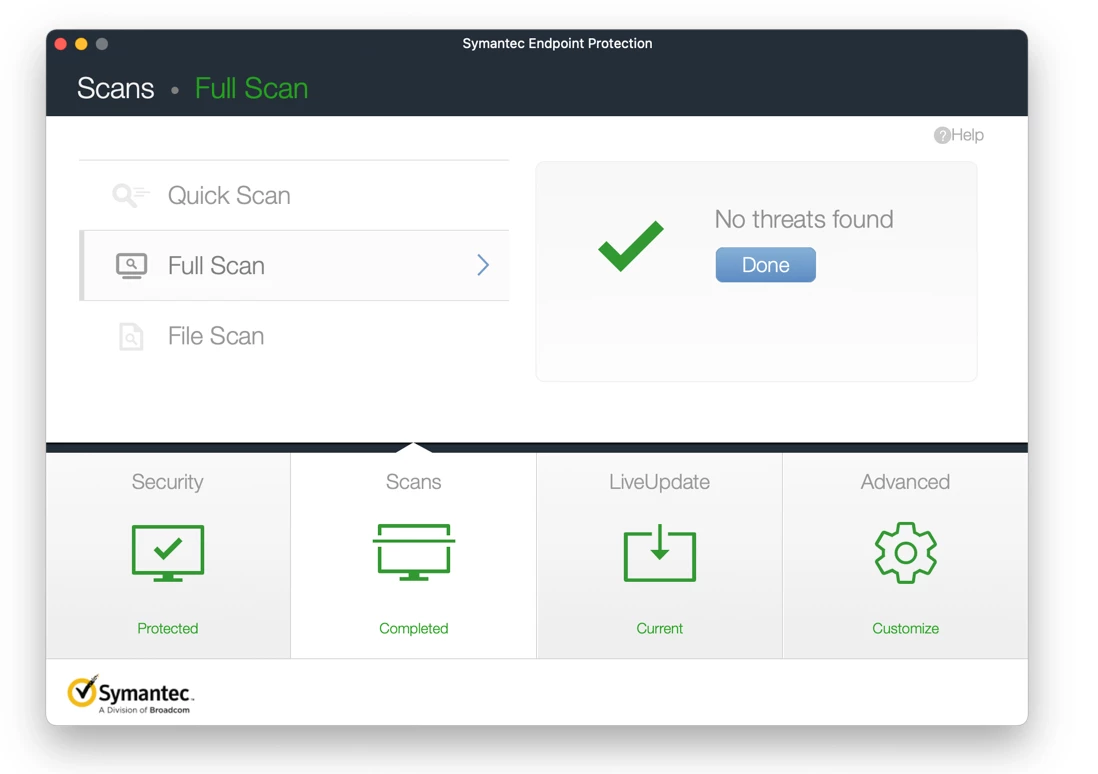
- Does Semantic antivirus think my system is infected? No
A full Scan discovers no threats:
- Is it a corrupt version of Adobe XD? Unlikely.
- Uninstalled and reinstalled Adobe XD using Adobe Creative Cloud app. Created new file and tried to send → also flags as malware
- Does it happened with other Adobe CC software? No.
- Created fresh Adobe Photoshop document. Tried to send → Sent successfully through Outlook
- Does a fresh Adobe XD file originating on a different (Windows) system cause the problem? No.
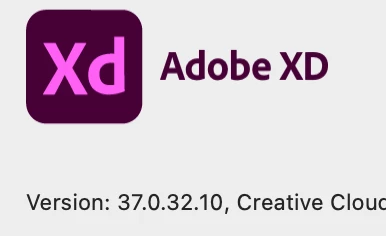
A colleague sent me an existing file from Adobe XD for Windows v.37.0.32.10. → Sent successfully through Outlook
- Can I send that successful Adobe XD file back to him through Outlook? Yes, it worked!
- Is the Mac itself corrupting the file? If I save the XD/Windows file to my desktop and send it without modification, will be flagged as containing malware? No
Saving a good Adobe XD file to my desktop and sending it works ok.
- Is my Outlook up-to-date? Yes.
I updated to this version and it continued to flag the files as having malware

- Is the issue flagged only on the Mac version of Outlook? No.
- A colleague using Windows on Outlook got the same malware handling when sending one of the offending Adobe XD documents
- Which versions of Adobe XD manifested the issue? v36 and v37
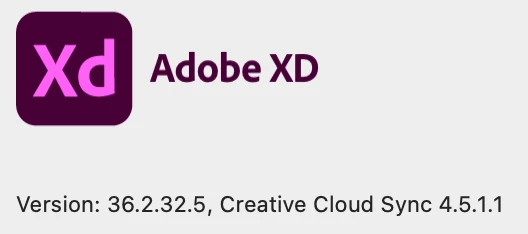
I used Mac version 36.2.32.5 and updated to v37. Both saved new, fresh files with the issue.
I created a fresh file with v37 and tried sending through Outlook and it again complained about malware.
- If a working Adobe XD file goes through the round trip through Adobe XD does it then fail? YES it still fails.
I took a working file and saved it without changes and it was OK. I added some new data from a problematic file and it failed.
- Does a bad file become good when it is re-saved through a newer / different version of Adobe XD? NO.
Took a errant file with my Mac version. Opened in A colleague’s Windows version, modified and saved it and sent it via Outlook / Windows
Outlook again flagged it as having malware
Opening it on Mac also prompted for an update to Adobe XD on the Mac that it had said was already up-to-date
- Does a mac reboot help? No
- Outlook still called out malware in the file
- Can I export from Adobe XD to SVG or PDF and successfully send those documents? YES.
- these could be sent
- Does copy-and-paste of objects from my document into a fresh Adobe XD file on A colleague’s Windows machine result in a clean Adobe XD file? NO!
- these were also flagged by Outlook with the same message
- Files with objects copied from an offending Adobe XD document themselves become “infected”
 AdChoices