StephenJohnston
Participant
February 6, 2017
Question

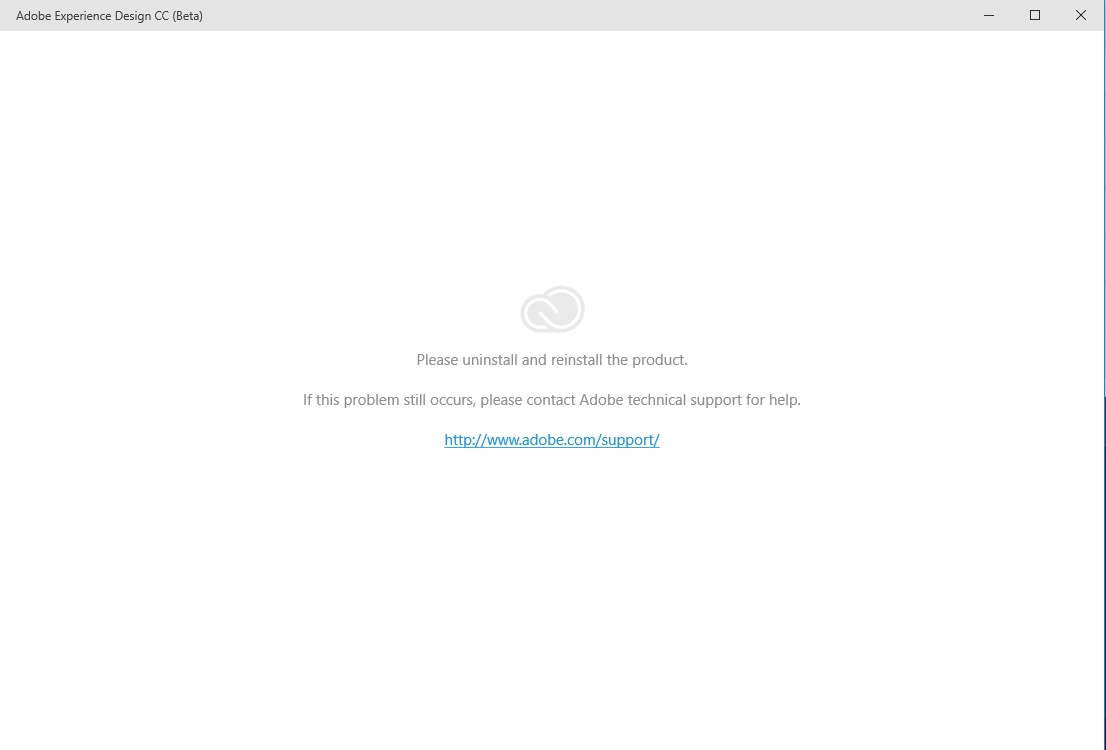
Please uninstall and reinstall the product

  • February 6, 2017
  • 2 replies
  • 3842 views

This was working on Windows 10 but recently after the last update I started getting this message. I've done what it says about four times now and the same result occurs.

    This topic has been closed for replies.

    2 replies

    StephenJohnston
    Participant
    February 8, 2017

    I was finally able to uninstall and download version 0.6.14.2 which has successfully started working on my Win10 box.

    elainecc
    Participating Frequently
    February 8, 2017

    Hi, StephenJohnston-

    We've seen two issues result in the prompt to reinstall. The first is this one: https://helpx.adobe.com/experience-design/kb/adobe-xd-prompts-to-uninstall-and-reinstall-the-product---window.html.

    The second has to do with having a space or period in the user folder: https://adobexd.uservoice.com/forums/353010/suggestions/17903557 If this one affects you, you should upvote in UserVoice to get an Email when we deploy a fix - we're working on one now. Please let us know which one affects you!

    -Elaine

    elainecc
    Participating Frequently
    February 8, 2017

    Just to follow up, we just released a new version of XD for Windows that resolves the latter issue.

    Thanks,

    -Elaine

    Participant
    February 8, 2017

    I tried but still not working as is.

    Then I switched my language preferences that were set to french back in english and now it's working