
Port Assets from Sketch to Adobe XD
While you could previously open a Sketch file in XD and save it as an XD document, you can now port assets from Sketch into XD and use them as Design Systems. For more info, see https://helpx.adobe.com/xd/help/working-with-external-assets.html#convert-sketch
- Convert Sketch libraries to XD Design Systems. For more information, see Convert Sketch libraries.
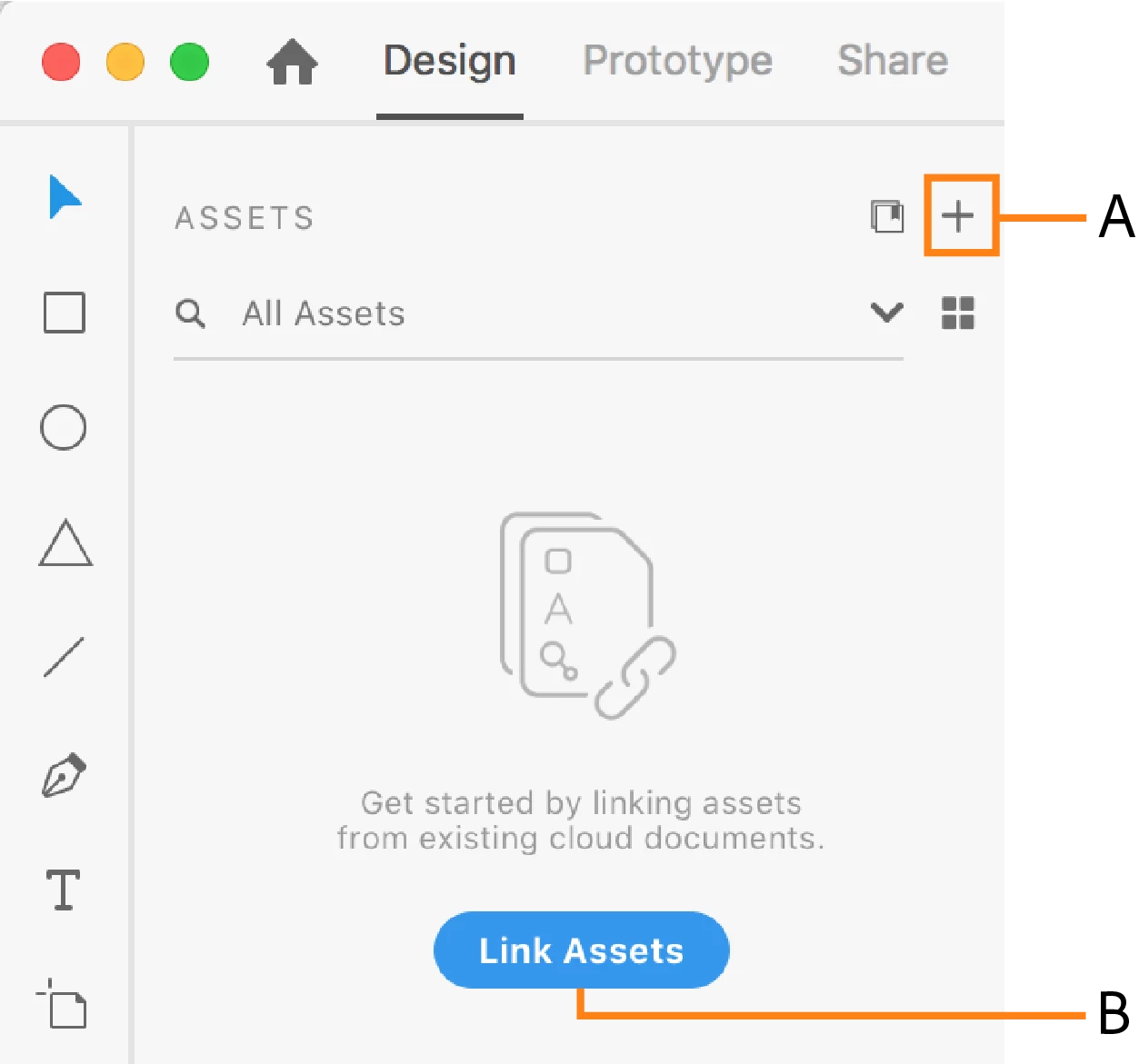
- Export selected assets from Sketch into XD, while keeping them editable in XD. For more information, see Bring in selected assets from Sketch.
- Copy assets from Sketch directly into XD while keeping them editable in XD.
- Copy a Sketch file to the OS clipboard, and use the Paste Appearance option to paste the image directly as an image fill.
Suggest improvements
There will be several enhancements to the experience in the year ahead, and it is just the beginning. To help the team prioritize requests, search for requests on your mind in this link https://adobexd.uservoice.com/ and upvote them. In case you do not find anything that is similar to what you want, feel free to create a request.
Feedback and questions
Reply to this post to share your feedback on this feature, and any questions you have around using it. Our team of experts here will do their best to assist you.
 AdChoices