
Copy link to clipboard
Copied
Hi there, I created a Prototype using the iPhoneX guidelines with artboards w375 X h812 and now I've created the link with the final design and by playing it on an iPhoneX it plays like if it has a zoom of some sort and there are no settings where you can change that. I even tried to disable "Play in full screen" but still nothing.
I can see it properly on my iPhone7 only when I open the Adobe XD App.
The link I created has a full screen extension but I didn't pick that.
Link is https://xd.adobe.com/view/dcde2af5-c26e-4cdd-6f91-8576d50ad0cf-aaef/?fullscreen
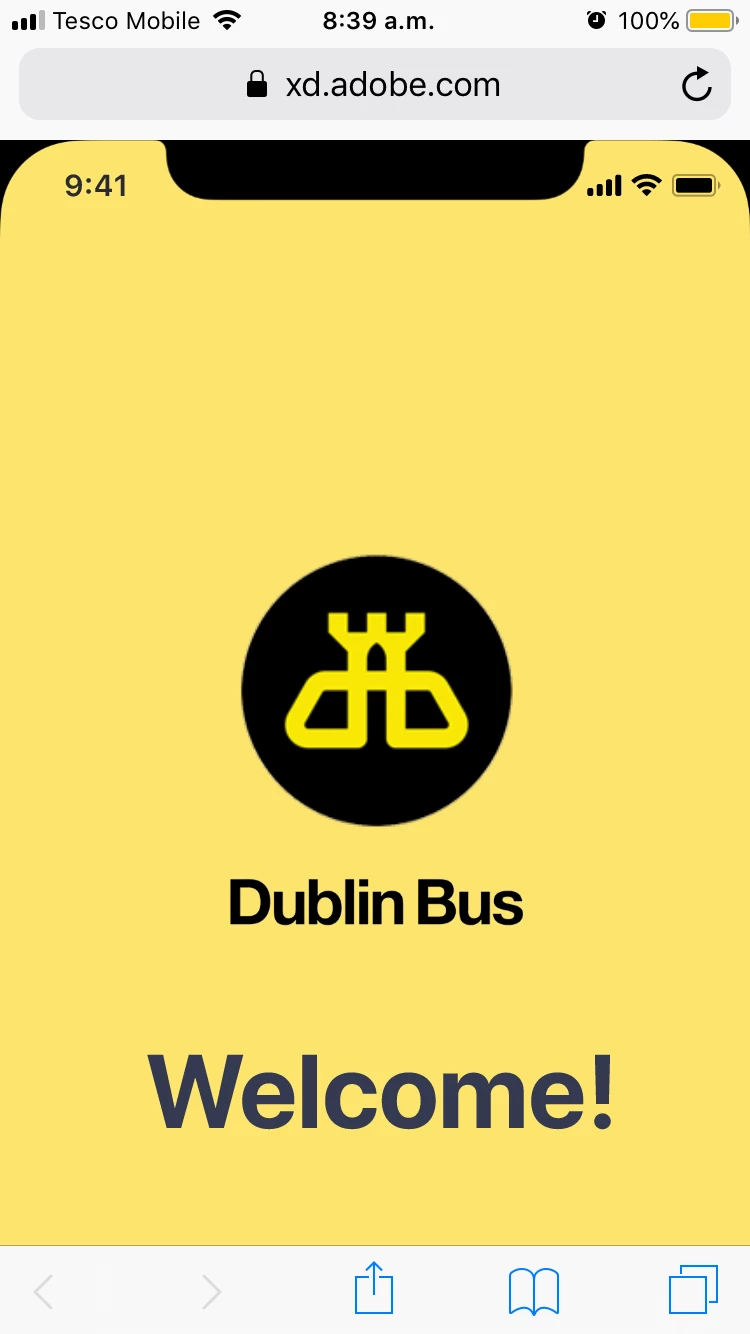
Thanks if you are able to help me.
Kind regards,
Alessia
<The title was renamed by moderator>
Copy link to clipboard
Copied
Hi Alessia,
Thank you for reaching out and using Adobe XD. In order to remove the fullscreen option from the pototype please go to Share>View setting>Custom> and check if open in full screen option is checked. If yes, please uncheck the option and let us know if that helps.
Please see the attached screenshot:
Thanks,
Harshika
Copy link to clipboard
Copied
Hi Harshika,
I tried again following your steps but by playing on iPhoneX is still giving me this view when I open it.
Only if I zoom back I plays it correctly but with the slides.
Only with Adobe XD app it works even on my iPhone7.
Copy link to clipboard
Copied
I am sorry I probably didn't right the whole sentence.
Is it normal that is still playing full screen when opening it on iPhoneX?
Get ready! An upgraded Adobe Community experience is coming in January.
Learn more