

Answered
Select a layer under a locked one
Hi there,
is it possible to select a layer which is under a locked one? It doesn't seems to me at the moment but maybe I've missed something.
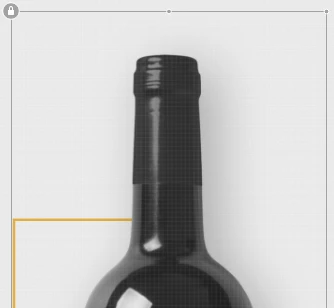
Case is that I draw a line with the pen tool, which one end goes under a .png of a wine bottle. It is quite a hassle to select that line, which I want behind (under) my png.
But if i need to move it, I need to select it just from the layer panel and move with keyboard (please no!), and even if I locked my png, I cannot still select my line because, even if the above .png is locked, it's still shown as a grey locked object, avoiding me to go under. Any suggestion? It's like that also in other Adobe app?
 AdChoices