Inspiring
June 9, 2020
Answered

Select which artboard shows in the open XD file dialog box

  • June 9, 2020
  • 2 replies
  • 3031 views

When opening an XD file, the open dialog window shows a thumbnail of the artboards. I assume the thumbnail selected is the first artboard (top left of the page) but I'd like to know if there's a way to select another arboard without placing it on the top left of the page? Does the numbering them work? Does naming them alphabetically work? Thanks.
    This topic has been closed for replies.
    Correct answer schuestav

    Hi Cy233,


    thanks for your reply.

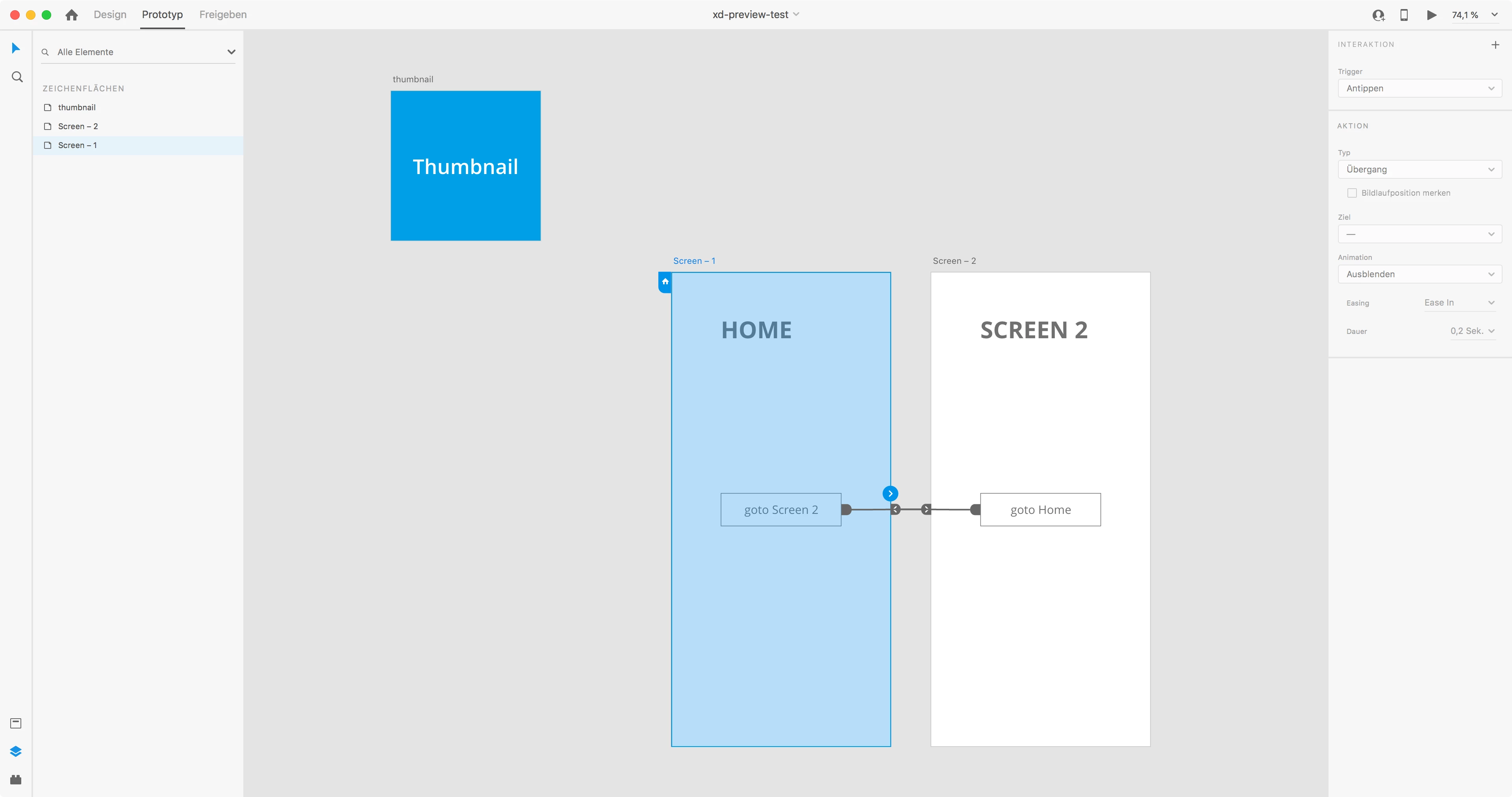
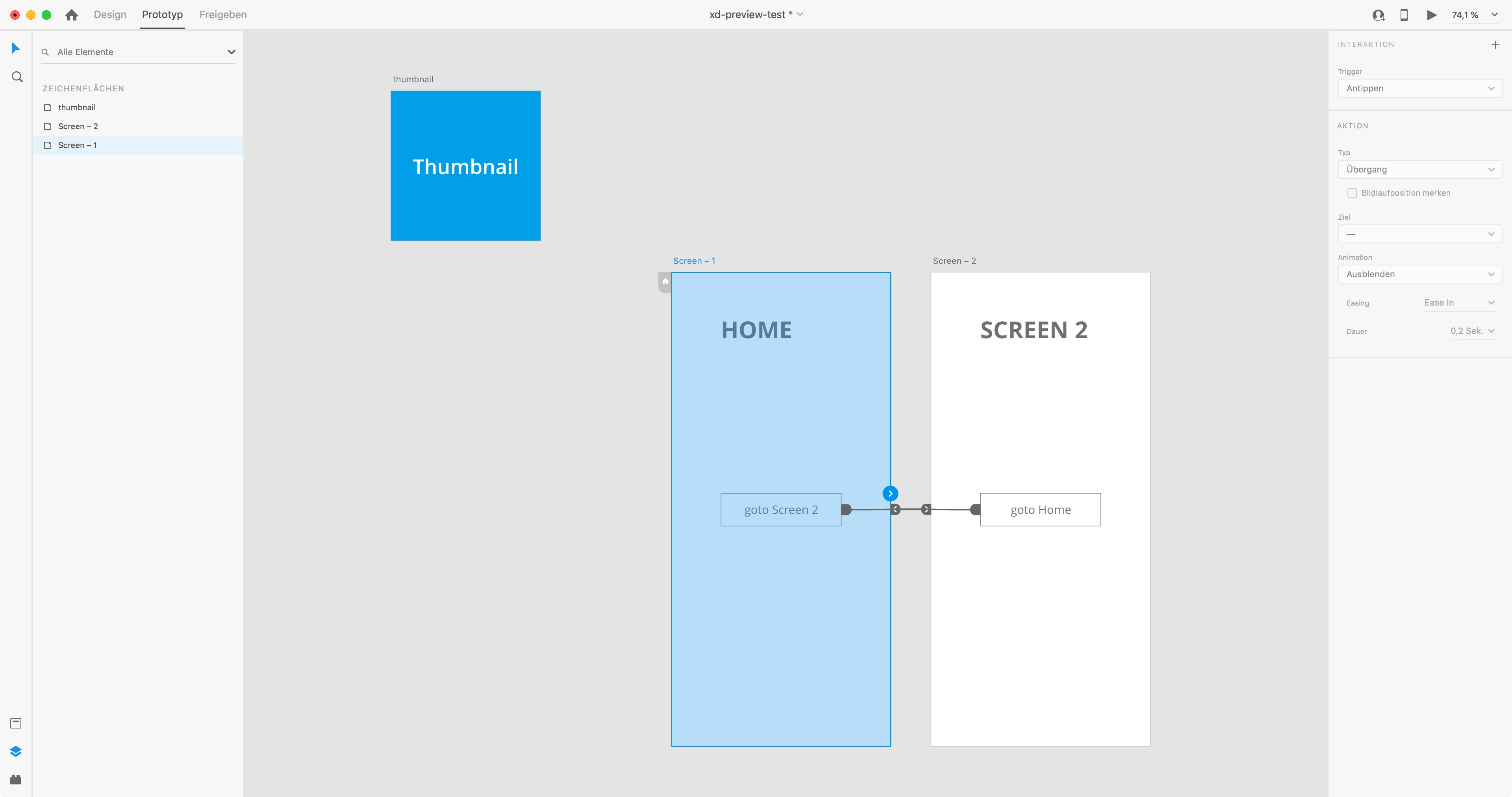
    The problem occurs when you mark an artboard as the HOME artboard (icon with the house) in prototype mode and not if an artboard is renamed to "Home". The problem also persists when I save the file locally.

    Here you can see the behavior:


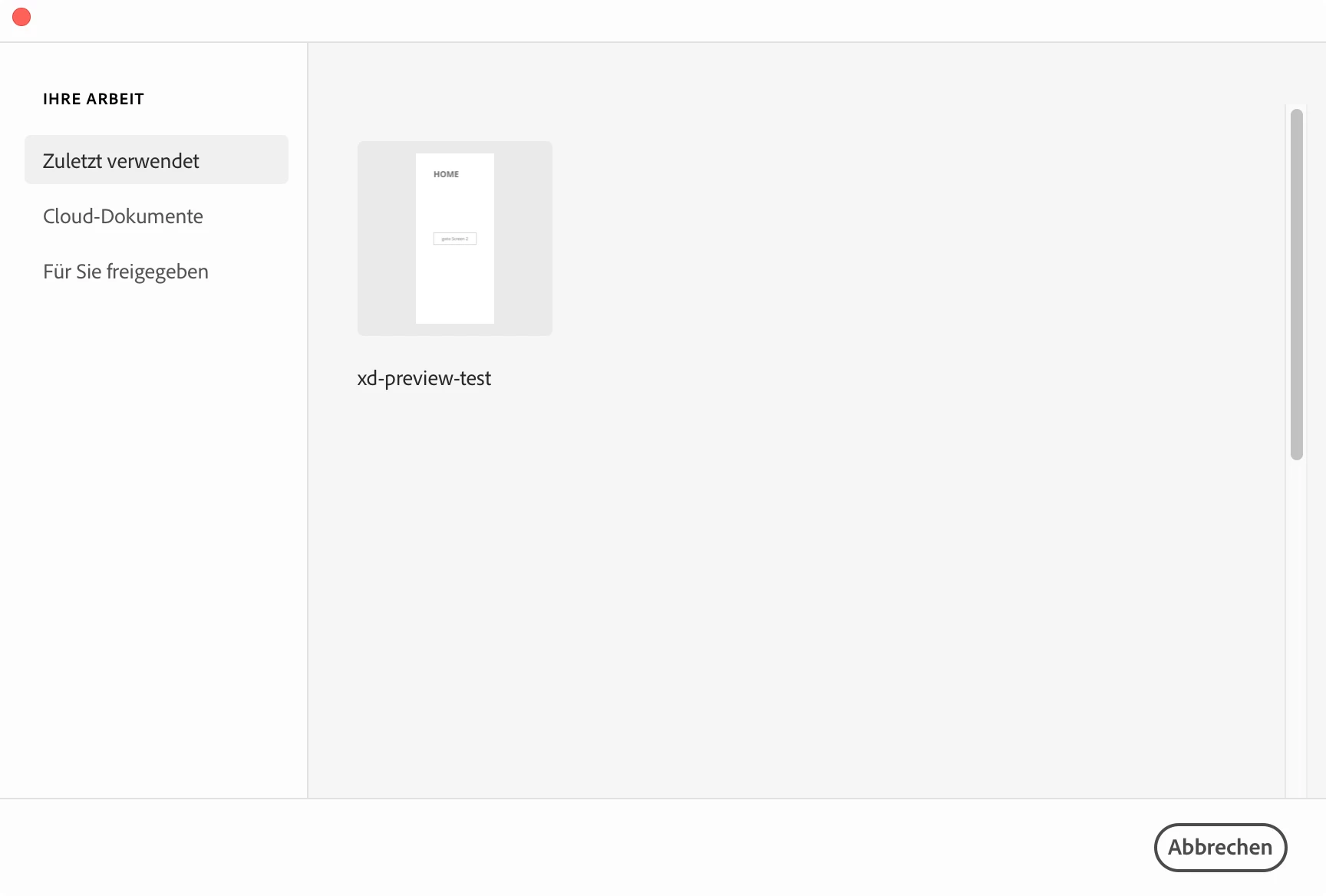
    No HOME set in prototype mode:


    Top left artboard is shown in preview => correct

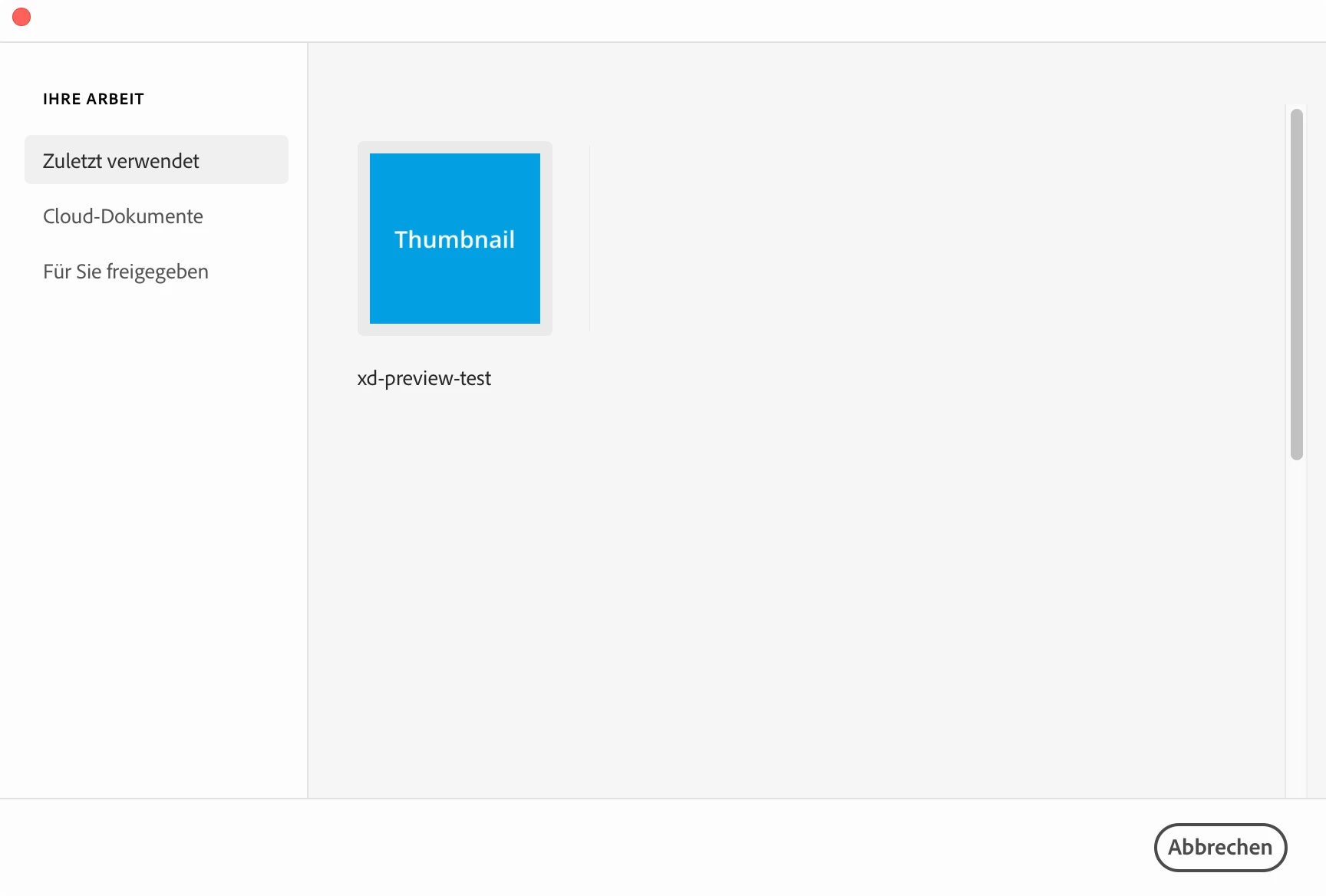
    Artboard "Screen – 1" is marked as HOME (the blue icon with the house)


    The HOME-Artboard is shown in the preview instead of the the top left one:

    Regards,

    Gustav


    2 replies

    Participant
    June 18, 2020

    Hi,

    I have noticed that placing the artboard on the top left does not work if another artboard is marked as prototype "Home". Unchecking the "Home" state of the artboard and saving the file again, shows up the correct preview image of the artboard in the left top corner. It would be great, if an artboard could be marked as the "preview artboard". 🙂

    Thx


    Cy233Author
    Inspiring
    June 19, 2020

    Thanks gustav. It still seems to show the top left thumbnail even when I rename another artboard "Home" on the prototyping tab?  ?  ? Never mind. It might be different with the cloud-based files. That seems to be what you're using. I only use local files. Anyway, it's good to remember about the prototyping side of it. I hadn't thought about that. 


    I've decided to make a copy of the artboard I wanted to show in the thumbnail, rename it to 'thumbnail' (or something) and place it at the top left of the page. Now I know exactly what design the file refers to. It's not the best solution but at least I can see what the file is without having to open them all.

    Cheers.

    schuestavCorrect answer
    Participant
    August 10, 2020

    Hi Cy233,


    thanks for your reply.

    The problem occurs when you mark an artboard as the HOME artboard (icon with the house) in prototype mode and not if an artboard is renamed to "Home". The problem also persists when I save the file locally.

    Here you can see the behavior:


    No HOME set in prototype mode:


    Top left artboard is shown in preview => correct

    Artboard "Screen – 1" is marked as HOME (the blue icon with the house)


    The HOME-Artboard is shown in the preview instead of the the top left one:

    Regards,

    Gustav


    italosan
    Community Expert
    Community Expert
    June 9, 2020

    Hi, unfortunately it is not possible to change the artboard in the preview through other systems. The only way is to place the artboard on the top left.

    Cy233Author
    Inspiring
    June 9, 2020

    OK, thanks for your reply, italosan.Much appreciated.