
Participant
March 14, 2019
Answered

The Desktop preview + Share for review stopped working after XD update

  • March 14, 2019
  • 2 replies
  • 798 views

None of the preview methods work after updating XD Design to v17.

I see an empty screen with a horizontal line going across it when I preview in desktop:
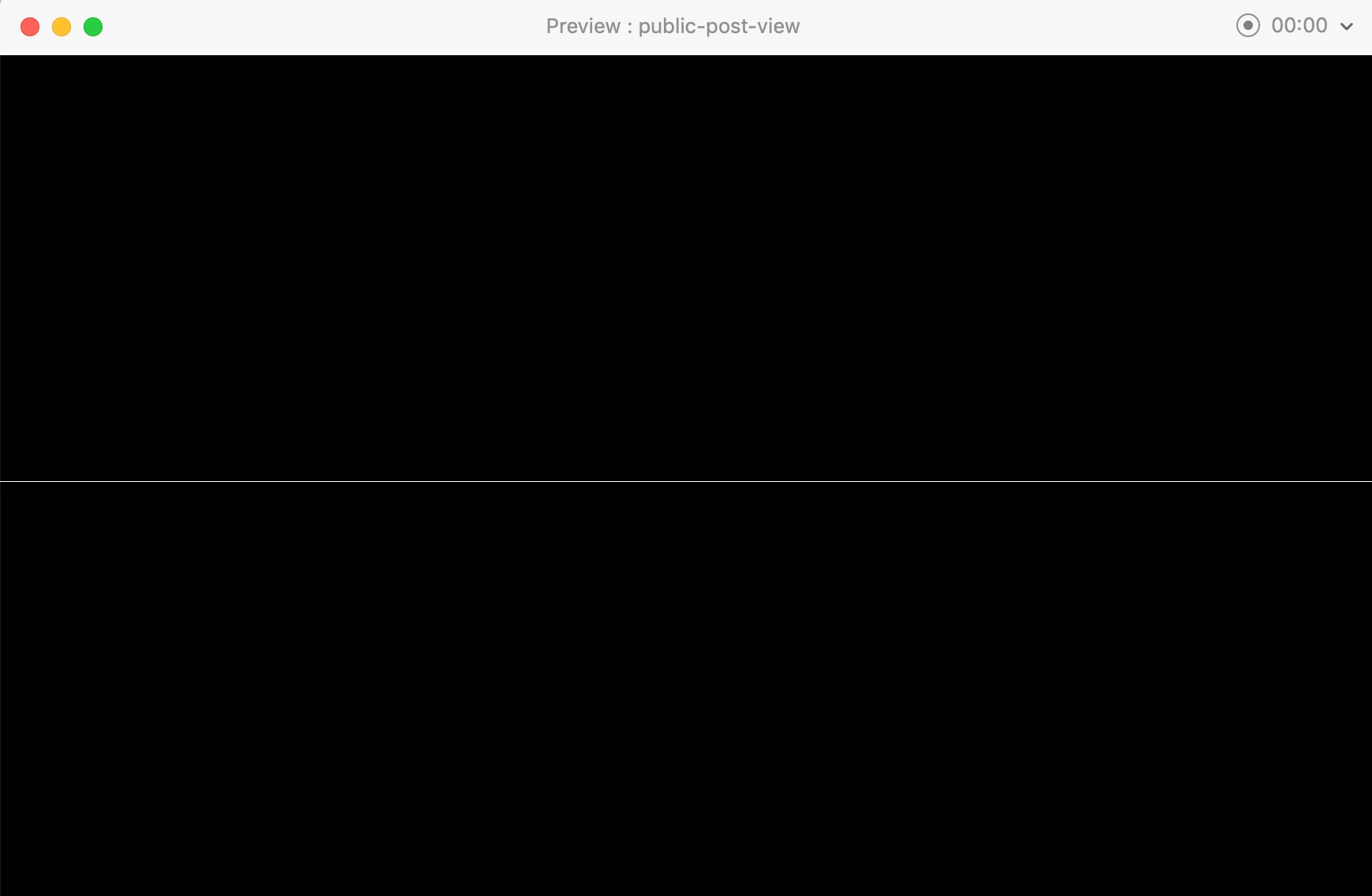
The sharing link shows a similar thing as well: https://xd.adobe.com/view/b51d9aab-62f9-47b3-51c5-abb6998e6456-c32c/

Note this document has 12 pages and non of them are showing. I have not see this behaviour before.

What could be the cause of this?

Gaya
This topic has been closed for replies.
Correct answer stuart__k

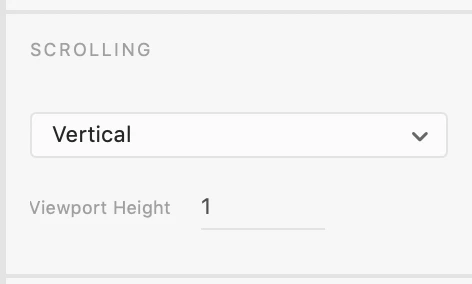
It looks like the artboard viewport has been set to 1px. You can change Scrolling to None, or set a correct viewport:

2 replies

Ares Hovhannesyan
Community Expert
Community Expert
March 14, 2019

Try to reinstall Adobe Xd

stuart__kCorrect answer
Adobe Employee
March 14, 2019

It looks like the artboard viewport has been set to 1px. You can change Scrolling to None, or set a correct viewport:

Participant
March 14, 2019

Thank you, this did the trick. The update must have reset these settings.

Participant
March 19, 2019

Out of interest, is this a particularly old file? Or was it created with a recent-ish version of XD?


Hi there,

No, it's a new file. I think I have created it with the previous version just a day before or so (whichever version it was but I always keep it up-to-date).