Participant
September 15, 2020
Answered

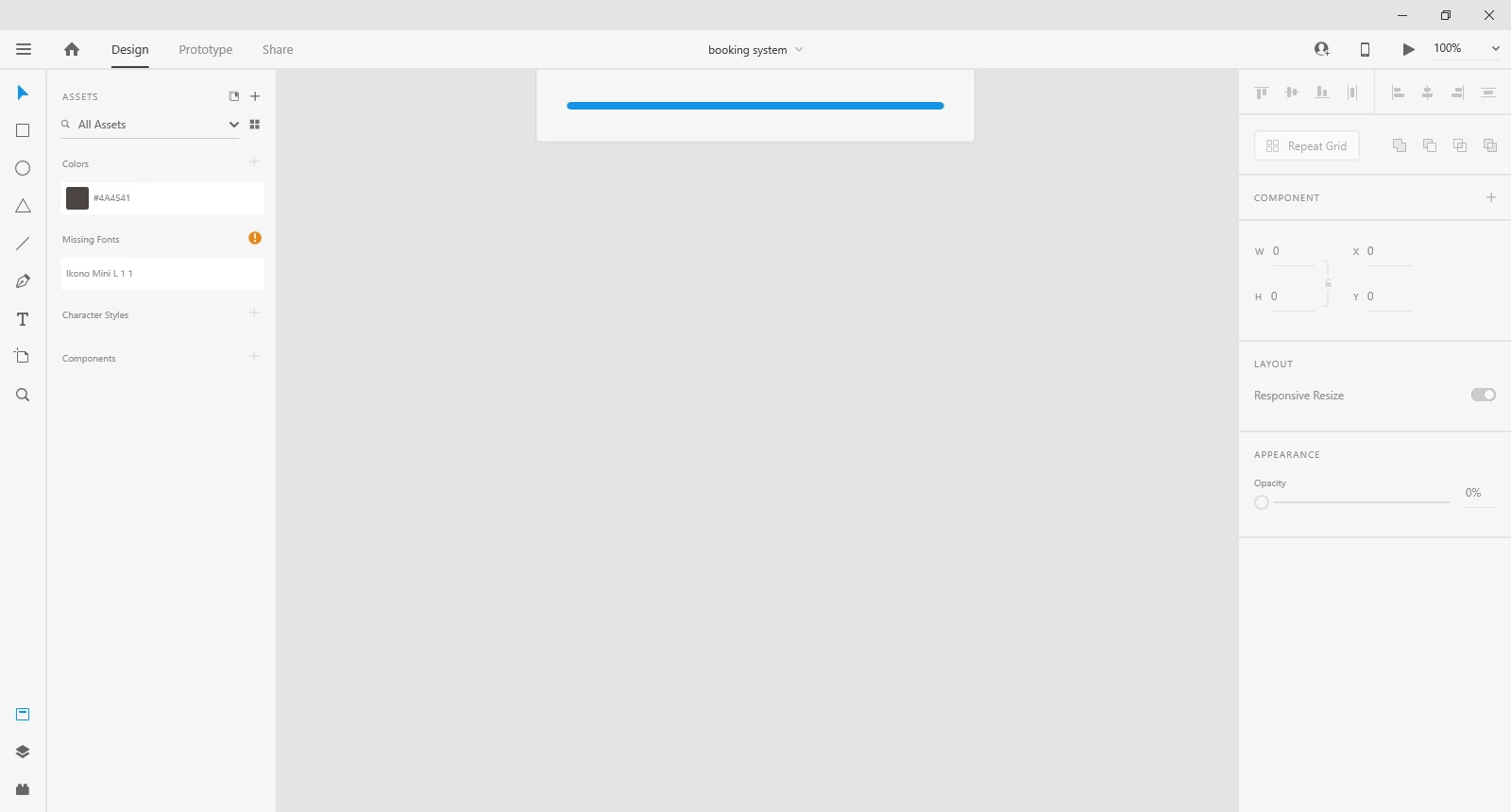
Unable to open file in Adobe XD
  • September 15, 2020
  • 1 reply
  • 744 views


{Renamed By MOD}

This topic has been closed for replies.
Correct answer Rishabh_Tiwari

Sorry for the delay in response, Ali. Could you please check if the version of XD is 33.1.12.4? If yes then please uninstall the application using the Adobe Cleaner tool: https://helpx.adobe.com/creative-cloud/kb/cc-cleaner-tool-installation-problems.html


Once uninstalled and re-install the application and let us know if it works or not.

1 reply

Rishabh_Tiwari
Legend
September 15, 2020

Hi Ali,


Sorry to hear about the trouble, we'll try our best to help you with it. Could you please try the steps shared below:


  1. Sign out of XD and Adobe CC Desktop app.
  2. Close CoreSync and all Adobe related processes from Task Manager/Activity Monitor.
  3. Sign back in on Adobe CC Desktop app and launch Adobe XD from there and check again if it works or not.


If this doesn't help, please share a few more details like:


  • A screenshot of the About XD info page.
  • The version of the Operating System.
  • Is this happening with a specific file or multiple files?
  • Is it a cloud file or a local file?


Regards

Rishabh


ali5D19Author
Participant
September 17, 2020
