


Preran
Community Manager
Community Manager
April 24, 2019
Question

Weekly challenge - Prototype interactive content with Auto-Animate

  • April 24, 2019
  • 4 replies
  • 3078 views

Use auto-animate to prototype common interactions on devices, including drag effects.
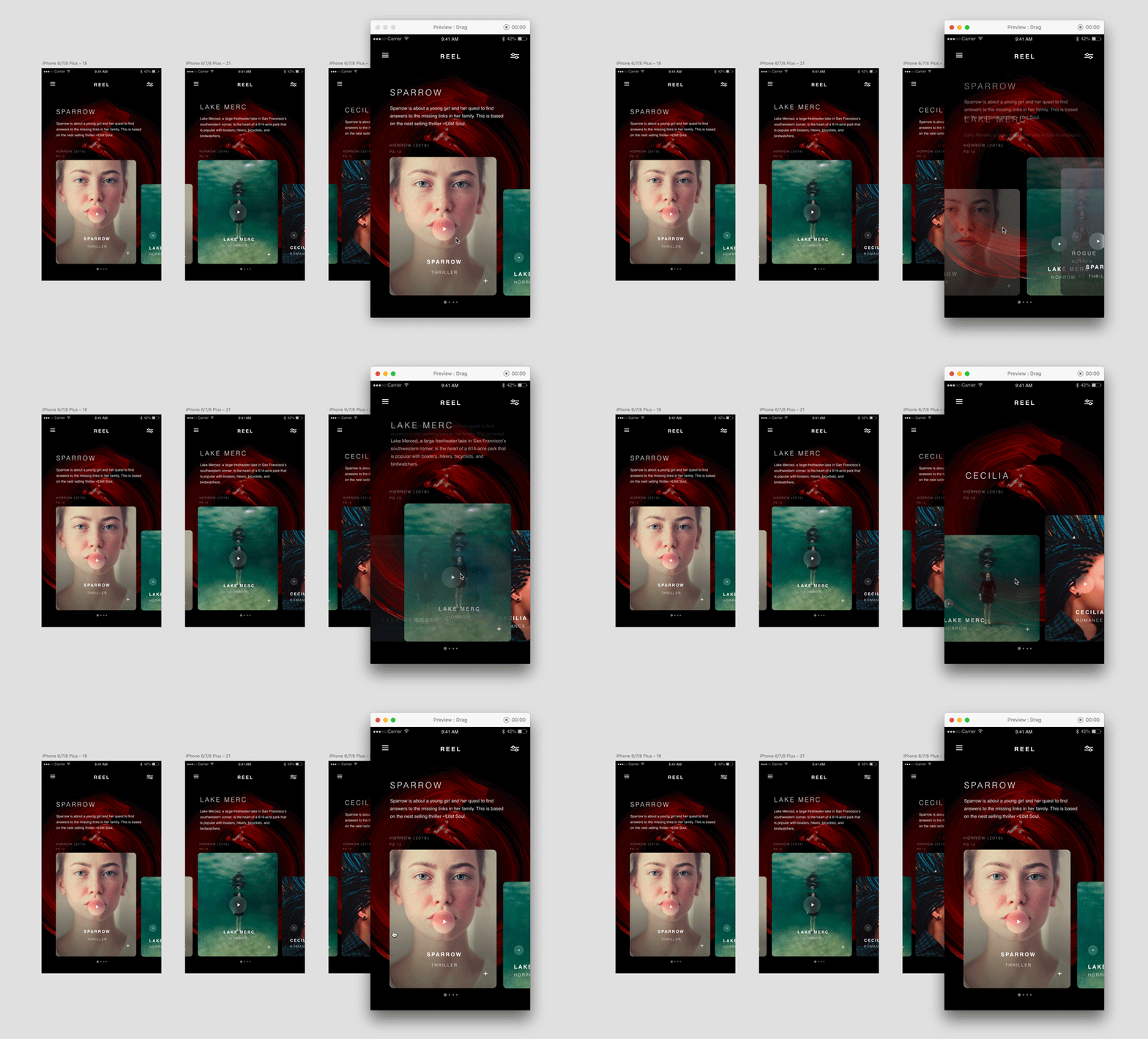
The Challenge:

  1. Create an animation using auto-animate in Adobe XD. Looking for ideas? See these creations on Behance​.
  2. Share your published project by replying to this post. (Psst...if you share it privately, we will not be able to view it.)
  3. Describe your experience with using this feature, and share your favourite tutorials here We will feature the best shares on our social media properties, with the required citations.

Video tutorial (3 minutes)

Thanks,

Preran

This topic has been closed for replies.

4 replies

Participant
May 27, 2019

In This Tutorial, I'll Show you How to Make a Realistic Turning page Effect.

Don't Forget to give me feedback and ask me your questions.

Follow me for more UI/UX Inspiration and tutorials in Behance. Dribble and Instagram.

Preran
Community Manager
PreranCommunity ManagerAuthor
Community Manager
May 27, 2019

Hi Ashutos, and Siavash,

Thank you for your contributions. It will help other users that are trying to use auto-animate in Adobe XD for their projects.

Preran

Participant
May 14, 2019

I created a video explaining these 2 simple effects using auto animate feature in XD (Fixed) :

  • Location Effect
  • Drag Effect

Ares Hovhannesyan
Community Expert
Community Expert
April 27, 2019

Here is short tutorial about basic animation in my native language. Hope it can be useful:

Adobe Xd CC - Ավտո-Անիմացիա (Auto-Animate) in Armenian - YouTube

Preran
Community Manager
PreranCommunity ManagerAuthor
Community Manager
April 29, 2019

That's a great tutorial, Ares. Thank you for sharing!

Bojan Živković11378569
Community Expert
Community Expert
April 24, 2019

I am subscribed to Pinsky channel and that's my favorite presenter. Here is one of the videos Simple Parallax Animation using Adobe Photoshop and XD - YouTube