Inspiring
May 31, 2021
Question

XD desktop icon broken

  • May 31, 2021
  • 1 reply
  • 2313 views

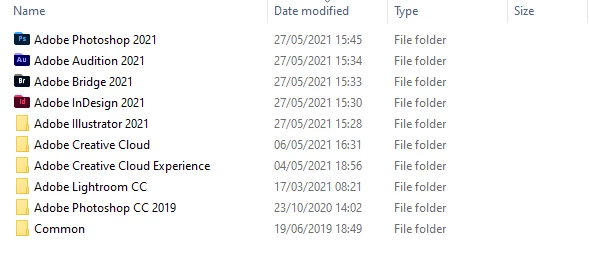
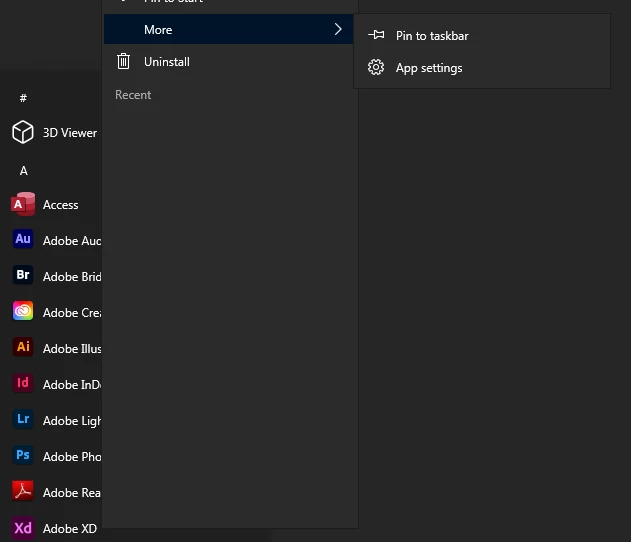
It's this old bugger again. No XD desktop icon shortcut. Not able to drag the program icon from the Windows program menu like I can with all the other Adobe apps. Unable to locate the XD shortcut icon from Windows filebrowser under program files were all the Adobe apps are installed. Not able to locate any XD program folder by searching OS. I am however able to open XD by either clicking the broken desktop shortcut and/or clicking the icon in the program menu.



    This topic has been closed for replies.

    1 reply

    Spas K.
    Community Expert
    Community Expert
    May 31, 2021

    Click and hold on it in the start menu and drag it onto the desktop. It's a UWP app, so it doesn't show up like the others.

    It's not a regular shortcut I think, so you can't just relink it to the file. If dragging it doesn't work, the program is located in C:\Program Files\WindowsApps\Adobe.CC.XD_40.1.22.3_x64 , so you can at least repair the icon by picking the one from XD.exe in that directory.

    perrybrusAuthor
    Inspiring
    May 31, 2021

    Doing that generates a broken icon as shown in my first post, like you see here.


    Spas K.
    Community Expert
    Community Expert
    May 31, 2021

    If repairing the icon by picking a new one from the program directory (which I put in the previous post) didn't work, you can try resetting the app (this will remove plugins and recent files) or reinstalling it altogether.


    I don't know if this is an Xd issue in particular, or something with Windows. I know you can rebuild the windows icon cache, but you can research how to do that on your own and follow one of the guides out there.