
Participant
November 7, 2019
Question

XD don't share

  • November 7, 2019
  • 3 replies
  • 687 views

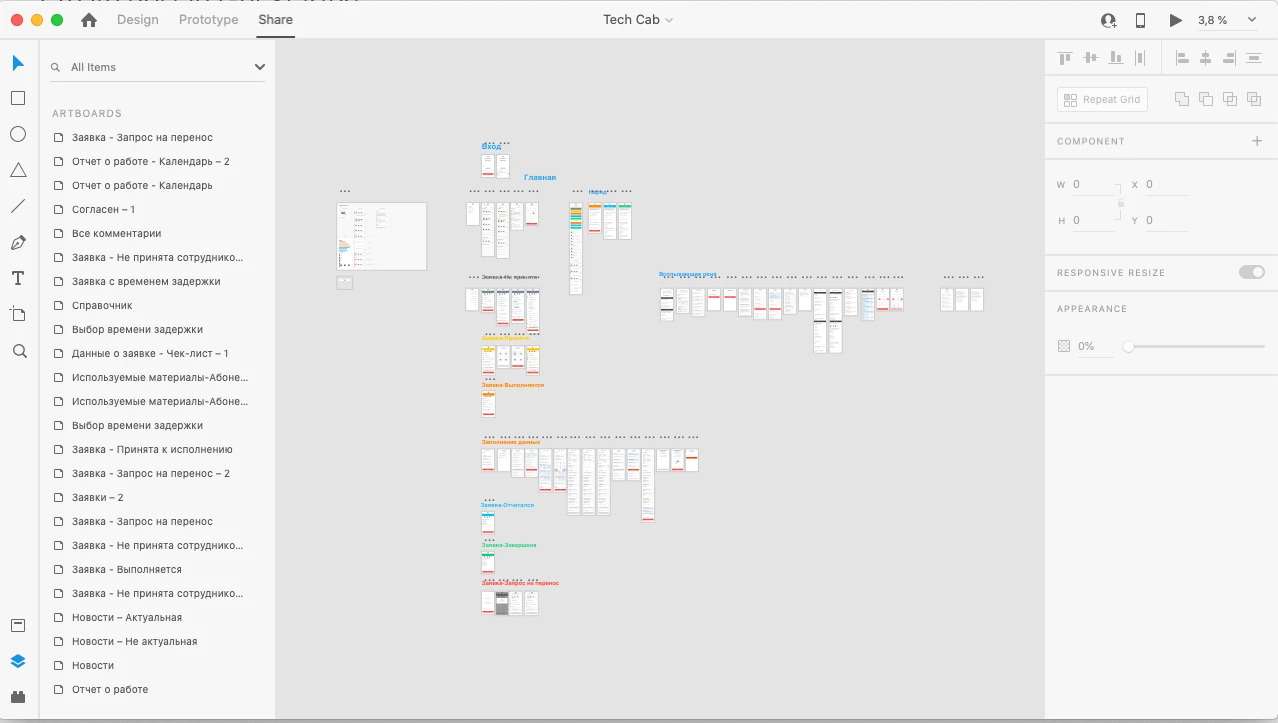
I need to share my prototype with my collaegue. And after last update, i can't do this. I clicked on "Share" tab, but nothing happened. And if i try to save this file like cloud document, Adobe show endless preloader, and message that can't save this file.
 

Itresting, that if i create a new file - all tabs is working, but with my all alredy existed files it's not working. 


Please, help me!! 
 

This topic has been closed for replies.

3 replies

Seven Summits
Participant
December 9, 2019

I am now having this same problem. I click on 'Share' and the right panel does nothing so I cannot select share options or click to share. Was working fine, but now is not working. Did anyone find a solution to this?

Participant
December 6, 2019

I am having the same issue. If I click on the Prototype or Design Tabs, the right menu changes to be contextually relevant. If I click on the Share tab, it stays the same as whatever it was from the tab I had been on previously. It had been working fine, and now today it suddenly isn't. Oddly, I can't install my own updates so it spontaneously stopped working. I have absolutely no way of updating my file, and I need to share it to deliver it to devs NOW. 

jane-e
Community Expert
Community Expert
November 7, 2019

Hi
I’ve moved this from “Get Started” to “Adobe XD” where you are more likely to get a proper response.
~ Jane

Roman4Author
Participant
November 7, 2019

Yeah, thanx for helping! It my first time at here)