


Participant
December 1, 2020
Answered

XD Library Publishing Times Out

  • December 1, 2020
  • 3 replies
  • 1038 views

Hello,

I'm working on a cloud component library for XD to use across different documents, but every time I go to publish/update, it times out. The progress bar will start and never complete, then the "Update your published library. Update Now." bar immediately shows at the bottom of the screen. This issue is majorly blocking our work.
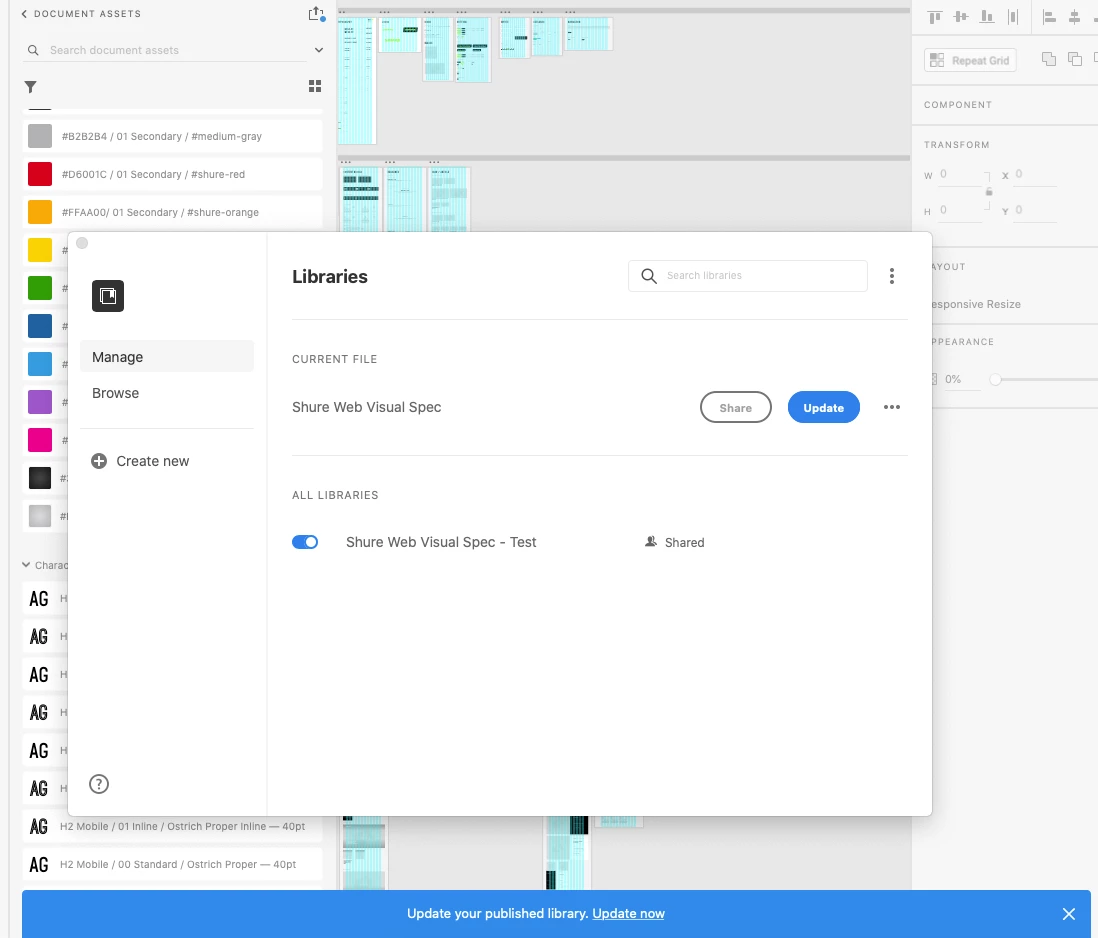
When I go to another document that is linked to the library, the library shows up blank. 
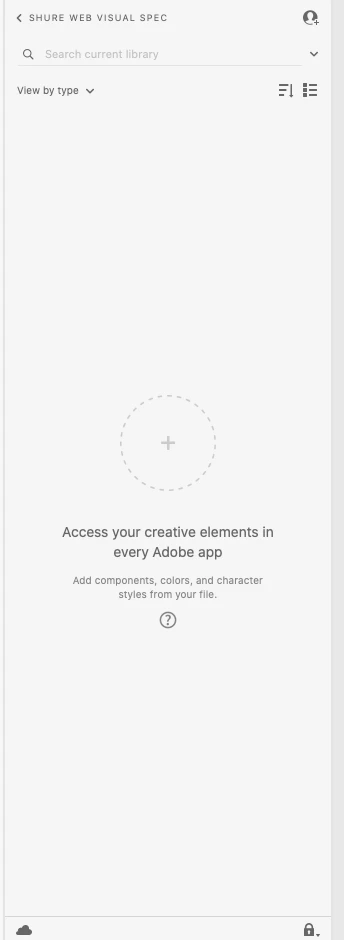
I have tried the following to no avail:

1. Logged out of XD & CC

2. Shut down CC and Core Sync via Activity Monitor 

3. Restarted computer and relaunched/signed in to CC and XD

4. Library won't update/publish still


I'm working on a Mac 10.15.7 with XD 35.1.12.5, Creative Cloud Sync 4.3.63.1. 

    This topic has been closed for replies.
    Correct answer HARSHIKA_VERMA

    Hi there,


    We are sorry to hear that. Would you mind trying the steps suggested below?


    Quit XD
    Launch CCD (Creative Cloud Desktop app)
    Press Cmd+Opt+T to close CCD processes
    Launch CCD, XD


    If that helps, please connect with us directly using this link: https://helpx.adobe.com/contact.html so that we can help you immediately.


    Thanks,

    Harshika

    3 replies

    Participant
    February 1, 2021

    I am having the same issue. The fix posted above doesn't work.

    Participant
    December 15, 2020

    Same here.  Did you get a fix?

    nikkid45Author
    Participant
    January 4, 2021

    After spending over an hour with Adobe remoting into my screen, they could never get it to publish and only offered "Link Cloud Document Assets" as a solution (which also didn't work).


    I think the issue we ran into is all of our type styles were set up on the previous version before Stacks was introduced, and when we upgraded it, it added decimals to all the typography styles. I tried doing an update to both edit to remove it (didn't work), and also re-create it in the same file and go through every library asset and relink to the new style (also didn't work).


    Finally, I created a new file completely, re-created all of the colors and type styles, then copy and pasted over a component from the previous problematic file. I think before doing this step, it would be beneficial to do the previous step of updating all type styles in the document and in the assets so that decimals aren't included.


    After doing this, it will show up with a red link. Right-click the asset in the side panel and select "Make local". I published this new file after doing a few of these assets and it worked perfectly. 

    HARSHIKA_VERMA
    Community Manager
    HARSHIKA_VERMACommunity ManagerCorrect answer
    Community Manager
    December 1, 2020

    Hi there,


    We are sorry to hear that. Would you mind trying the steps suggested below?


    Quit XD
    Launch CCD (Creative Cloud Desktop app)
    Press Cmd+Opt+T to close CCD processes
    Launch CCD, XD


    If that helps, please connect with us directly using this link: https://helpx.adobe.com/contact.html so that we can help you immediately.


    Thanks,

    Harshika

    nikkid45Author
    Participant
    January 4, 2021

    As an FYI this solution did not work for me and required me to reach out to Adobe's team directly, who also couldn't get it to work even with remote screenshare.


    I included in a response below the only way I could get our assets to publish to a library without fully recreating everything.