
Y.YAN
Participant
August 7, 2018
Answered

Change display language to English without changing my system's language?

  • August 7, 2018
  • 1 reply
  • 2058 views

Hi everyone,

I wonder if I can use Adobe XD's English version without changing my system language setting.

My system is set in Simplified Chinese, but I've been using the English versions for all my Adobe programs for a while. My Illustrator/Photoshop/InDesign always display English. But after Adobe XD released their Chinese version, I can't set Adobe XD back to English without messing my system language.

Is there any solution?

Many thanks!
This topic has been closed for replies.
Correct answer lnayal

Hi Y.YAN,

I can suggest a workaround which works for me on Windows.

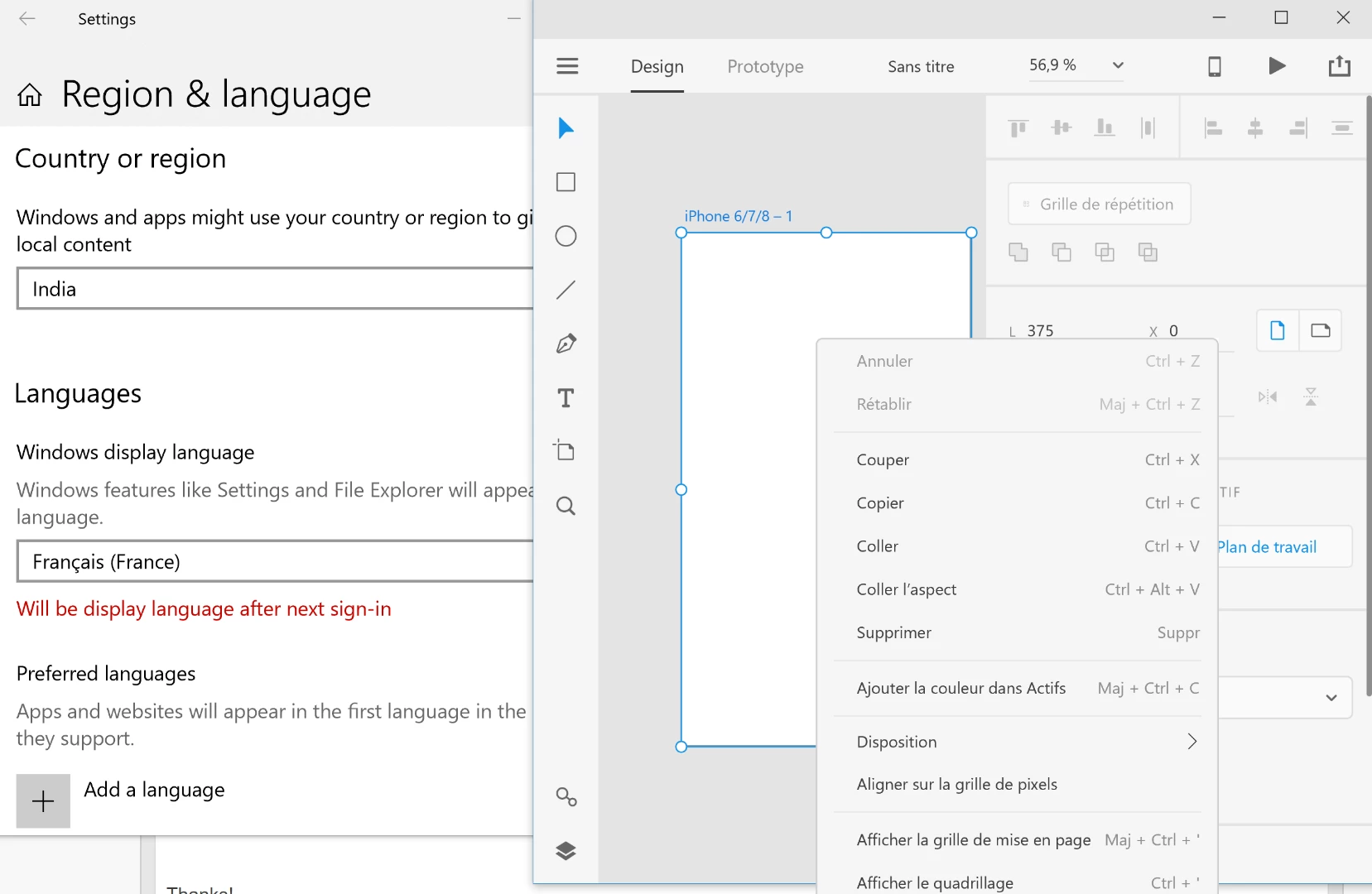
On Windows, go to settings > Time and language > Region and Language, add English language under "Windows display language" and have it selected as default. Restart XD, it would show UI language as English.

Hope this would help. For example, below snapshot where my OS language is english

Thanks!

1 reply

lnayalCorrect answer
Participating Frequently
August 8, 2018

Hi Y.YAN,

I can suggest a workaround which works for me on Windows.

On Windows, go to settings > Time and language > Region and Language, add English language under "Windows display language" and have it selected as default. Restart XD, it would show UI language as English.

Hope this would help. For example, below snapshot where my OS language is english

Thanks!