



Creating checkboxes using components and states in XD
I went back to the XD artboard, and I realized that there was a simpler and more scalable way to create a checkbox. Let me know if you have a better way to do this.
Create a square (I have used Corner radius: 20, Stroke 4)
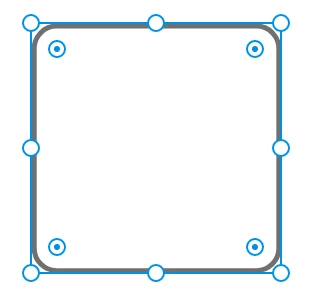
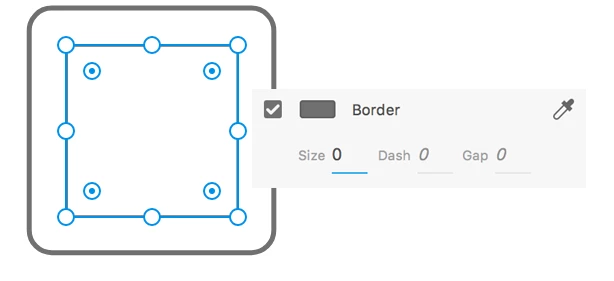
Inside this square, create a smaller square and set its border size to zero.
With the inner square selected, press Ctrl+K or Cmd+K to convert the inner square to a Component. Name the Component InnerSquare
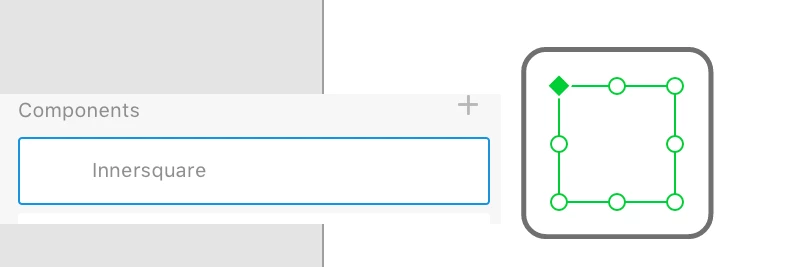
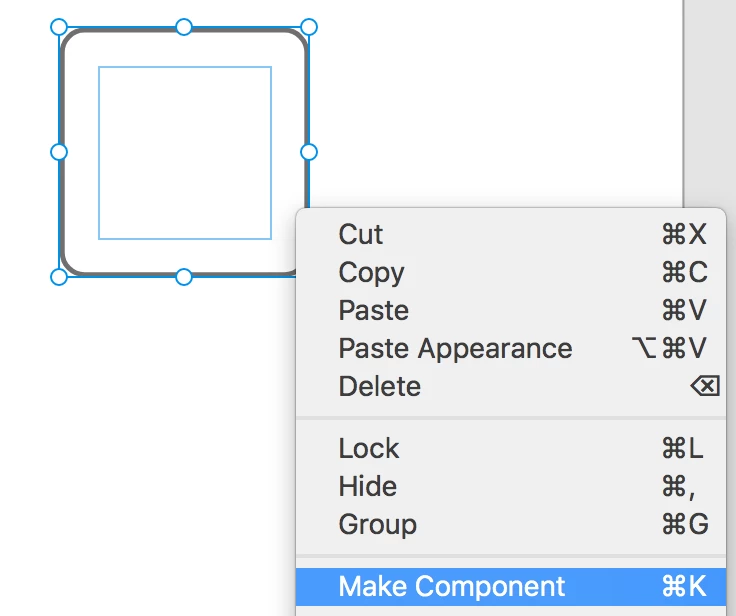
Now, select both the outer square and inner square and convert to component. Name it OuterSquare
I am using a plug-in ICONS & SYMBOLS to drag icons for check mark and user-check to the artboard
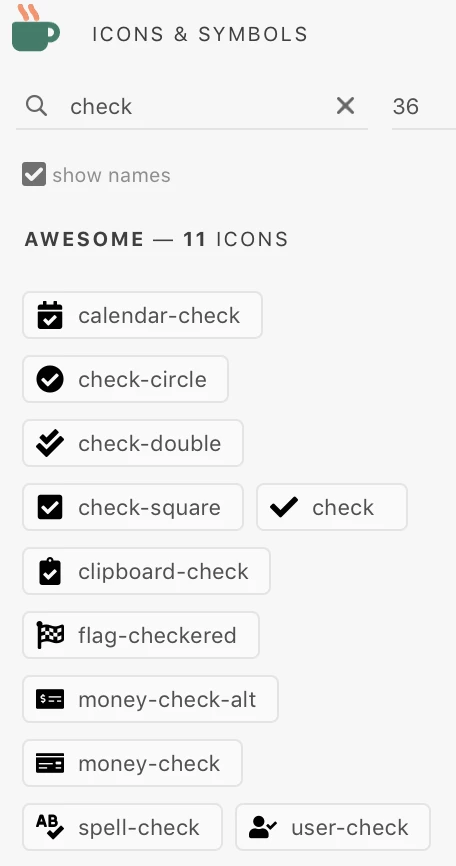
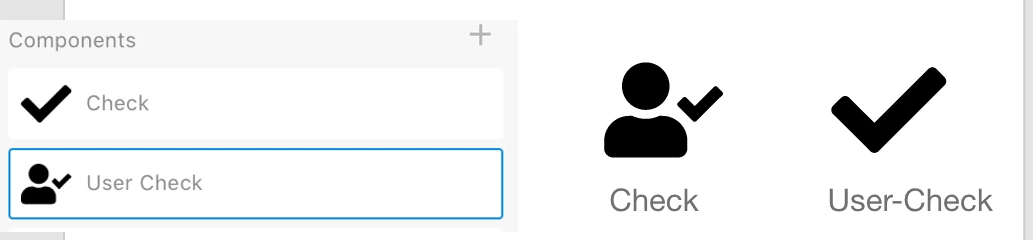
Enlarge the icons and convert them to Components named Check and User Check
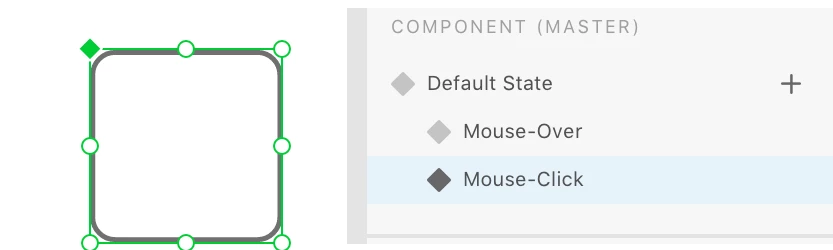
Select OuterSquare component and in the Properties panel, create two new states, Mouse-Over and Mouse-click
Here's where you have to be very careful. Ensuring that you are in the Mouse-Over state, do the following
- Right-click the Check component and select Cut
- Double-click inside the OuterSquare component to select InnerSquare
- Right-click and paste
- Move the Check component into the OuterSquare and adjust position.
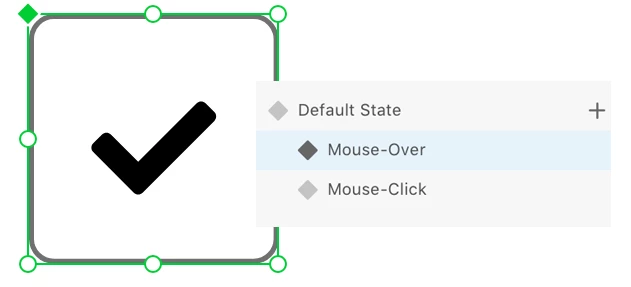
Select the Mouse-Clickstate and repeat process to add the User-Check component.
Select Default State, Mouse-Over, and Mouse-Click one after the other in the Properties panel to see if the changes are reflected.
Switch to the Prototype mode to wire the states
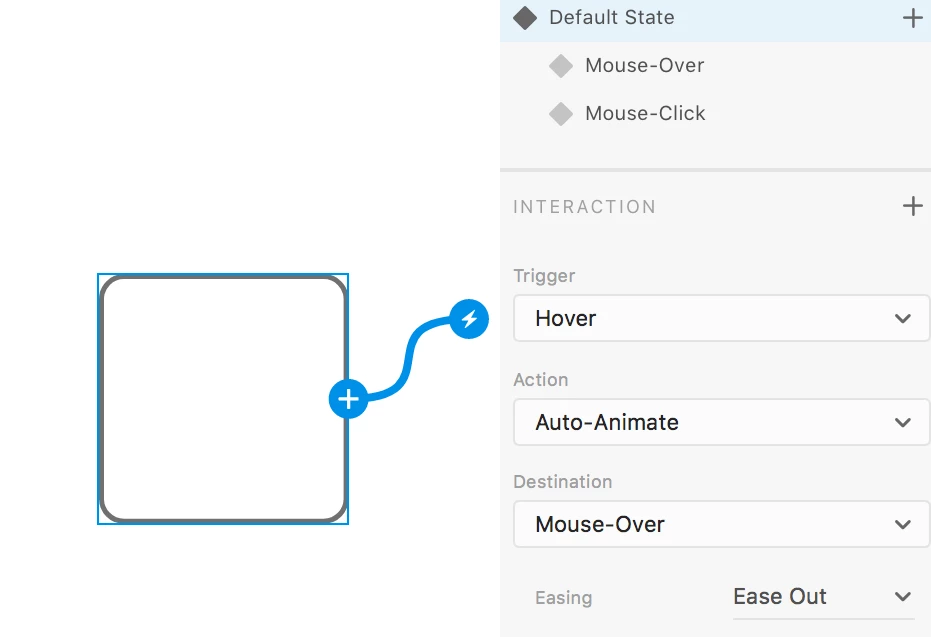
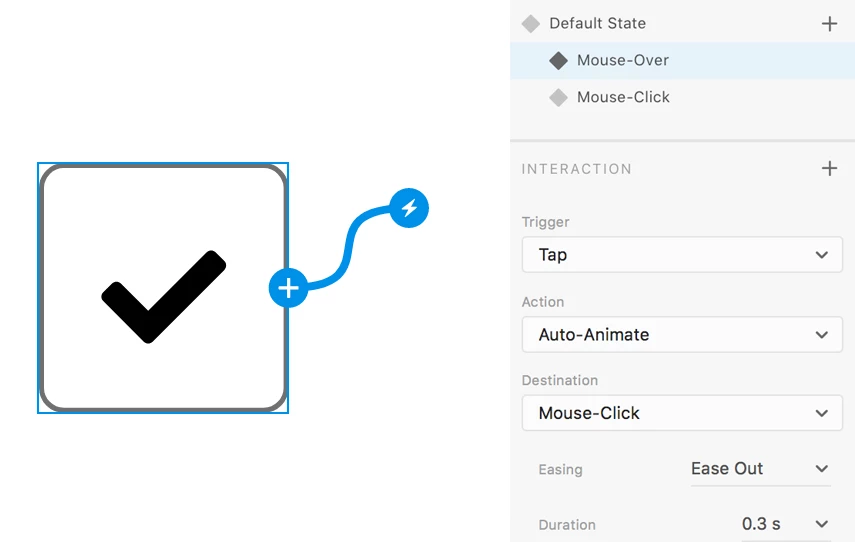
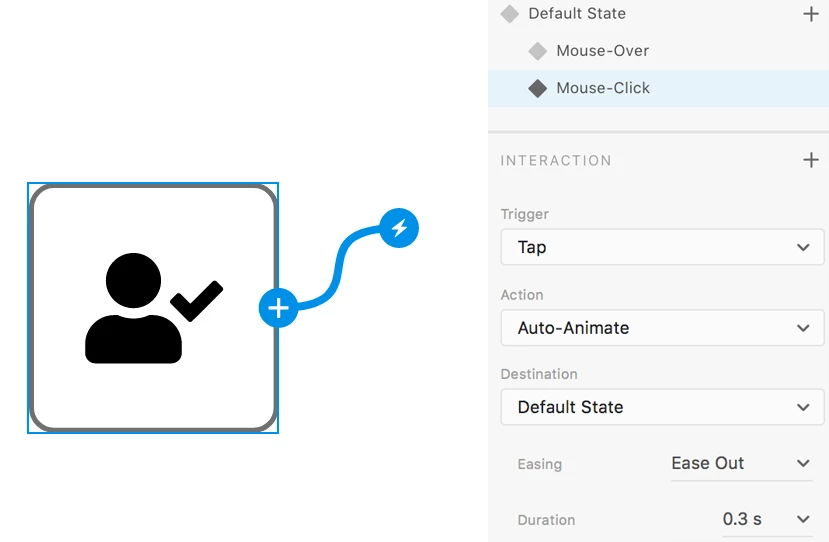
Now, run the Prototype and see whether it works as intended. Again, this may not be the perfect way to create a checkbox, and I discovered a simpler way to do it. More on that later.
 AdChoices