


Participant
Jul 12, 2020 12:16 AM UTC
Answered

Css and html code is not available in XD dev link

Hello all,

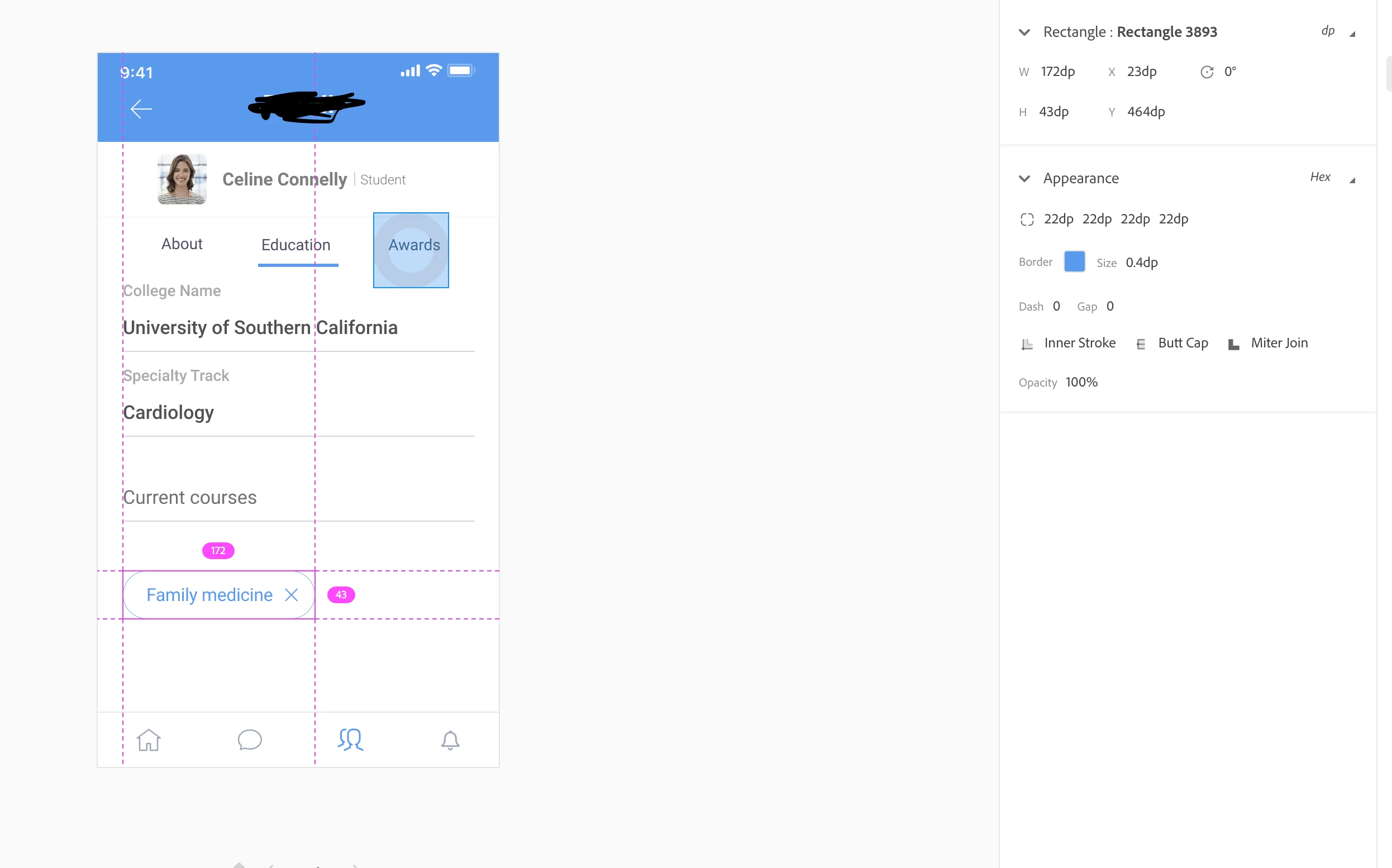
As far as I remember, XD has this option to show the CSS and html code in the developer link but I can’t see it in the link anymore. Pretty dissapointed cause I was gonna use that. Does anyone have the same issue or it is just my links?

    This topic is closed to new replies. Start a new post to keep the conversation going.
    Kenneth Kawamoto
    Kenneth KawamotoCorrect answer
    Community Expert
    Jul 13, 2020 7:49 AM UTC

    Still does not show it to me, even when I select an element:


    Can you try selecting "Export for Web"?

    14 replies

    Spas K.
    Community Expert
    Community Expert
    Jul 12, 2020 7:10 AM UTC

    It never showed any HTML markup. Once you select an element, it only shows the CSS code.

    Also, make sure you are on the Specs tab - the </> icon in the top right.


    Translate
    Participant
    Jul 12, 2020 7:58 PM UTC

    Thank you for your message. Yes you are right it showed the CSS but I cannot see it anymore on the dev link. If you have the latetst version, you can see there is no CSS.


    Translate
    Spas K.
    Community Expert
    Community Expert
    Jul 12, 2020 8:33 PM UTC

    For it to show CSS, you need to select some element.

    Click on a rectangle or image or whatever, and you'll see the CSS for it.

    It can't show you all the CSS for the whole design, because that would be a mess.

    Translate