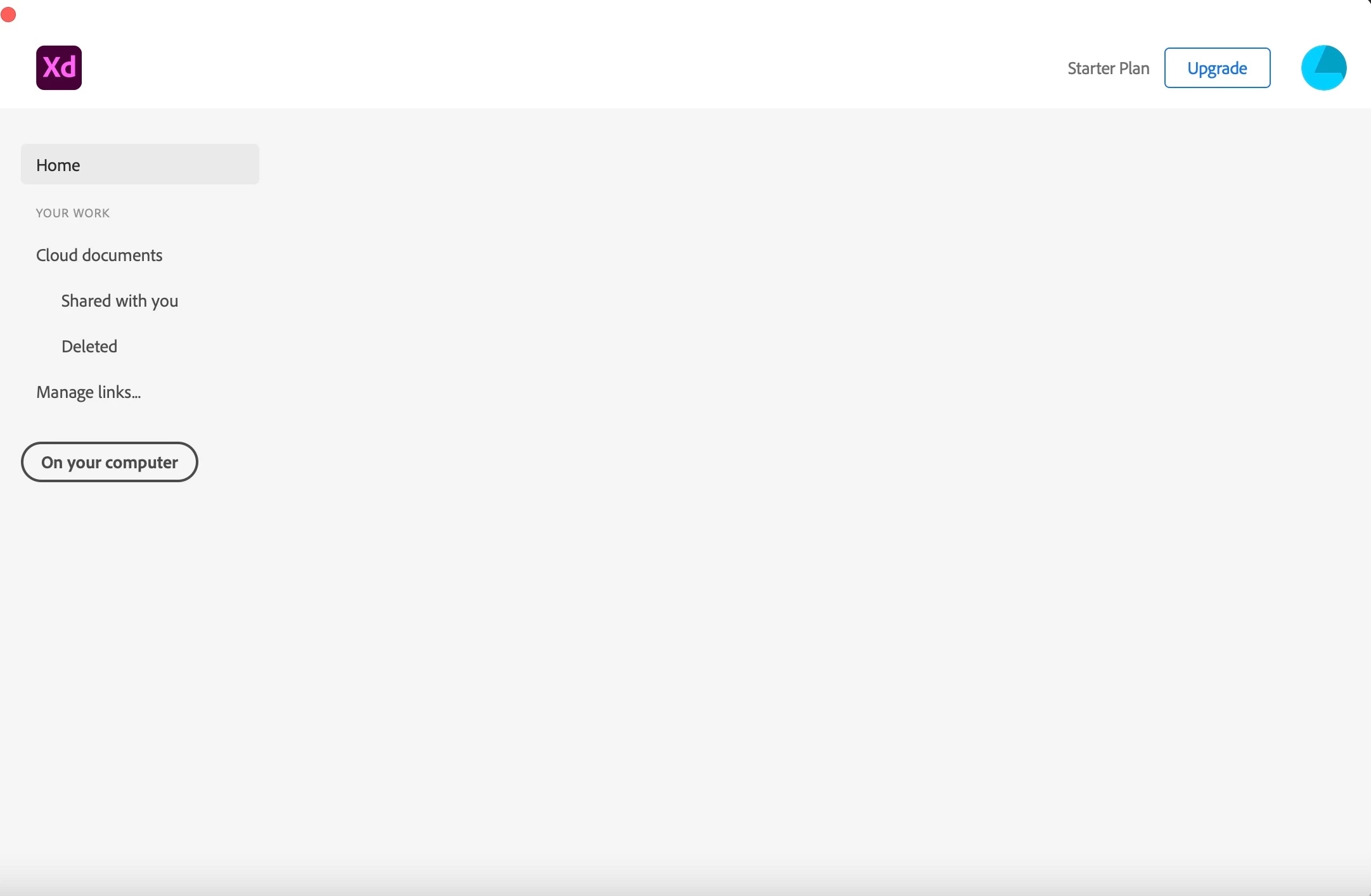
At the moment I have the same challenge, I am not able to create a new file in XD. As you can see on the screenshot there is a grey box behind the word Home. When I put my cursor above it, the little hand appears, but nothing happened. I followed all wise advice as written above and perform them all, but still I am not able to create the new file. I re-installed the Creative Cloud app, I re-installed XD, I restarted my iMac but still no possibility to create a new file. Hope someone can help me as I am in middle of a XD course.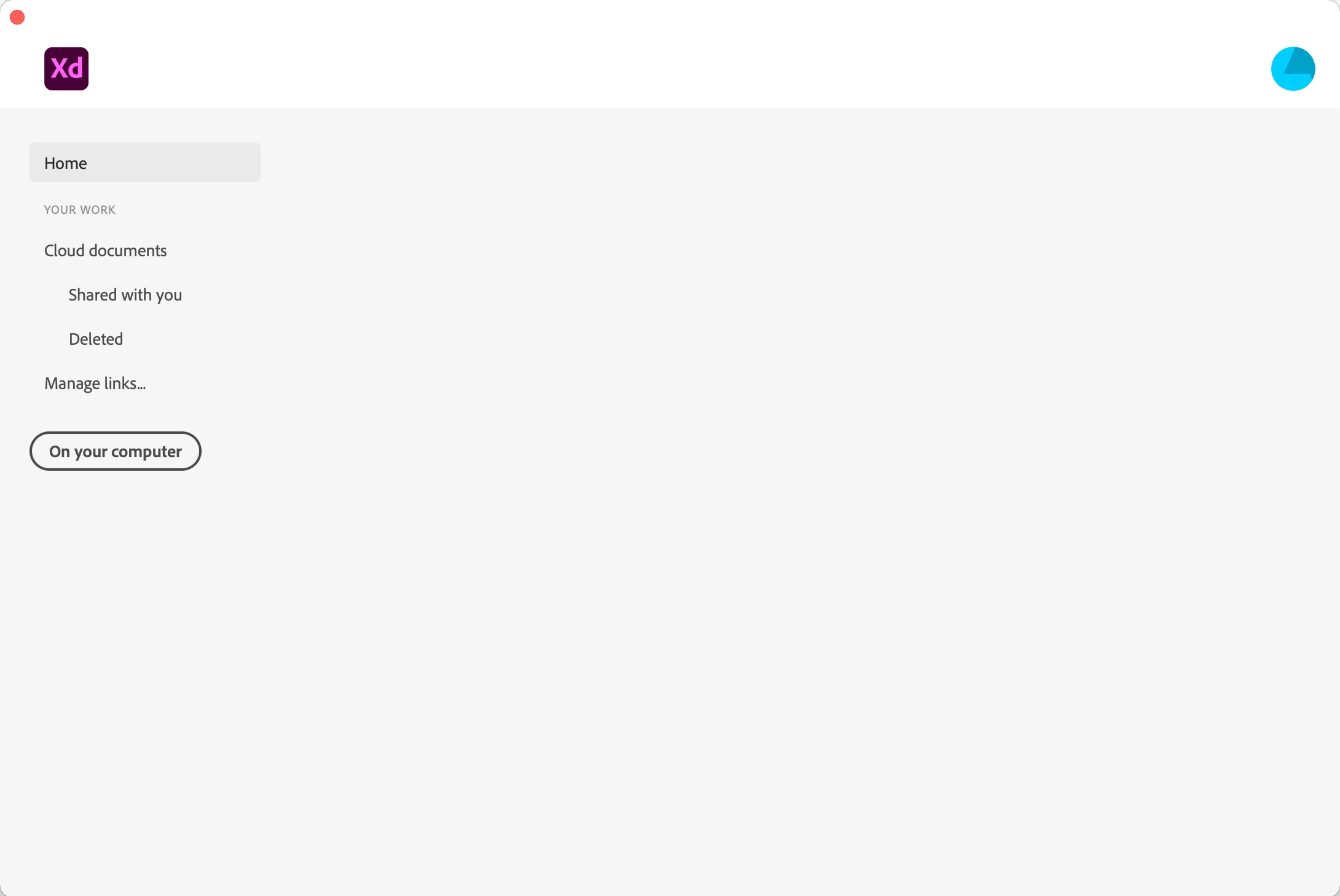
Hi Jaden,
I am sorry to hear you ran into trouble while opening XD. For few customers, the issue got fixed after trying these solutions-
1. Formatting hard disk and reinstalling BigSur.
2. Uninstall XD, Close Adobe tasks, Delete all XD related files, Reinstall, create a new profile then it worked.
If you still face issues after trying any of the above solutions, please share the details asked below to investigate the issue.
- Please generate the logs using this link: https://helpx.adobe.com/creative-cloud/kb/cc-log-collector.html
- Once the logs are generated, please upload them to a shared location such as Creative Cloud or Dropbox and share the URL with me over a private message.
- Share the OS and XD versions of your machine and approximate local date and time it happened.
We will try our best to help.
Note: Please add the URL of the post over a PM for reference.
Thanks,
Harshika
<Marking as correct only to higlight>




 AdChoices