
helenac67050566
Participant
January 22, 2019
Answered

How to transfer files from "Synced Files" to "Cloud Documents"?

  • January 22, 2019
  • 1 reply
  • 5209 views

I'm trying to view my files in the Adobe XD mobile app (iOS) but it's saying that I don't have any files up in the cloud even though I've saved my file in XD in the "Creative Cloud Files." Upon checking the website, it isn't in my Cloud Documents but it is in my Synced Files. How do I transfer them to Cloud Documents so I can view them in my phone?
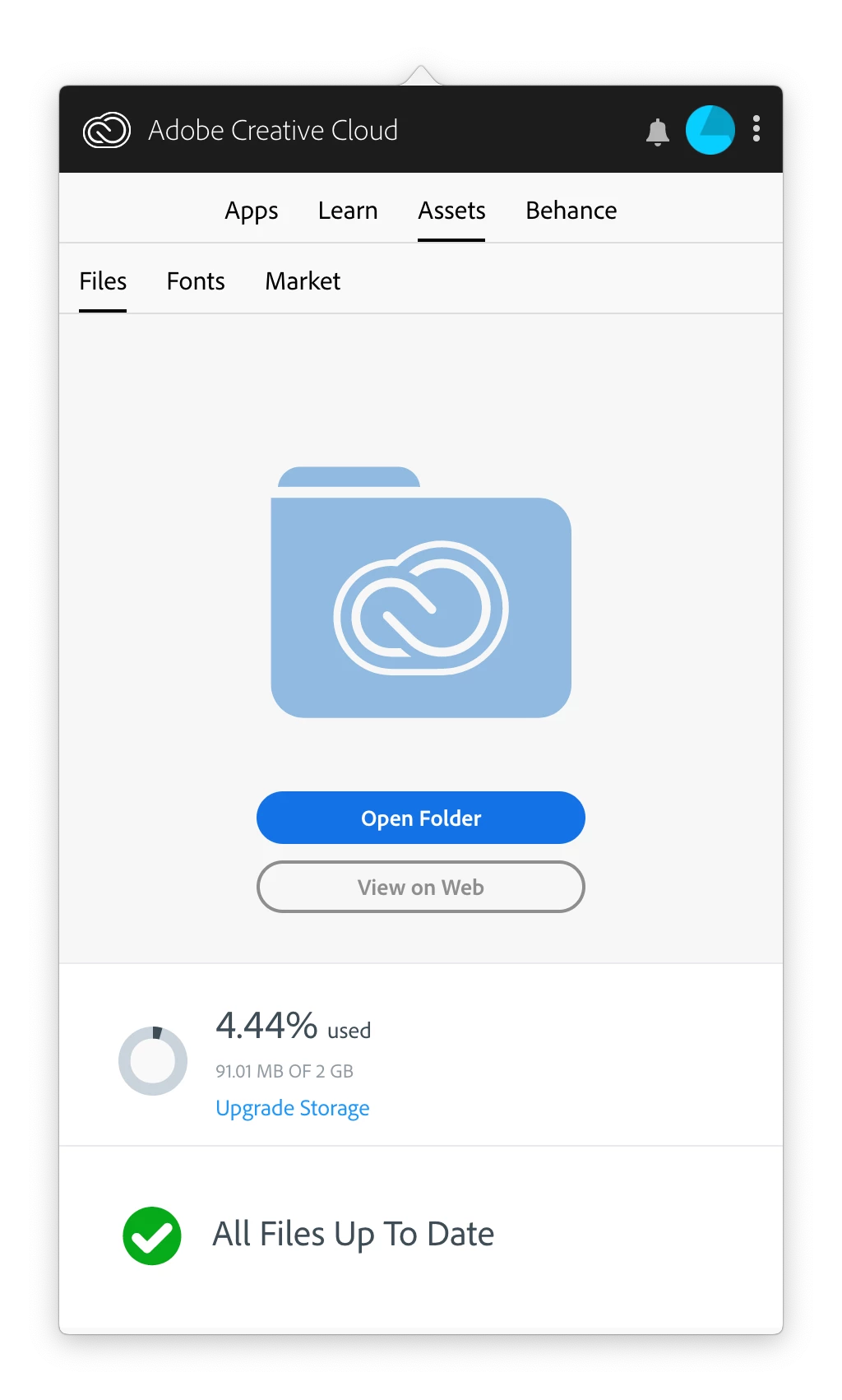
As you can see, the Creative Cloud app tells me that all files are up to date but....
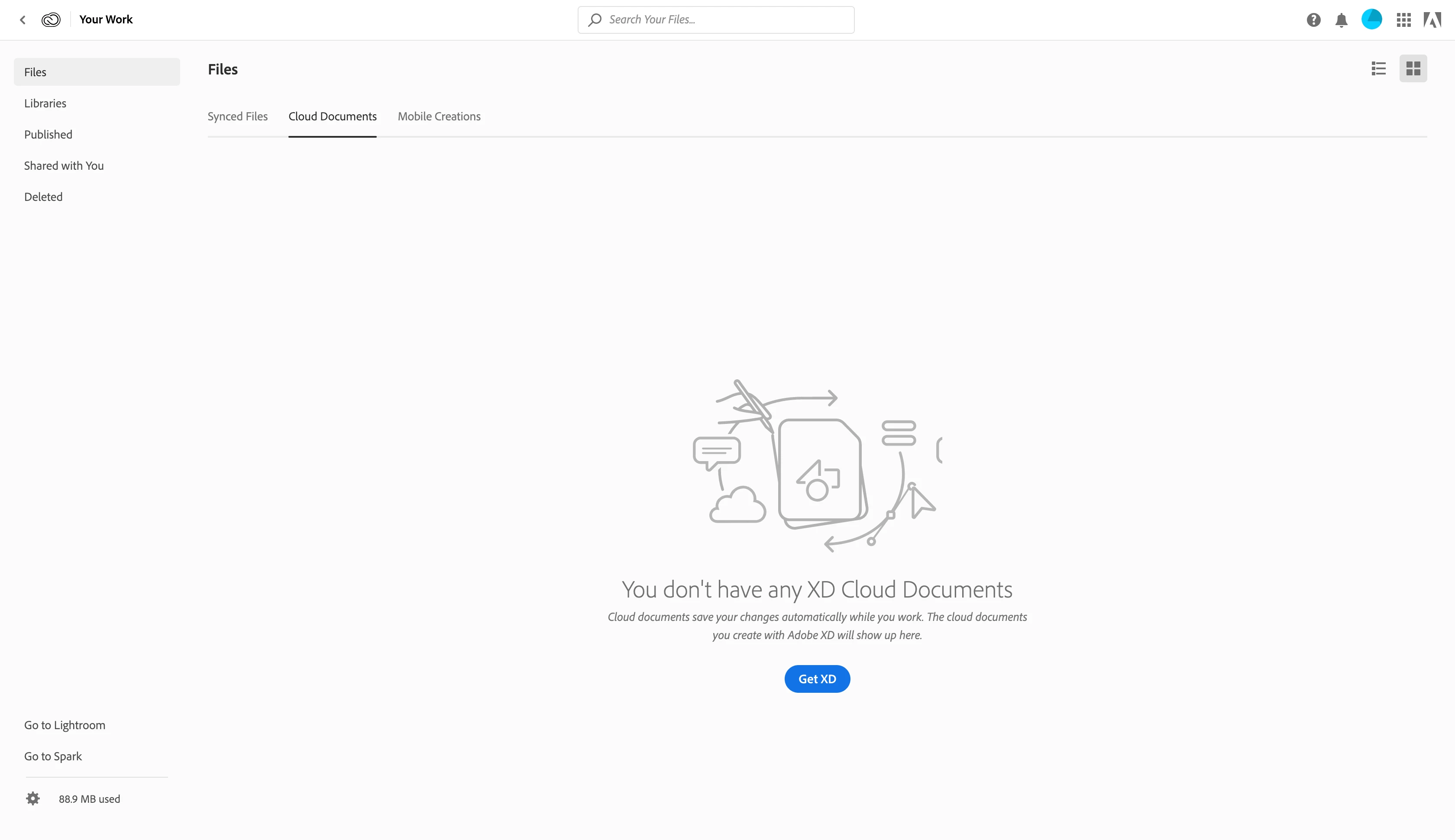

My files ARE in the "Synced Files" tab though.

Correct answer Atul_Saini

Hi Helenac,

Thanks for using Adobe XD and sharing the screenshot to describe this issue. Please launch Adobe Creative Cloud folder on your machine, launch the synced XD document, once its open in Adobe XD, please save it as Cloud Document.

Please watch this quick video to understand it better:-Cloud Documents for XD Mobile v01 - YouTube you may skip to 1:36s to get to the topic. For more information please check this link: - Cloud documents in XD

Please update this discussion in case you need further assistance.

Thanks,

Atul_Sani

1 reply

Atul_Saini
Atul_SainiCorrect answer
Legend
January 22, 2019

Hi Helenac,

Thanks for using Adobe XD and sharing the screenshot to describe this issue. Please launch Adobe Creative Cloud folder on your machine, launch the synced XD document, once its open in Adobe XD, please save it as Cloud Document.

Please watch this quick video to understand it better:-Cloud Documents for XD Mobile v01 - YouTube you may skip to 1:36s to get to the topic. For more information please check this link: - Cloud documents in XD

Please update this discussion in case you need further assistance.

Thanks,

Atul_Sani

Participant
May 9, 2021

I literally have 100s of documents in my synched file. I have to open and save each one? That seems uncessary...


Thanks,

Tanner