
Participant
March 6, 2020
Question

3D logo rotation

  • March 6, 2020
  • 3 replies
  • 1113 views

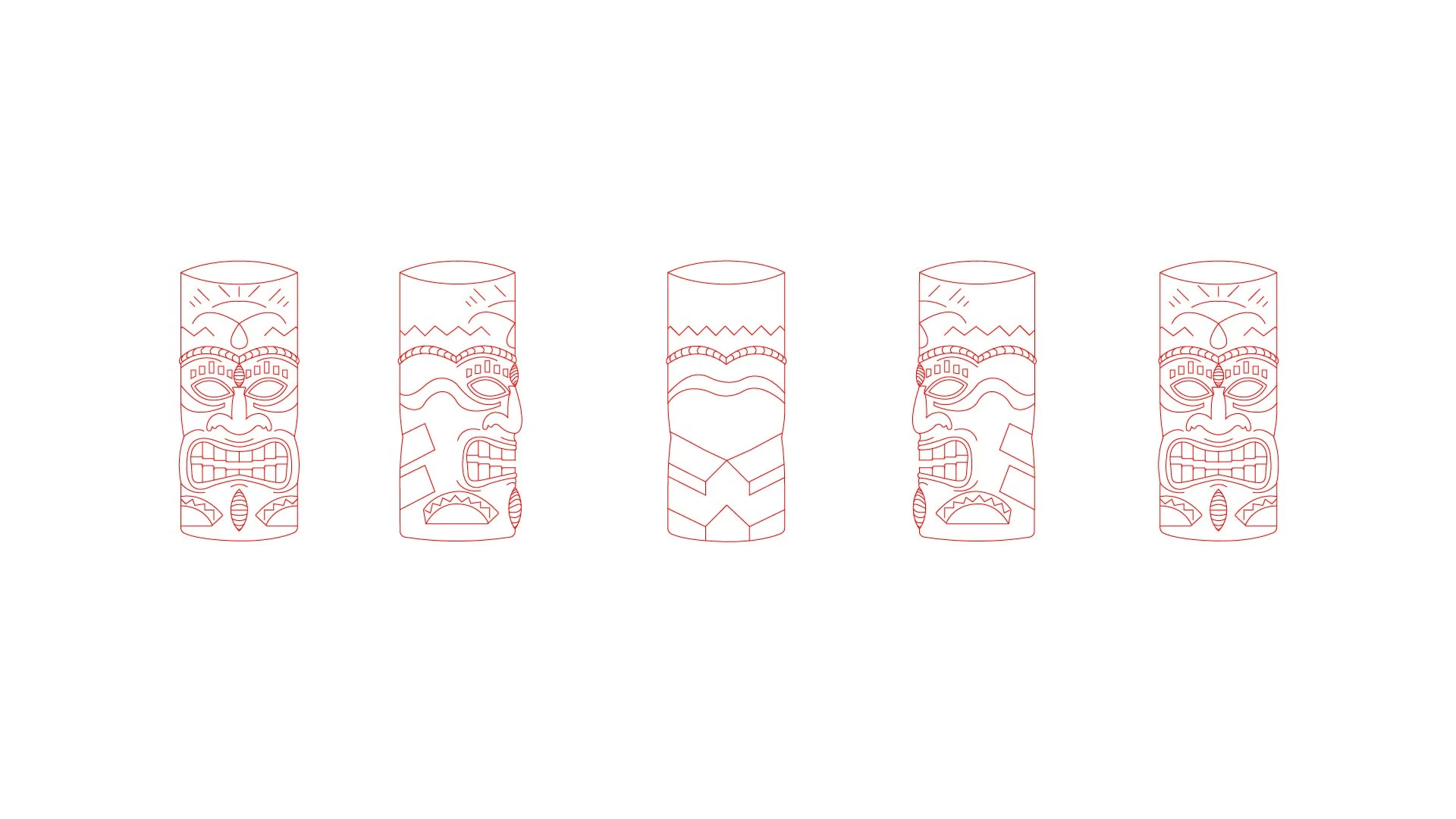
Hey guys, I created a 2D cylinder tiki head and wanted to make a 360 degree animation out of it. I created the front view, both left and right views and the back view. Is there a way I can achieve this in Adobe Animate and possibly use the classic tween function? I'm new to Animate and have been trying to figure this out for hours. Any advice would be greatly appreciated.

Thanks!


EDIT:

Screen shot of the Tiki head
    This topic has been closed for replies.

    3 replies

    JoãoCésar17023019
    Community Expert
    Community Expert
    March 7, 2020

    Hi.


    What you want to do is best suit to a 3D animation tool.


    But if you really want to use Animate CC, that is a 2D animation tool, your options are:

    - Create inbetweens like in a traditional frame by frame animation;

    - Create a really, really smart rig and try to rotate your cylinder using tweens. Andrea Gerstmann has two amazing examples of how to rotate a character in Animate:


    The example of the diamond you provided is way easier to replicate because it uses only a few straight lines. But with a face, like your drawing, things get much more complicated.


    I hope it helps.


    Regards,

    JC


    Community Expert
    March 7, 2020

    You should just be able to put each on a separate frame after each other than select all frames and align them all to the center and bam! 360


    Legend
    March 6, 2020

    This is exactly the sort of situation where you should have attached a screenshot showing what you're talking about.

    Participant
    March 6, 2020

    Thanks, I just added an edit with the tiki heads attached.

    Legend
    March 6, 2020

    Okay, and what exactly do you mean by a "360 degree animation"? That can mean a lot of things.