
Participant
November 29, 2023
Question

Adobe animate 2024 keeps crashing mid work

  • November 29, 2023
  • 3 replies
  • 8285 views

So my program keeps unexpectedly quitting amid any work that I try to do in Animate. It was when I started to use a gradient fill in a separate animate doc and worsened over time. I thought my computer needed an update when it crashed the first time but then it did it again so I updated all the CCsuite apps to 2024 versions, which did do something enough to allow me to begin auto-save. Only bothered to download Animate at this point. After that, the whole app kept crashing repeatedly and constantly. Moving to a new doc to see if it was just 1 file the process repeated, now when using any tool except for the brush tool.

I have 

  • Uninstalled and reinstalled CC cloud suite, and Animate 2x
  • reset my preferences
  • Removed my preferences folder
  • Used the CC cleaner tool
  • even checked for Malware

All of course after restarting my computer and saving my work. As well as checking auto-recovery will be on, every 5-10 minutes.

When it all stops it will eventually open the error report window and ask to reopen, which it will open faster than it usually takes booting up any version before 2024. I will reopen it where it may ask me to use recovery fileX , it won't always save recovery now either. I eventually started saving my work every new brushstroke or so in order to get some progress going. 

what may I be missing? Is the file too large or corrupted somehow? Would moving a document from its original saved place make an error; or maybe having a file name using an odd character?

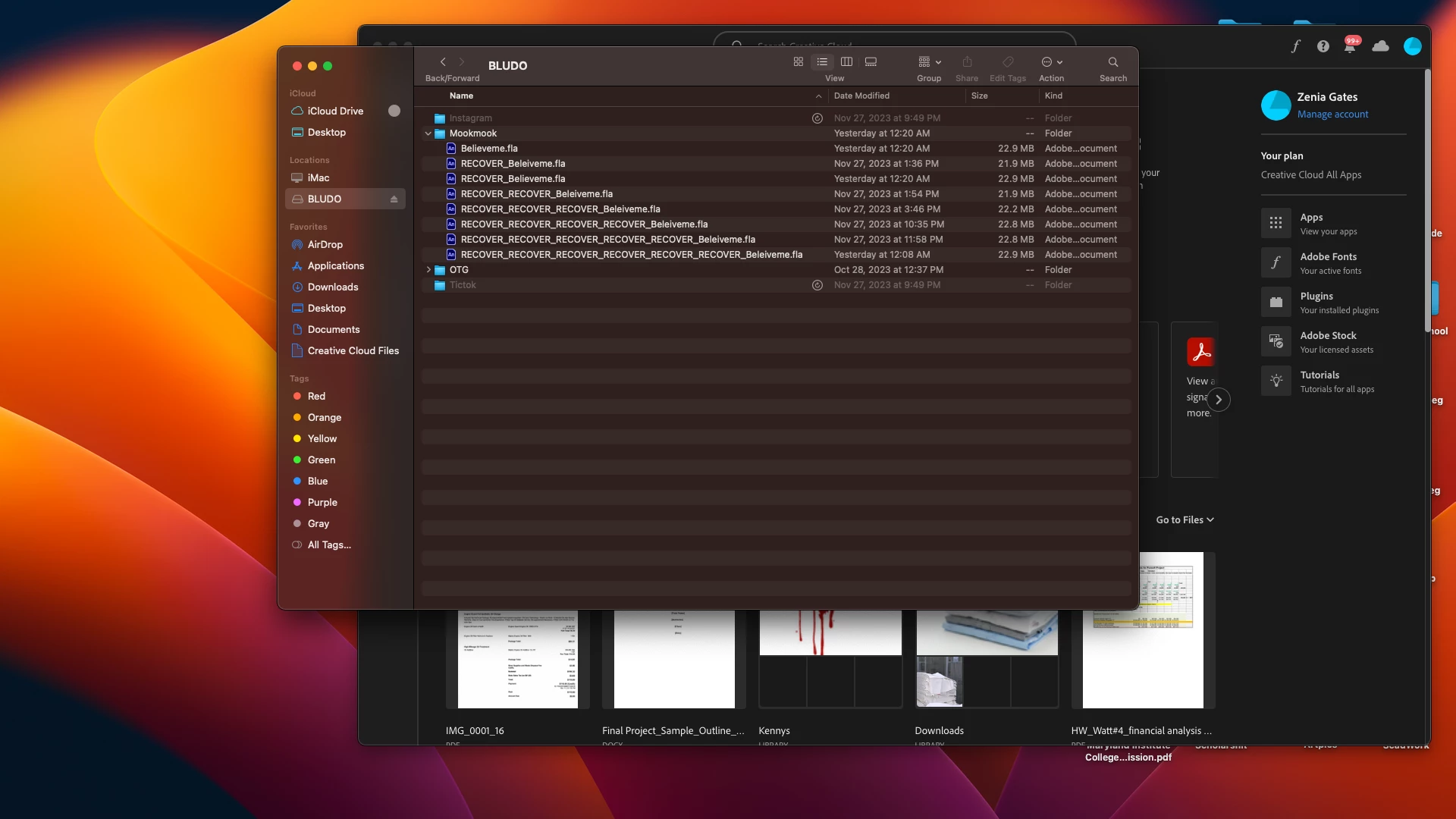
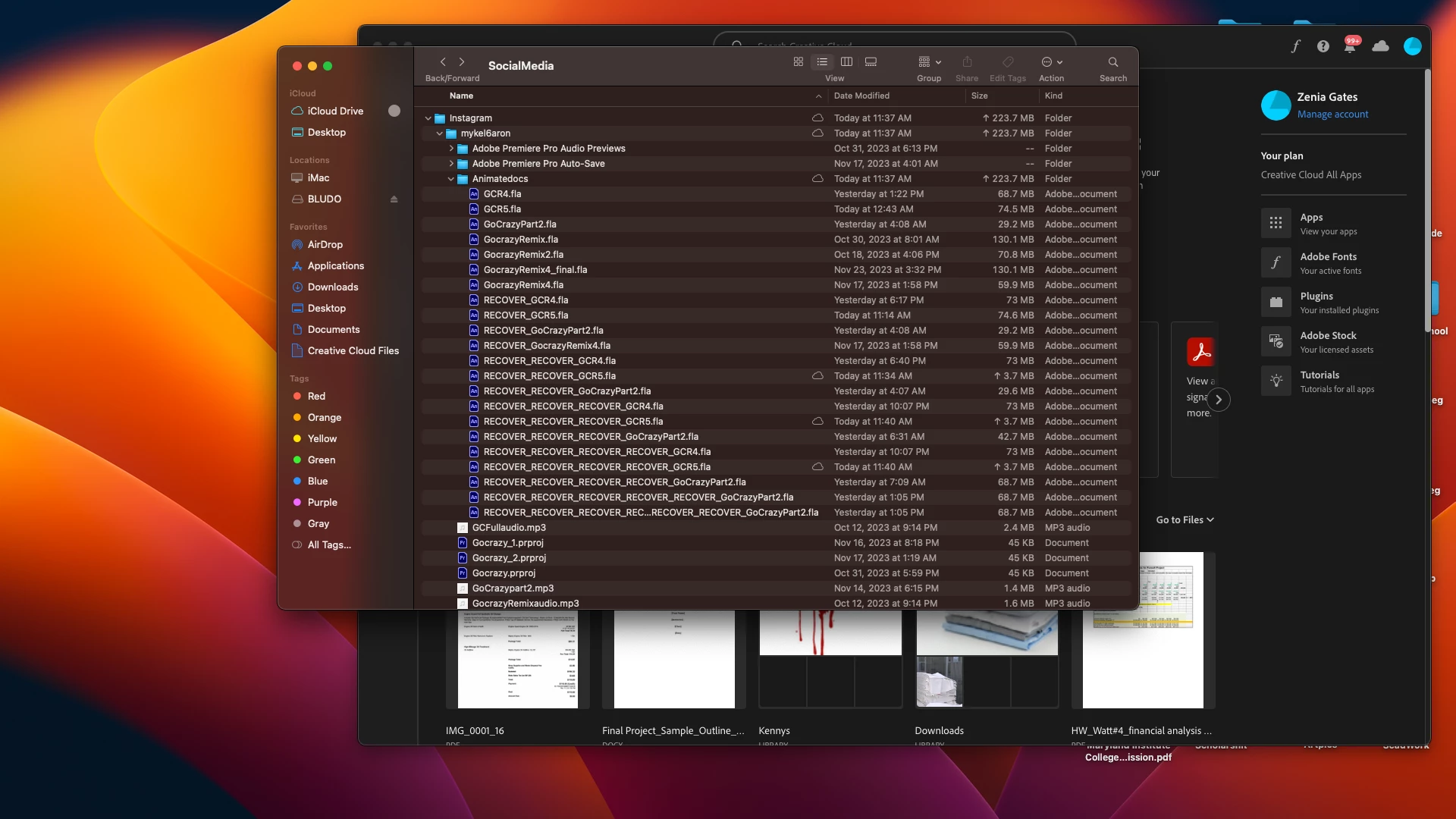
It says I don't have permission to show the video though here are pics , these are the several recovery files, each file a crash and redo.


Thank you for any help any and all ideas are recommended.
3 replies

gindala
Participating Frequently
October 31, 2024

It is now the end of October 2024, and I am still experiencing crashes on Mac M1 with version 24.0.5

kglad
Community Expert
Community Expert
October 31, 2024

@gindala 


what about v23?

kglad
Community Expert
Community Expert
January 5, 2024

@zenia0101 


is that ios sonoma?

Participating Frequently
January 5, 2024

My devices currently have Ventura 13.6.1 

kglad
Community Expert
Community Expert
January 5, 2024

thanks @Cierra28316638or93 


let's see what os @zenia0101 is using.

Participating Frequently
January 5, 2024

Hey, not sure how helpful I can be, but... I have a class of 28 computers and I teach Animation primarily using Adobe Animate. All was fine in the world until the newest V.24 update. I pushed the update through to all of my devices and suddenly my students computers just started to crash! We work on 2019 iMac Desktops. I struggled with my district's technology team until December 15 (I pushed the dreaded update through on October 12). We struggled for 2 months to find a solution and to zero avail! Nothing worked. We even brought in a brand new Mac Mini processor to try the program on (to see if it was just an issue with the older devices) and the same issues persisted. I finally got permission to reinstall the older v.23 version. No issues since taking V.24 off and going back to the older version. My classes run smoothly again and students are not losing their work! I am waiting patiently to see if a patch will push through, or to see what the next Version will do. I am hoping someone on here has some insight. 

Participating Frequently
April 9, 2024

Hey there, thanks for your respond. I actually fear the exact same thing. I recently updated adobe animate to the latest version and now it just keep crashing. Since I'm going to teach 80 students simultantelsy, who all are going to use adobe animate, I'm dreading they will have problems with the app. Is your advice is to simply install the previous version of 2023? and if so, is it possible to do that via the create cloud desktop app? thanks in advance.

Participating Frequently
April 9, 2024

Thank a lot ! I also fear from a huge catastrophy with the students, therefore I'm trying to maximise precautions. So yes, I'll give it a try.


I have two follow-up questions, if you don't mind:

1. Which exact version of 23 are you using? I saw there is 0/1/2/3/4/5. Is there any specific one you recommend?

2. In regards to files which were created on v.24, will I still be able to put them on v.23? did you try this by any chance? The reason I ask is because (A.) I was already working on some projects, and it will be a shame to start all over again, in case v.23 won't be able to read them. And (B.) I'm concerned that some students may still use animate v.24 regardless, and then I wouldn't be able to read their files. My situation is different, as I don't have a computer lab. The students come with their own laptops, which can varry in type and versions.


Thanks again!


(What a headache you cause us, Adobe! Please fix it :((( )


sorry -- but a third thought (since you mentioned that your students have their own devices). I would be mindful that some of the newer updates may struggle to run on older devices/operating systems, and the amount of GPU also can effect program efficacy. running an older animate version may very well be the best option you have for students that do not meet system requirements anyway.