Copy link to clipboard
Copied
please I'm having issues with Adobe animate asset warp properties tool Parnell, I'm unable to apply asset warp amature on my character because the properties tool Parnell is not available, meanwhile I can't apply amarture on my character. If I click on the asset warp tool, then click on my character, the metch will apply on my character but the amarture is not working. Please help
Copy link to clipboard
Copied
In Animate 23.0 when you click a shape/bitmap on stage it will first add a mesh with envelope controls. Click it again to add actual bones to it.
Is there a way to turn this off? Yes.
With the Asset Warp Tool selected go to the properties panel (Tool tab) and turn off the Envelope toggle.
Copy link to clipboard
Copied
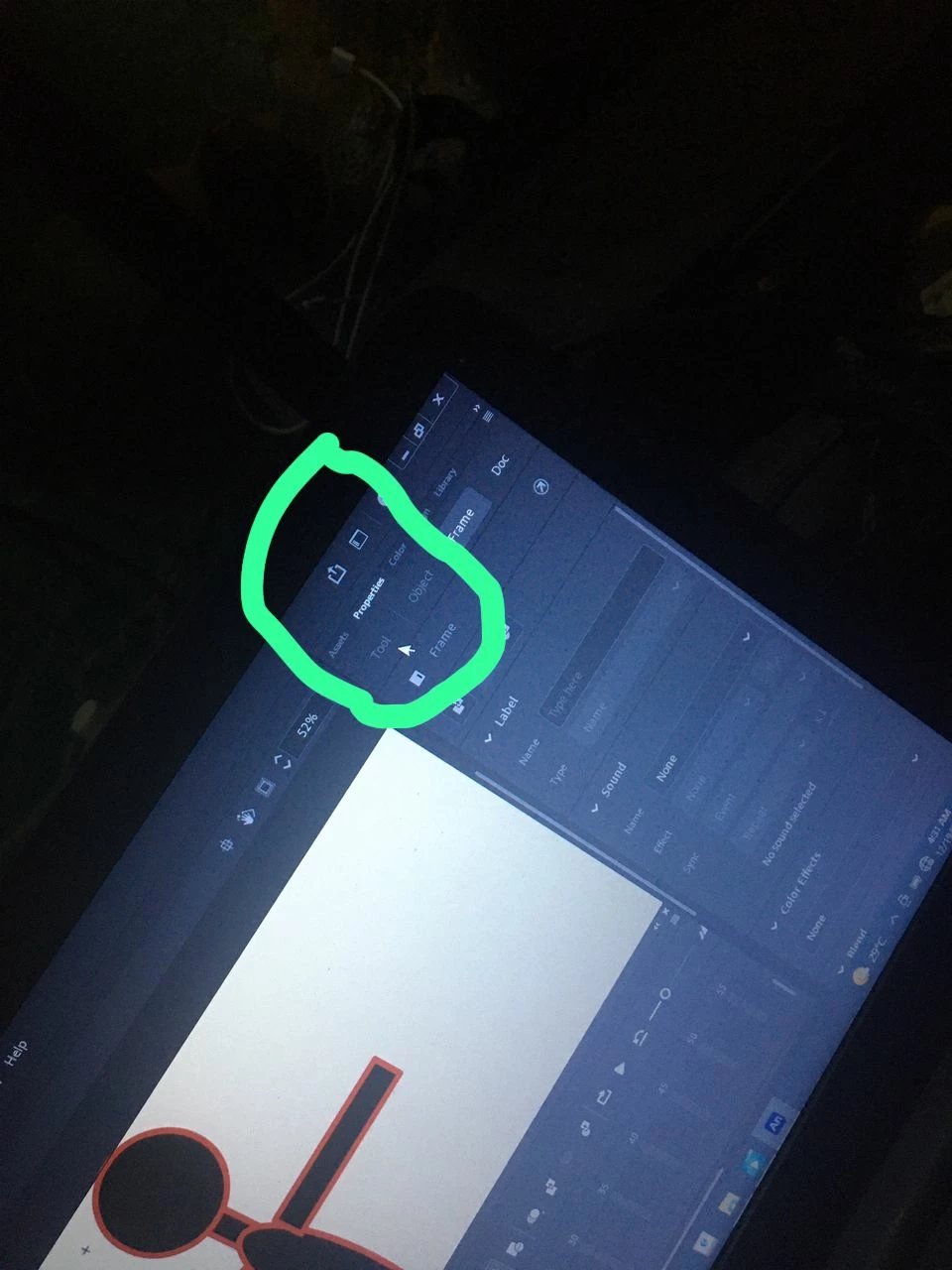
The properties tool is not clickable, see the attached image , only Frame and Doc is clickable
Copy link to clipboard
Copied
The properties panel (Tool tab) is not available, is not active, I clicked on it it's not working
Copy link to clipboard
Copied
It's only available when you have the asset warp tool selected. Don't select the frame, don't select the shape, just go to the toolbar, pick the asset warp tool and go straight to the properties.
Copy link to clipboard
Copied
like @Mario_CR explained, you have to select a tool to enable the tool properties panel.
Copy link to clipboard
Copied
I did that, still the same issue
Copy link to clipboard
Copied
I selected the asset warp tool, but the tool under the properties panel is not available
Copy link to clipboard
Copied
I don't see why not. Could you record a fullscreen video doing these steps? Just to make sure.
Copy link to clipboard
Copied
It also could be that you have an older version of Animate, like Animate 22.0. In that case the option is called "Bones" and will be located in the Object tab.
(Properties (Object tab) > Warp Options > Bones)
Again, remember to have the asset warp tool selected.
Copy link to clipboard
Copied
what does "parnell" mean?
Copy link to clipboard
Copied
This place (feature)
Get ready! An upgraded Adobe Community experience is coming in January.
Learn more