
jharames
Inspiring
October 31, 2018
Answered

Animate CC 2019 zxp extensions can't be removed

  • October 31, 2018
  • 1 reply
  • 1978 views

So, I recently updated Animate CC to version 19.0. I also got the Manage Extensions utility, as I needed a lot of extensions. When I opened up the utility, I saw that all my extensions from Animate CC 2018 was transferred over to 19.0. I uninstalled a few extensions, as I didn’t need them, however, three plugins in particular (AnimationPencil, GrassBrush, and FrameScrub) were not showing up in Animate.

So I selected “Uninstall” next to AnimationPencil in the Manage Extensions utility, and on the bottom, the text said “Uninstalling extension…”. I waited, but nothing happened for a long time. I tried to uninstall GrassBrush and FrameScrub, but it still won’t uninstall.

I tried to uninstall GrassBrush using Adobe Exchange (FrameScrub and AnimationPencil aren’t on Adobe Exchange) but the Creative Cloud app said that there was a file operation error.

I tried to use Anastaisy’s extension manager, but when I try to remove any three of the extensions listed above, all that comes up is an error, along with a number -260. (I tried looking it up but to no avail)

If I tried to install the .zxp again, the operation would fail.

Is there another way I can remove the problematic extensions, so I can re-install them to fix the error? Thanks in advance!

    This topic has been closed for replies.
    Correct answer jharames

    That is strange. Do you have a subscription to Adobe Animate CC? If you do not, the only option you get is a link to this forum. Let me know.

    Thanks,

    Preran


    Hi Preran.

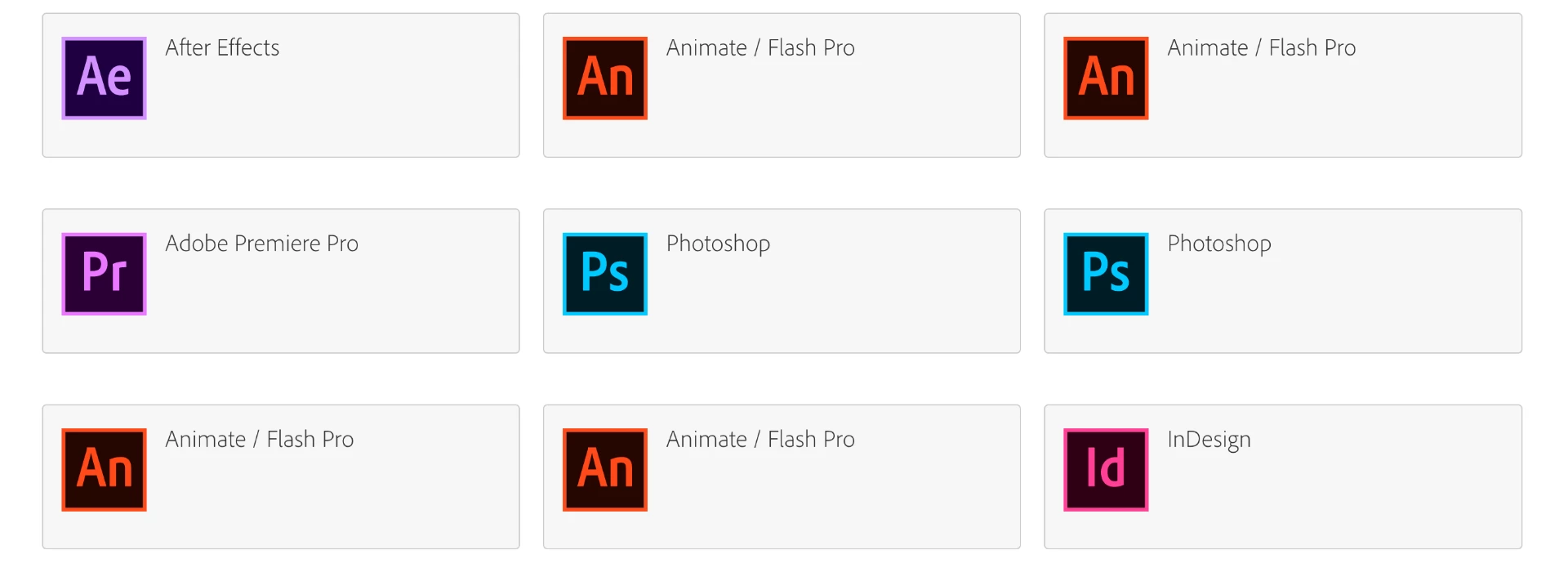
    Never mind, I fixed my issue. Turns out there are 4 "Animate/Flash Pro" selections, and one "Animate CC" selection. It's very confusing.

    You see, the first, second, and fourth copy only showed community forums, but the 3rd copy showed me all my options.

    The "Animate CC" copy did that as well.

    Sorry if I misinformed you, but this is very confusing on why are there so many Animate CC options.

    1 reply

    Preran
    Community Manager
    Community Manager
    October 31, 2018

    Can you try using the Command Line to remove an extension as described in Extension Manager Help | Working from the command line  ?

    Let us know if you need more assistance.

    Thanks,

    Preran

    jharames
    jharamesAuthor
    Inspiring
    November 8, 2018

    Hello Preran,

    Sorry for the late reply. I tried to remove a problematic extension from the command line as shown on the page, but nI get the error code -260. Is there any way to solve this?

    Thanks!

    Preran
    Community Manager
    Community Manager
    November 8, 2018

    This document Exchange extensions installation error codes and description​ provides info on the error. The suggestion is to post your issue on this forum Adobe Exchange Panel

    You could also reach out to Adobe tech support using this link Contact Customer Care

    Thanks,

    Preran