
Answered
Animate CC pixelated scene
Hi,
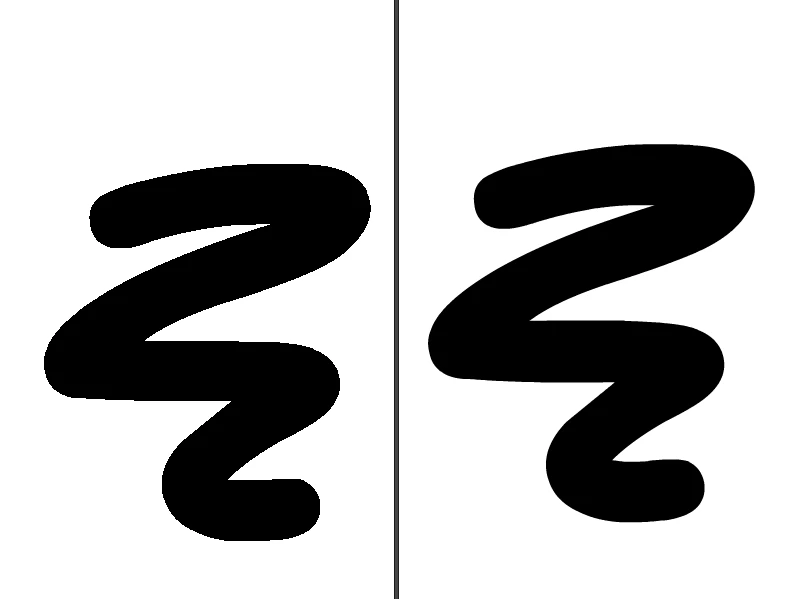
I think I used an unknown shortcut by inadvertence and all of a sudden, everything on my scene is pixelated. Even any new vectors that I am Drawing. It does that if I open a new scene as well, but not old ones. Exports still come out fine, but the visual aspect of the scene is pixelated. It's very annoying! How can I change it back?
It's like I changed a preference or something, but I reset those and it didn't fix the problem. Here's a visual of what it's like now on the left, versus normal visual on the right. It's driving me nuts. Thanks!
 AdChoices