
Participating Frequently
December 12, 2017
Question

Animate HTML5 Google Ad getting ClickTag error

  • December 12, 2017
  • 1 reply
  • 8257 views

Hi, I created a few HTML5 banner ads at the beginning of the year with Animate CC. They have been running on Google just fine; however, recently, Google has changed their requirements and now my ads are getting this error message:
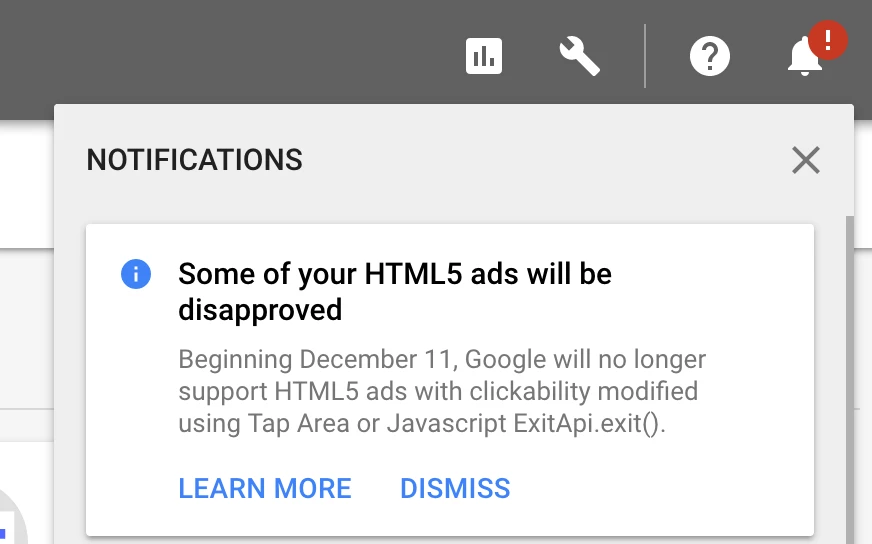
and
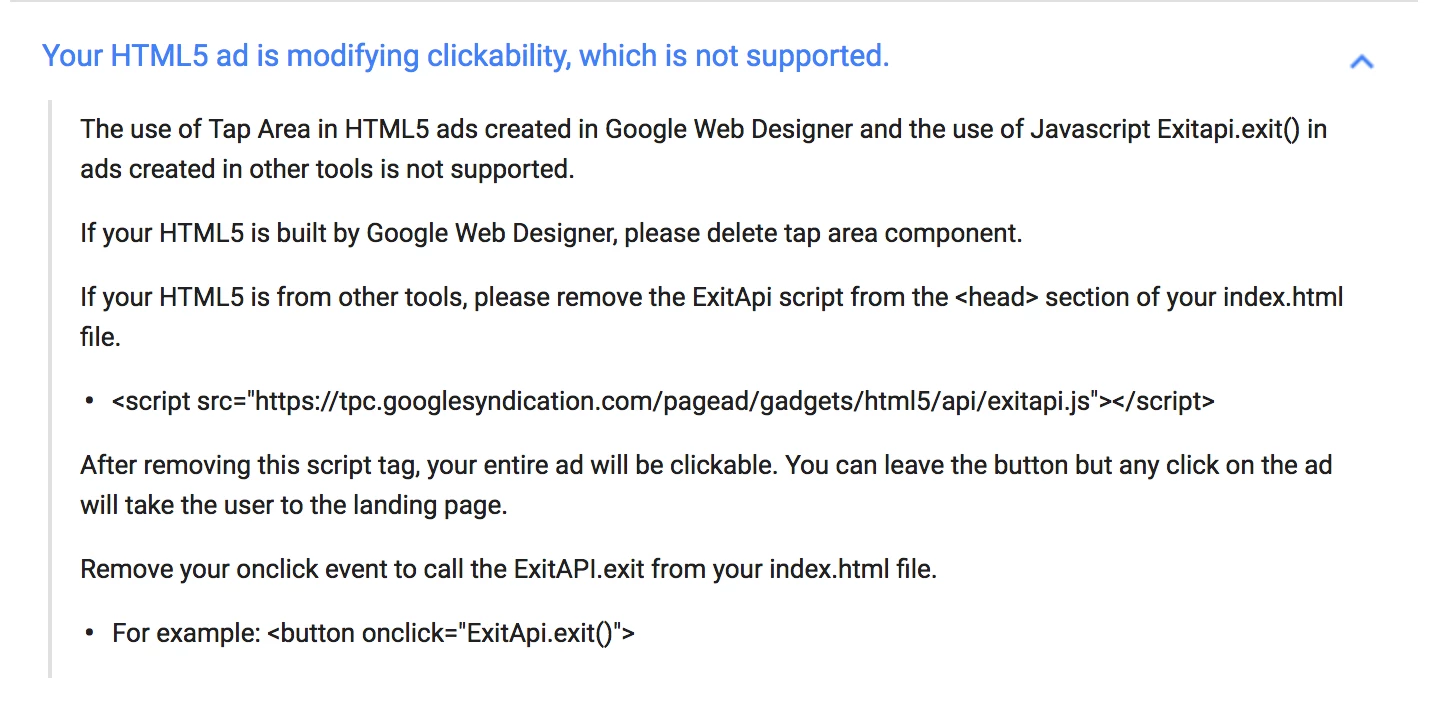
I'm not very good when it comes to coding, so if you know the answer please speak plainly. LOL. I've searched for the script in the message, but it never found anything. Does anyone know how I can fix this? I've been using Google Web Designer for a few months now and I can't remember a lot from Animate, but my client still wants these ads to run. Help!

This topic has been closed for replies.

1 reply

just.emma
Inspiring
December 12, 2017

You already have the answer:

If your HTML5 is from other tools, please remove the ExitApi script from the <head> section of your index.html file.

After removing this script tag, your entire ad will be clickable. You can leave the button but any click on the ad will take the user to the landing page.

The script would be in the head of the HTML file, not in Animate.  You might be using a HTML template that someone shared in these forums, so you could edit the template to remove the script, reimport it, and republish.

Participant
January 31, 2018

How and where do you add a clicktag? Can you please list step by step. Thank you!