
Animate video clip with transparent background has red background/layer when imported to Premiere
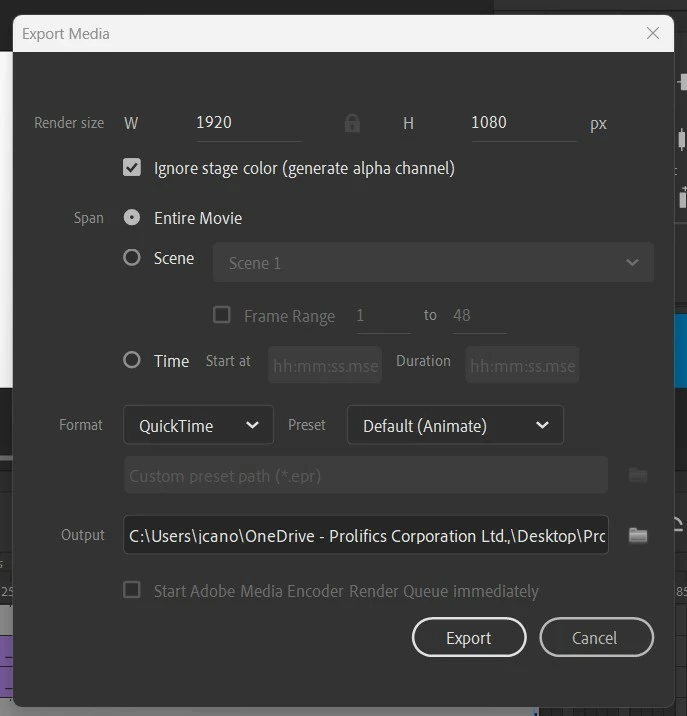
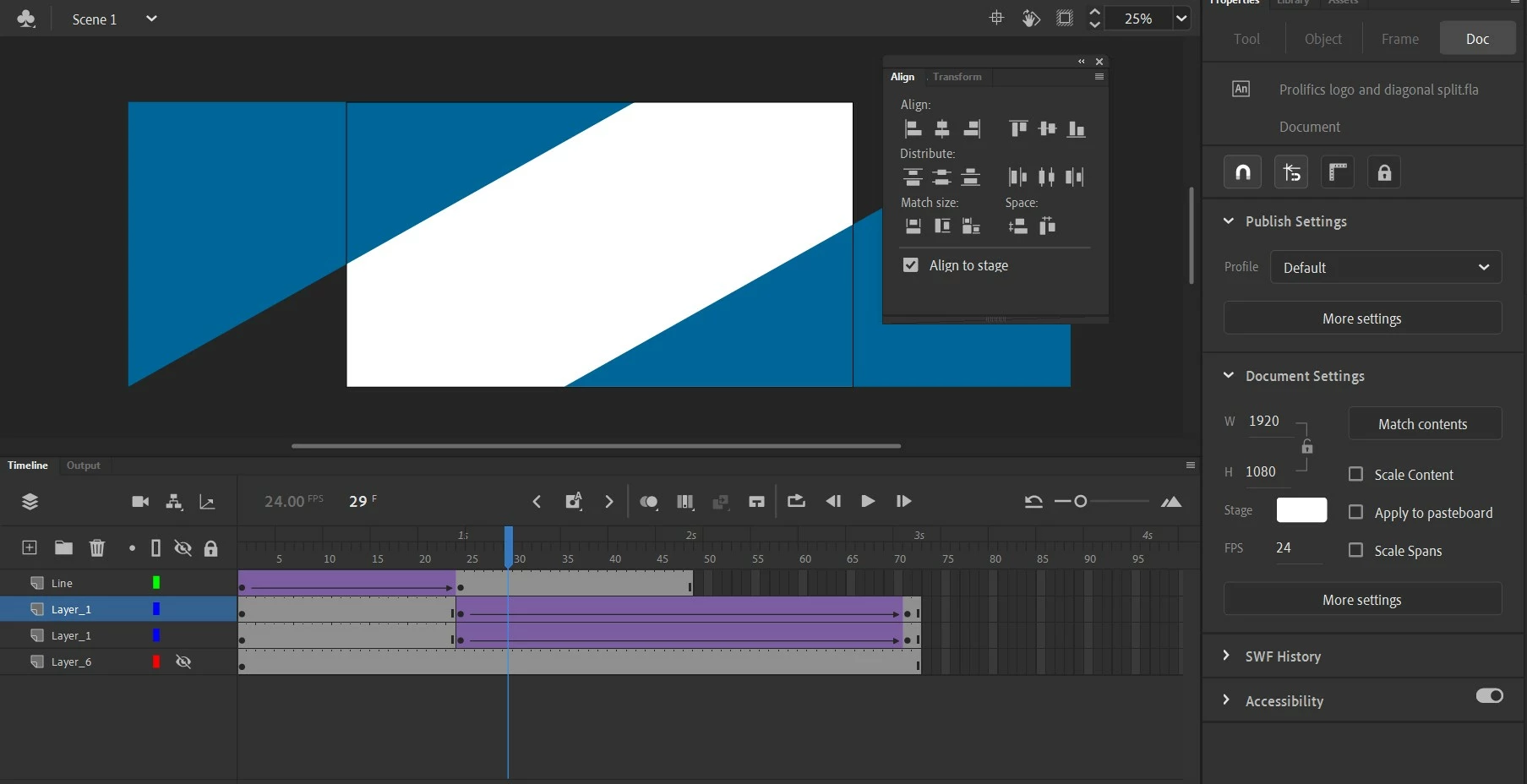
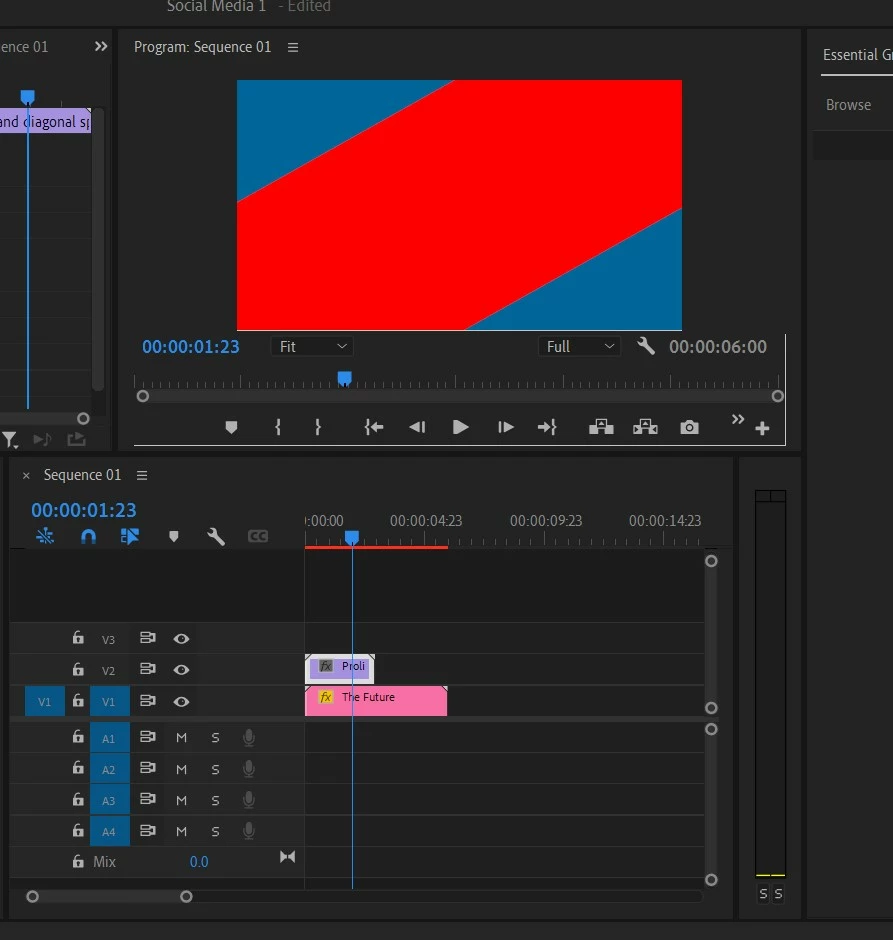
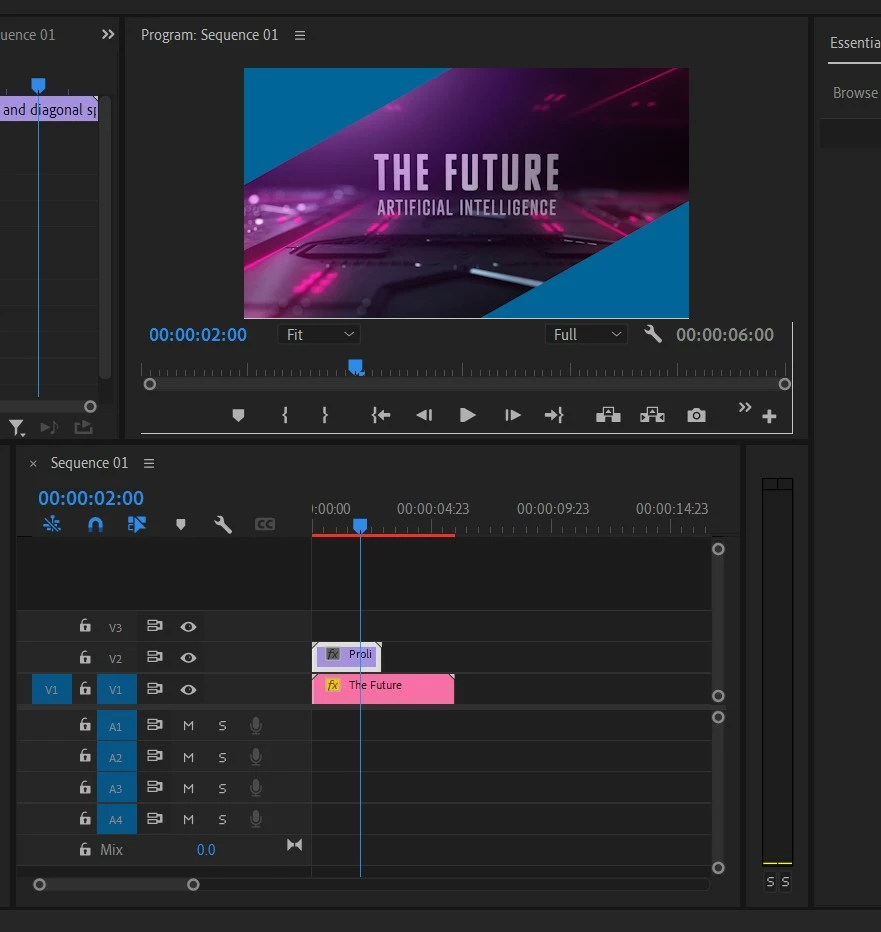
Hi, I'm making a video in Premiere, and I want to place an animated title card I made in Animate over another video layer. The idea is for the title card to open like a two-way diagonal wipe from the center. I looked up how to export video from Animate with transparency, and it worked with another simpler clip (you could see the video layer underneath just fine. However, when I put this diagonal split title card over the video layer, there's a red layer underneath the vector elements as they split open. Once the sequence reaches the two second mark (the title card animation is three seconds), the video layer does show up underneath before the elements have completely left the frame. I have no red layer in my Animate file. I can't imagine why it's doing this. See attached images below.
 AdChoices