Hi mate,
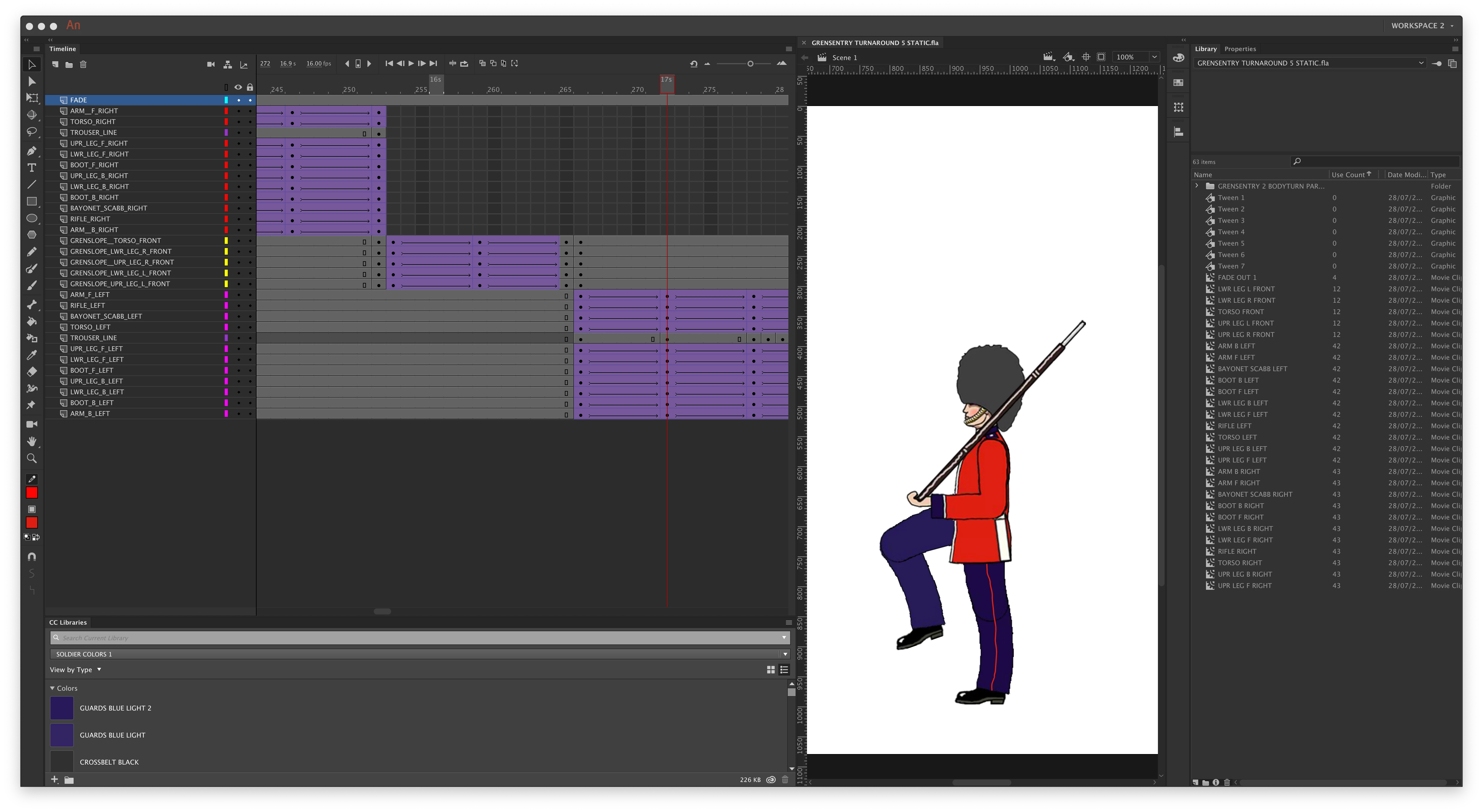
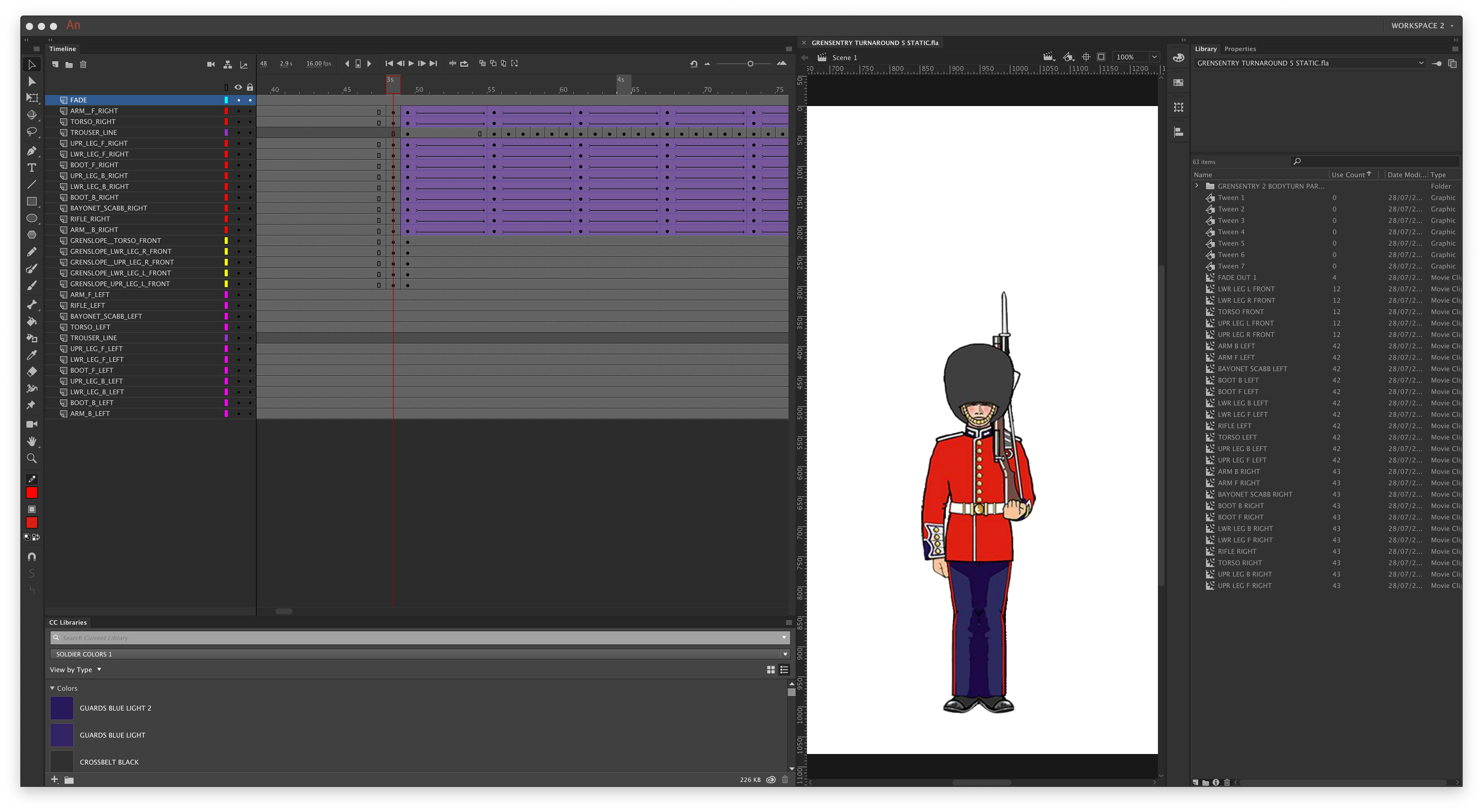
I could see your video and it works just fine. I can also see that you have made the various cycles successfully.
If I understand your question correctly you would now like to create a wrapper around these so that you can do things with them like panning across the screen, switching from one view to another and so on...
Correct me, please, if this is not your intention.
There is no default tool in Animate that would allow you to wrap existing animation in a container.
You need to create a new empty symbol and then cut/paste your animation frames in it.
To do so, just draw a box on a new layer and convert that one to a symbol, then select a block of frames, copy them and paste into the new symbol. (Not too sure how your parented layers will transfer though. Parenting is only partly implemented at this stage ans is full of dead ends.)
To be able to swap views without any issues all your containers should have the same scaling and registration.
Good practice requires to never start a project on the main timeline. You should always start one or two levels deep, creating your wrappers before doing anything.
Unfortunately this is not mentioned in the official documentation and is perpetuated by hundreds of incompetent people who produce an endless amount of misleading tutorials.
There are extensions that allow you to automatically create wrappers. One such command is Timeline Block To Symbol.
Some general advice:
I have written quite a lot on the problems that you are facing, so some of the articles might be useful.
Also watching the demonstrations may give you an idea how to approach certain problems effectively.
Here are a few links and you can browse the site and the tools if you find these suggestions useful.
Classic Tween workflow | electric dog :: flanimate power tools
Character rigging for Flash animation | electric dog :: flanimate power tools
Understanding symbol registration in Flash and Animate | electric dog :: flanimate power tools
There are also character builds which you can download to see how they were put tigether.
Best of luck!
NT

 AdChoices