
Participant
October 13, 2021
Question

Completely White Canvas / Stage

  • October 13, 2021
  • 1 reply
  • 714 views

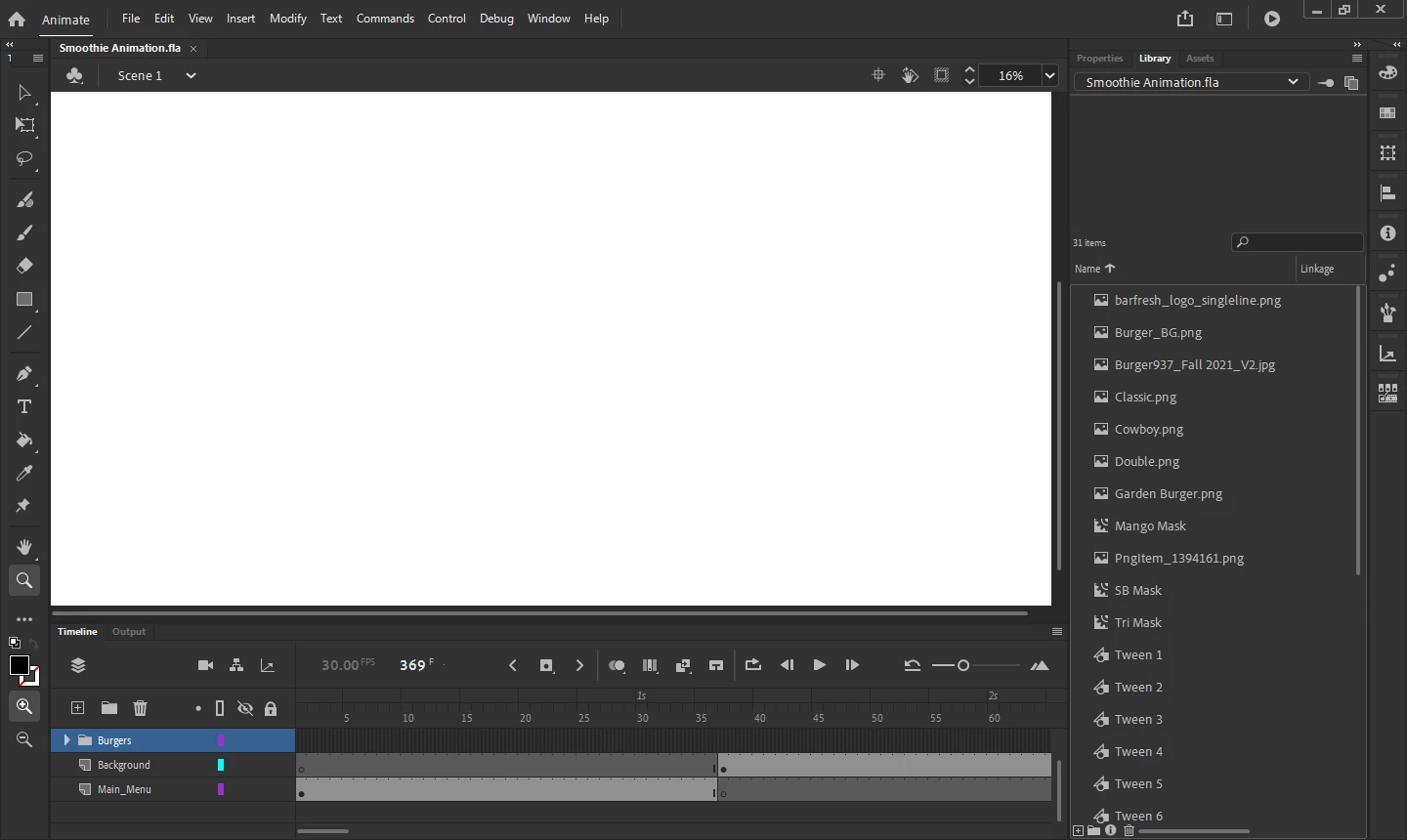
I created a simple animation for our menus. This was a recent project. Last week. I need to make some edits and when opening the entire stage is white. The layers, assets, timeline all fine. I can edit. I just can't see what I'm editing. I've updated, unistalled and reinstalled. This even happens when I try and just create a new project. Please help. NOice in the image I am zoomed out to 16% Its all white.
1 reply

kglad
Community Expert
Community Expert
October 14, 2021

click the center stage icon>


Participant
October 21, 2021

This unfortunately did not resolve the issue. 😞 

Participant
October 22, 2021

your fla looks normal to me, too.  the problem is your animate.


try resetting your preferences, https://helpx.adobe.com/animate/using/set-preferences.html


if that fails, uninstall animate (including preferences, restart your computer and then reinstall animate.


I'll give it a try. If that doesn't work maybe I'll go to an older version. Thanks for your help.