Participating Frequently
March 10, 2018
Answered

Error during execution Js created by animate

  • March 10, 2018
  • 10 replies
  • 787 views

Hi all,

this is Augusto from Italy.

I am updating a website, deleting all flash animations. Every .swf file is replaced by HTML and Js, while the simpler ones are replaced by myself.

Since I am now about to migrate to a complex animation, I decided to be supported by Animate.

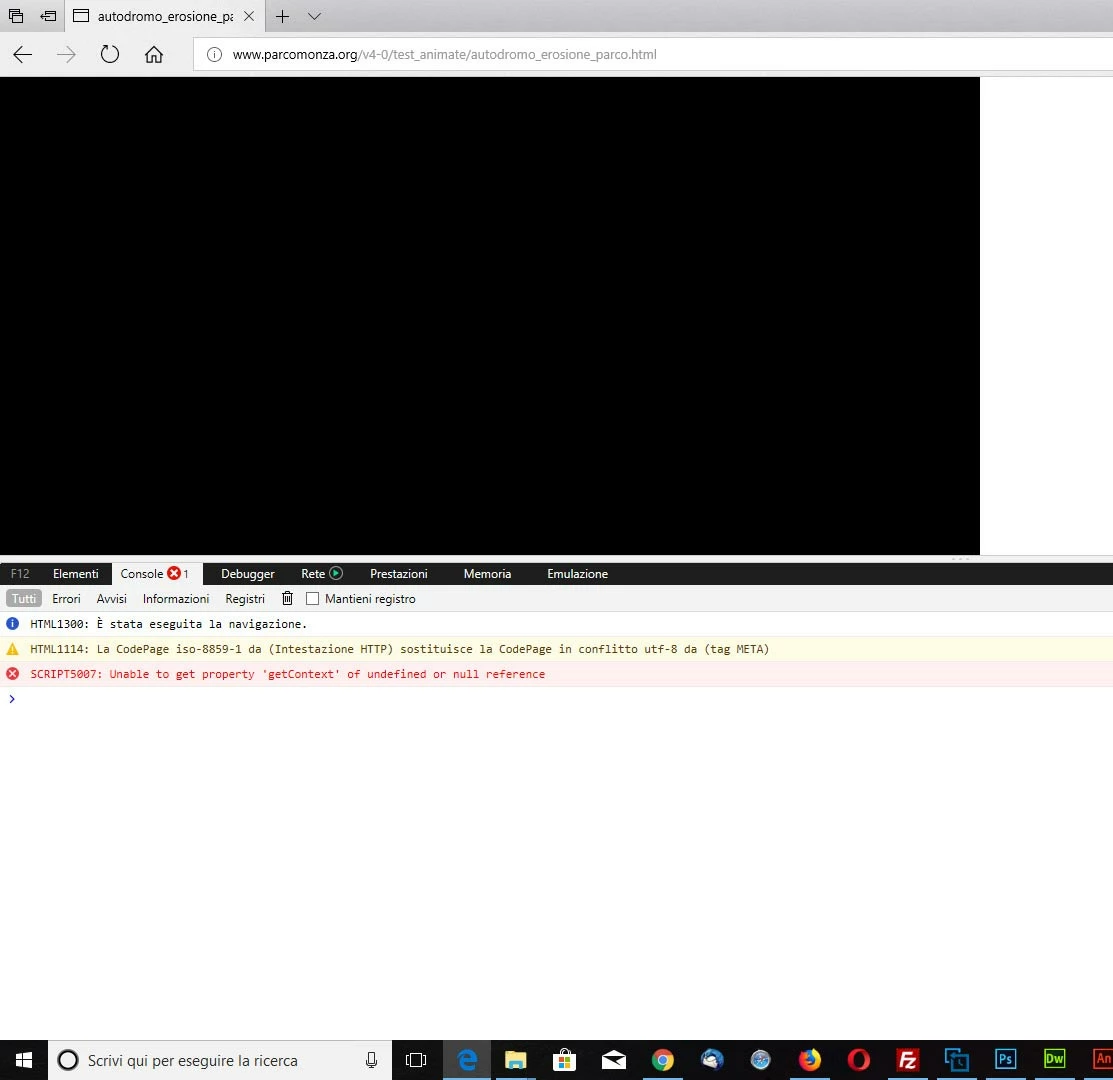
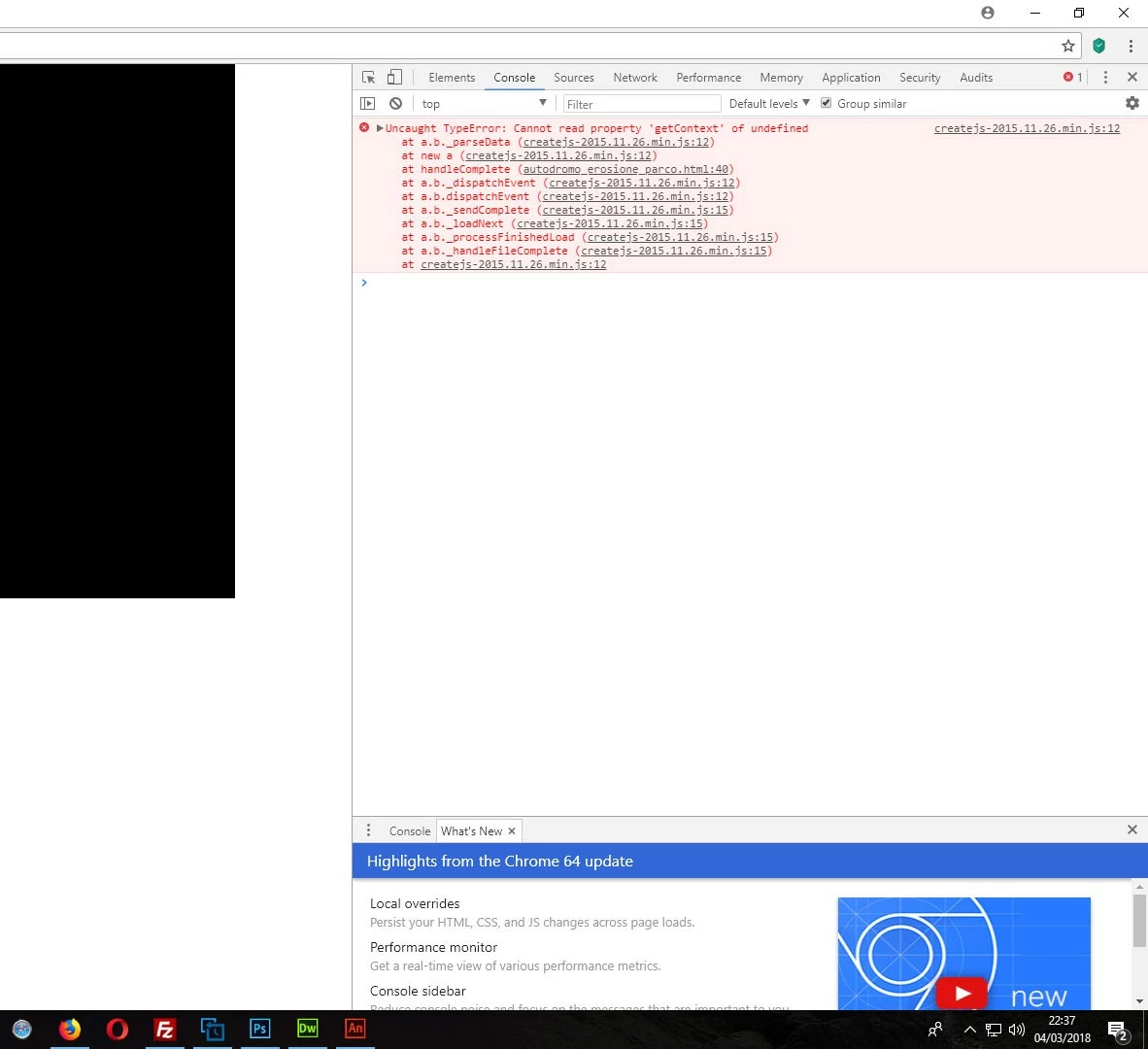
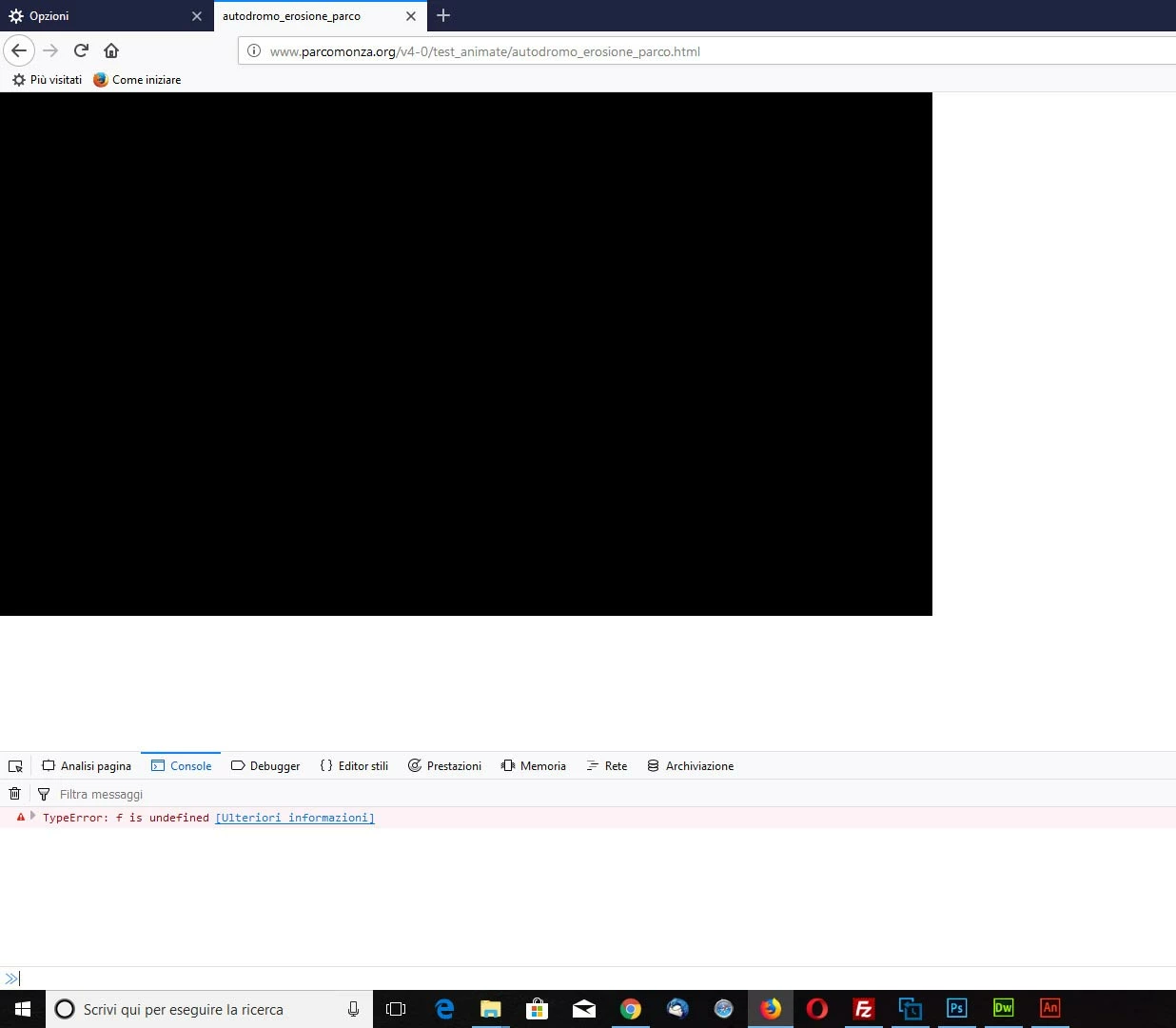
However, when publishing in web, some mistakes occur, that can be viewed in attachments (both via firefox, Chrome or Microsoft Edge).

After re-loading the page, everything looks fine, although the page is already loaded in cache.

I can’t explain this because I did not act anyway in the output generated by Animate. Is it possible that Animate makes mistakes?

Everything can be viewed at:

http://www.parcomonza.org/v4-0/test_animate/autodromo_erosione_parco.html

Is anyone in a position to help me out?

Thanks, regards
    This topic has been closed for replies.
    Correct answer kglad

    i don't see any problems with the link i posted.  i tried using 2 computers and 4 browsers.

    and the fact you see no problem loading locally is because there's no delay loading your very large bitmaps and audio.

    10 replies

    Participating Frequently
    March 16, 2018

    I think so

    Participating Frequently
    March 16, 2018

    I had tried with Cr Fx Op Fe, all of it has problems??????

    Tomorrow i will try with other pc

    If I browse the animation from my pc (not from web) everithing goes well, may be becouse the download if image is nearly immediate??

    kglad
    Community Expert
    kgladCommunity ExpertCorrect answer
    Community Expert
    March 16, 2018

    i don't see any problems with the link i posted.  i tried using 2 computers and 4 browsers.

    and the fact you see no problem loading locally is because there's no delay loading your very large bitmaps and audio.

    Participating Frequently
    March 13, 2018

    nothing

    kglad
    Community Expert
    Community Expert
    March 13, 2018

    must something on your computer or browser causing the problem.

    Participating Frequently
    March 13, 2018

    Here what I see

    kglad
    Community Expert
    Community Expert
    March 13, 2018

    clear your browser's cache and retry.

    Participating Frequently
    March 12, 2018

    I tried to browse the web page not from server but in my pc and it seem go well????

    kglad
    Community Expert
    Community Expert
    March 13, 2018

    do you see any problem here, autodromo_erosione_parco1

    Participating Frequently
    March 12, 2018
    Participating Frequently
    March 12, 2018

    Nothing change as you can see in attached image

    kglad
    Community Expert
    Community Expert
    March 12, 2018

    copy and paste that link.

    Participating Frequently
    March 12, 2018

    As you can see the paths to images look is equal as the others (see attached images)

    The folder "libs" was not created by the publish operation.

    I create it manually and I put inside the Js and I modify the HTML code: but nothing change, same mistake!

    kglad
    Community Expert
    Community Expert
    March 12, 2018

    you don't understand.

    resave your project to a new directory and resave it with a new name using the default export directories.  retest.

    if that didn't correct a problem, post a link to your newly named html

    Participating Frequently
    March 11, 2018

    I don't understand

    kglad
    Community Expert
    Community Expert
    March 12, 2018

    in your basic settings, check the paths to images.  it looks different than the others.

    i don't know it that's causing the problem, but your embedding html is missing things like the definition of lib.

    kglad
    Community Expert
    Community Expert
    March 10, 2018

    you have a slow (for me) server and an png that takes over a minute for me to load.  once that's loaded and cached, everything looks ok.

    to remedy add a preloader in your publish settings.

    Participating Frequently
    March 10, 2018

    I did it, but it does'nt work

    same error

    kglad
    Community Expert
    Community Expert
    March 10, 2018

    attach a screenshot of your basic publish settings and screenshot of your advanced publish settings.