
Answered
exporting a video mp4
Hello, I am using Adobe Animate 2022
When exporting a video, choose
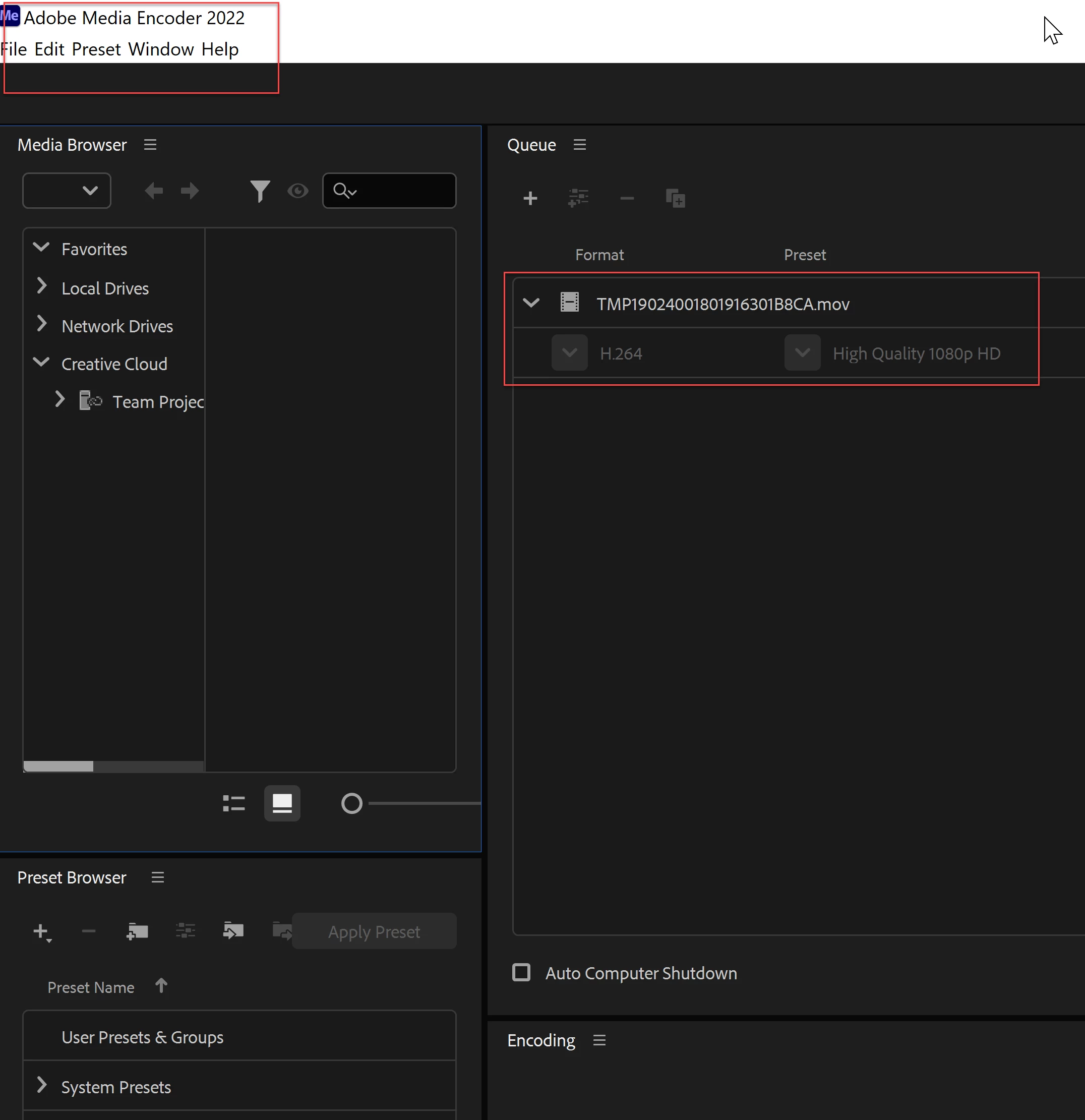
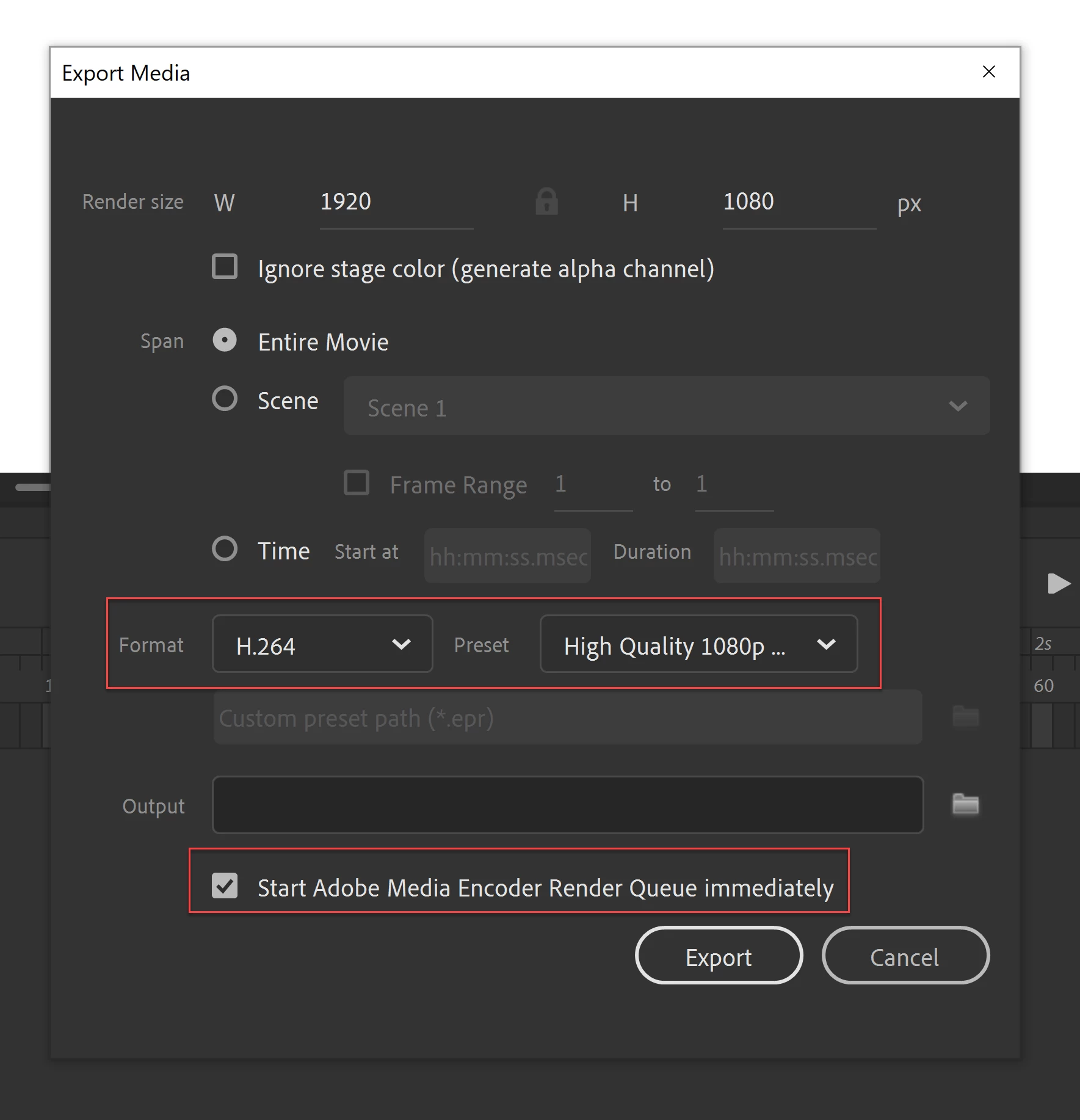
The clarity of the images and the design are weak when issued
But the quality appears poor
please help (^_^)
I want the video in mp4 version

Hello, I am using Adobe Animate 2022
When exporting a video, choose
The clarity of the images and the design are weak when issued
But the quality appears poor
please help (^_^)
I want the video in mp4 version
Use Format: H.264 / Preset: Default (AME) or Match Source Adaptive High Bitrate.
If you're using Animate 2021 or earlier go to the properties panel and increase the stage size to the target resolution as well, just changing the render size in the export dialog won't work. Note: This isn't needed in later versions.
Already have an account? Login
Enter your E-mail address. We'll send you an e-mail with instructions to reset your password.
 AdChoices