
Participating Frequently
April 7, 2023
Answered

Help! Visemes only showing an option and not working

  • April 7, 2023
  • 1 reply
  • 738 views

I have put diffrent mouth shape in diffrent frames, then converted the first frame into symbol, but it only showed me a single option which is the first frame mouth positon. I tried grouping them all together in another layer in attempt to convert them all to symbol but it only shown as a single whole instead of the system recognizing each individual mouths, despite my attempt on closing the small gaps between the mouths with no overlaping. i have been stuck with this problem whole day, please help.
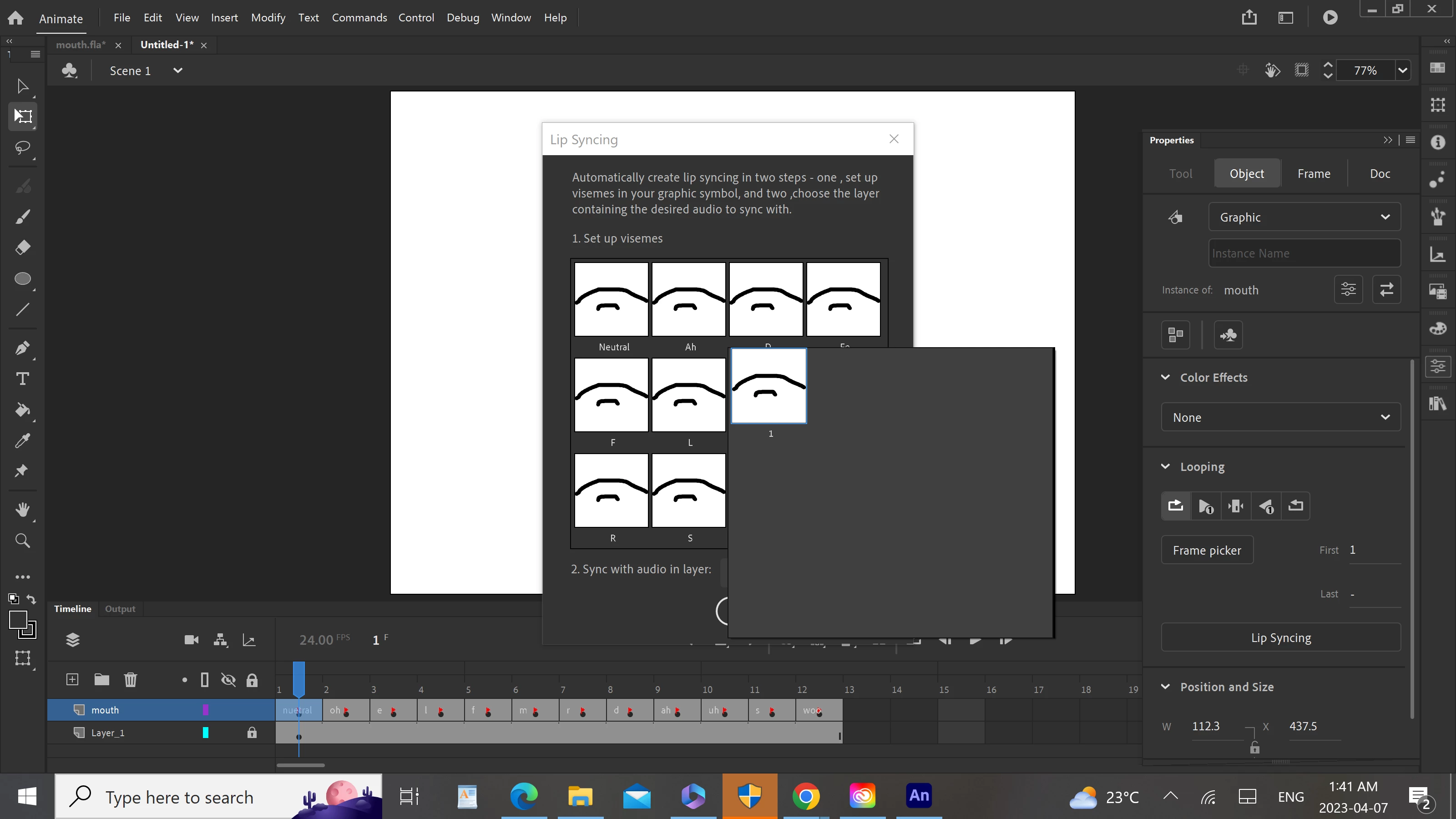
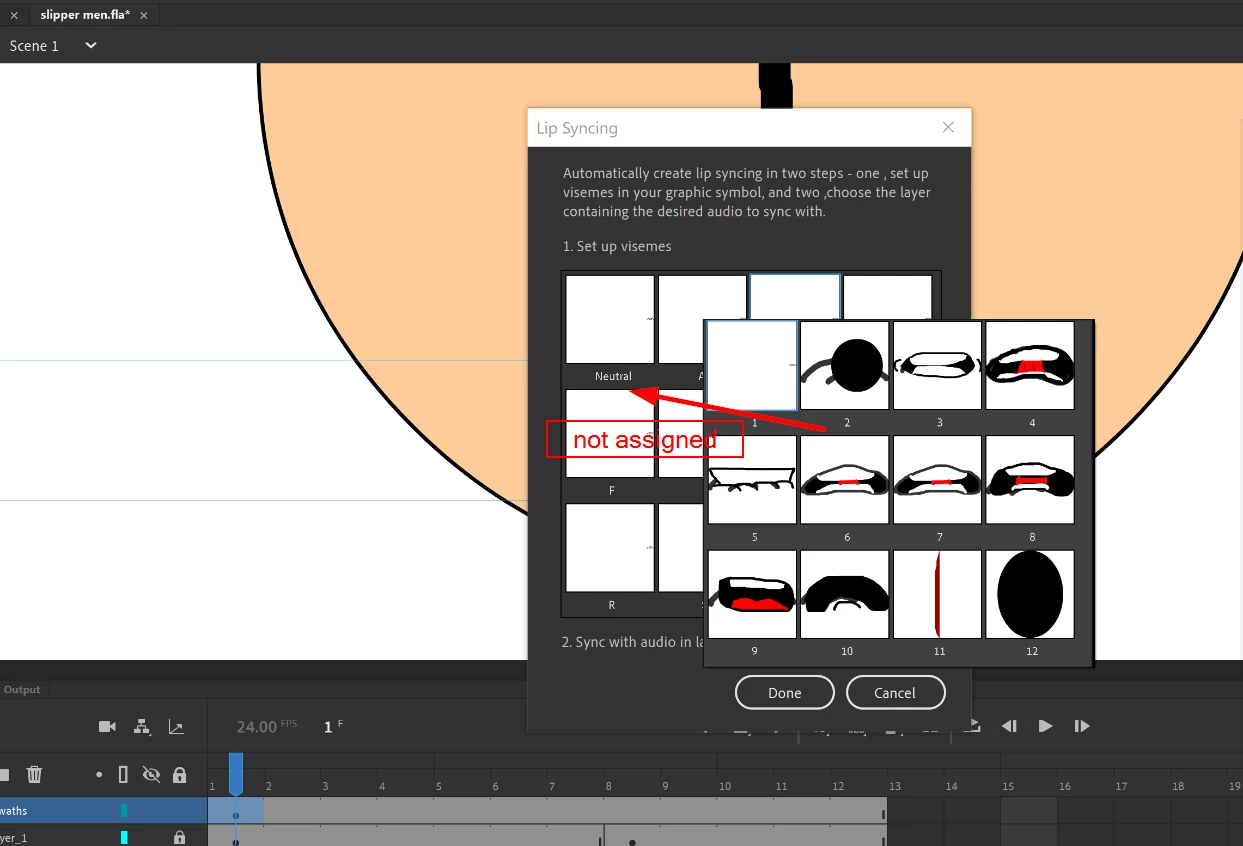
 

This topic has been closed for replies.
Correct answer Mario_CR

i encountered another problem,the mouth didn't sync with the audio after matching the mouths to their corespodning positions and sync it to the audio file, it onlt stayed in neutral positions. what should i do to solve this?


Assign each mouth shape to the corresponding viseme.


Please follow this tutorial: https://youtu.be/OXy-mkieMM8

1 reply

Mario_CR
Community Expert
Community Expert
April 7, 2023

Hi, select the mouth layer, right click and choose Convert Layers to Symbol then check the lip sync panel again.

Participating Frequently
April 7, 2023

no, there's only the option break apart symbols to layers.

Mario_CR
Community Expert
Community Expert
April 7, 2023

Select the layer, not the symbol.