

How do I put a picture inside of my drawing object interactive button?
Hey everyone, currently I am expirementing with interactive buttons and want to create some aesthetic buttons. However, I was wondering how I'd be able to put an image in a drawing object button I made.
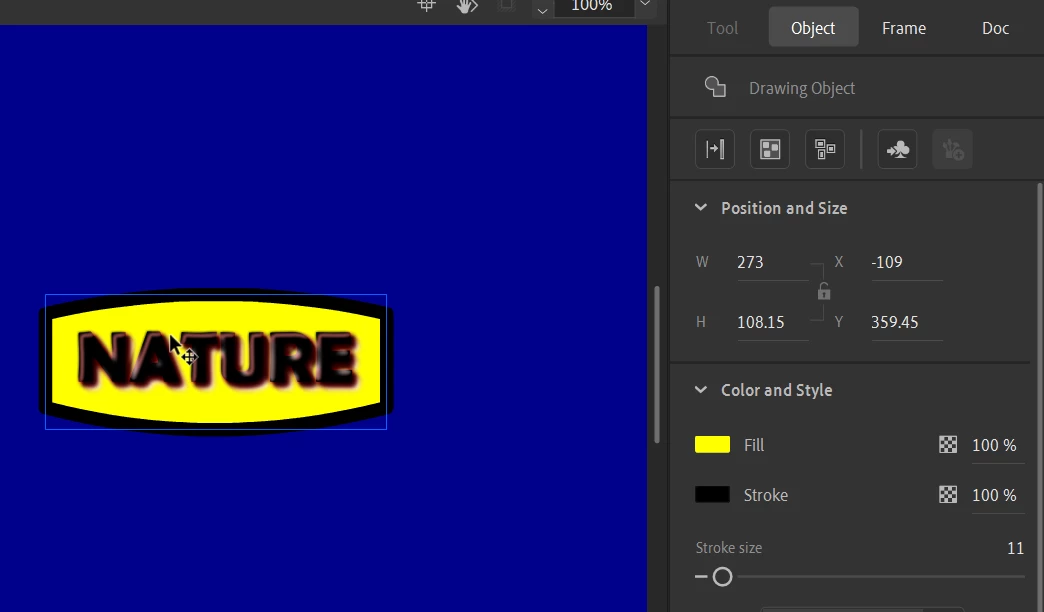 The above image represents the button that I created with the Rectangle Tool and using the Selection Tool to adjust it to look like a more unique shape.

The image on the left, of the waterfall, I want to be able to put it into my button, I want to make the fill instead of being yellow, to be the image on the left. 
An example of what I want to do is up above, imagine I created the same exact shape as a drawing object and I set the fill to white. I want to be able to post an image in the inside of my button like the above image without it clipping out.
Does anyone know how I'd be able to do this?
Thank you!
 AdChoices