This topic has been closed for replies.
Correct answer sergiopop75

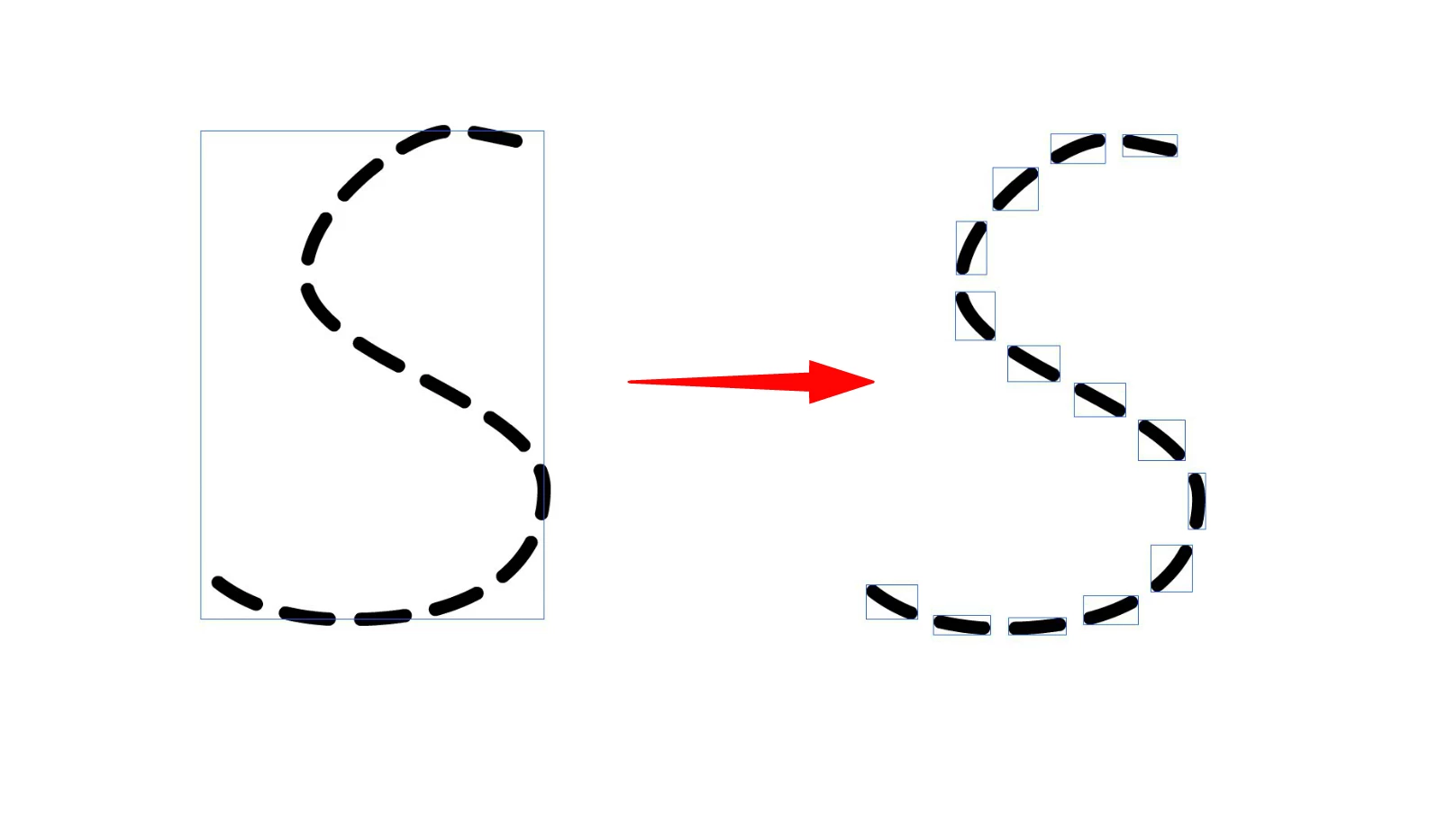
There is an option with a command that you have to create a one-line symbol, and use the command to distribute symbol along a path. Then you break the symbols and you have it.


Plugin here:

https://pinkandaint.wordpress.com/2010/04/04/new-flash-extensions-art-brush-add-vertices-distribute-symbol-along-path/


3 replies

sergiopop75
sergiopop75Correct answer
Inspiring
May 12, 2022

There is an option with a command that you have to create a one-line symbol, and use the command to distribute symbol along a path. Then you break the symbols and you have it.


Plugin here:

https://pinkandaint.wordpress.com/2010/04/04/new-flash-extensions-art-brush-add-vertices-distribute-symbol-along-path/


____2D vector animator since 2000 & PhD
sergiopop75
Inspiring
May 12, 2022

Another option using the motion guide.

____2D vector animator since 2000 & PhD
kqskcmAuthor
Known Participant
May 12, 2022
Mario_CR
Community Expert
Community Expert
May 12, 2022

If you mean convert the line to individual strokes that stay like strokes instead of filled shapes then no, it can't be done.

kqskcmAuthor
Known Participant
May 12, 2022

As far as I know it can be done by script in illustrator

Community Expert
May 12, 2022

Have you tried to use the pencil tool? you can do a dashed line with that tool. 

kqskcmAuthor
Known Participant
May 12, 2022

Split or break a dashed line into separate

n. tilcheff
Legend
May 12, 2022

Convert it to fills.


Modify > Shape > Convert Lines to Fills


Nick - Character Designer and Animator, Flash user since 1998 | Member of the Flanimate Power Tools team - extensions for character animation