


How to "crop" a masked BMP?
I have a 'puzzle' with the pieces 'scattered' haphazardly around. These pieces are all instances of my PTPuzzlePiece.as class, which works great for all intents and purposes. When the user selects a photo from the picture library, the pieces all properly display their 'masked' portion of the image. See below:
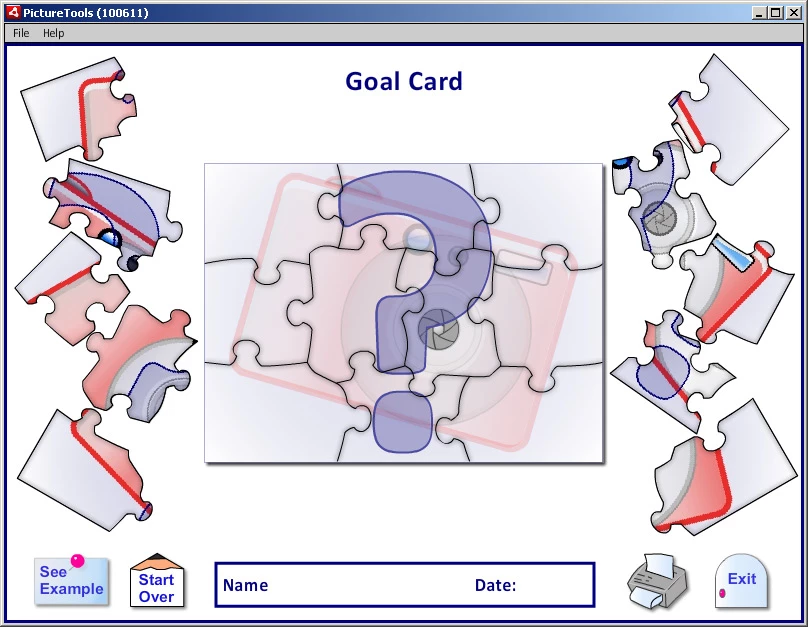
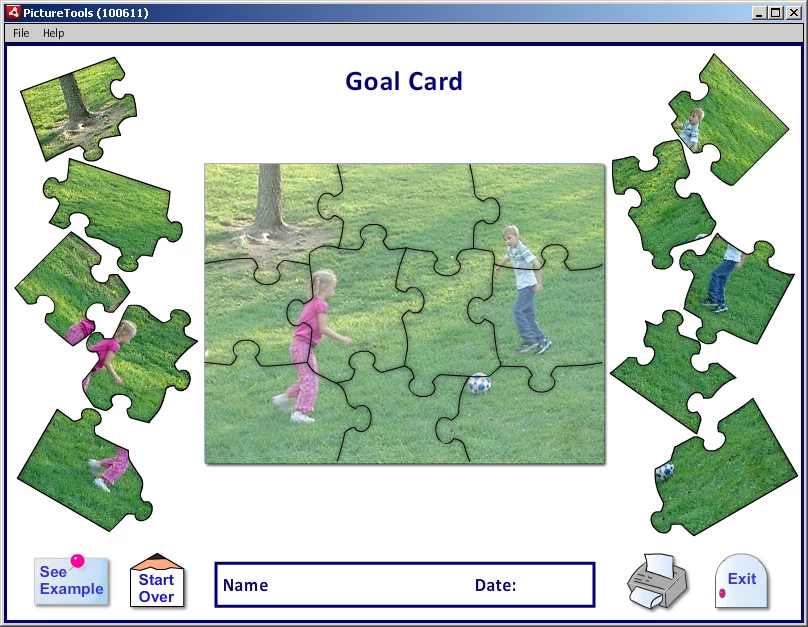
However, I have a problem in that the masked bitmap displayed in each piece is only 'masked' and not cropped. This means that, for instance on the third piece down on the left hand side, 100 not-visible pixels of bitmap extend below the piece and out of the 'framed' area. This totally throws off my calculations when I go to scale and then print the screen using the AIR PrintJob, and when I scale that 'card' down to a 'button' on the menu where the user chooses which 'card' they wish to use.
Is there a way to crop the not-visible area out, or copy only the visible pixels as BitmapData into a new Bitmap entity so that the layout is entirely contained within the 'frame'?
I've poured over the documentation and have come up empty.
Thanks for any help.
 AdChoices