
HTML Wrapper not showing linked XML content
Hi there
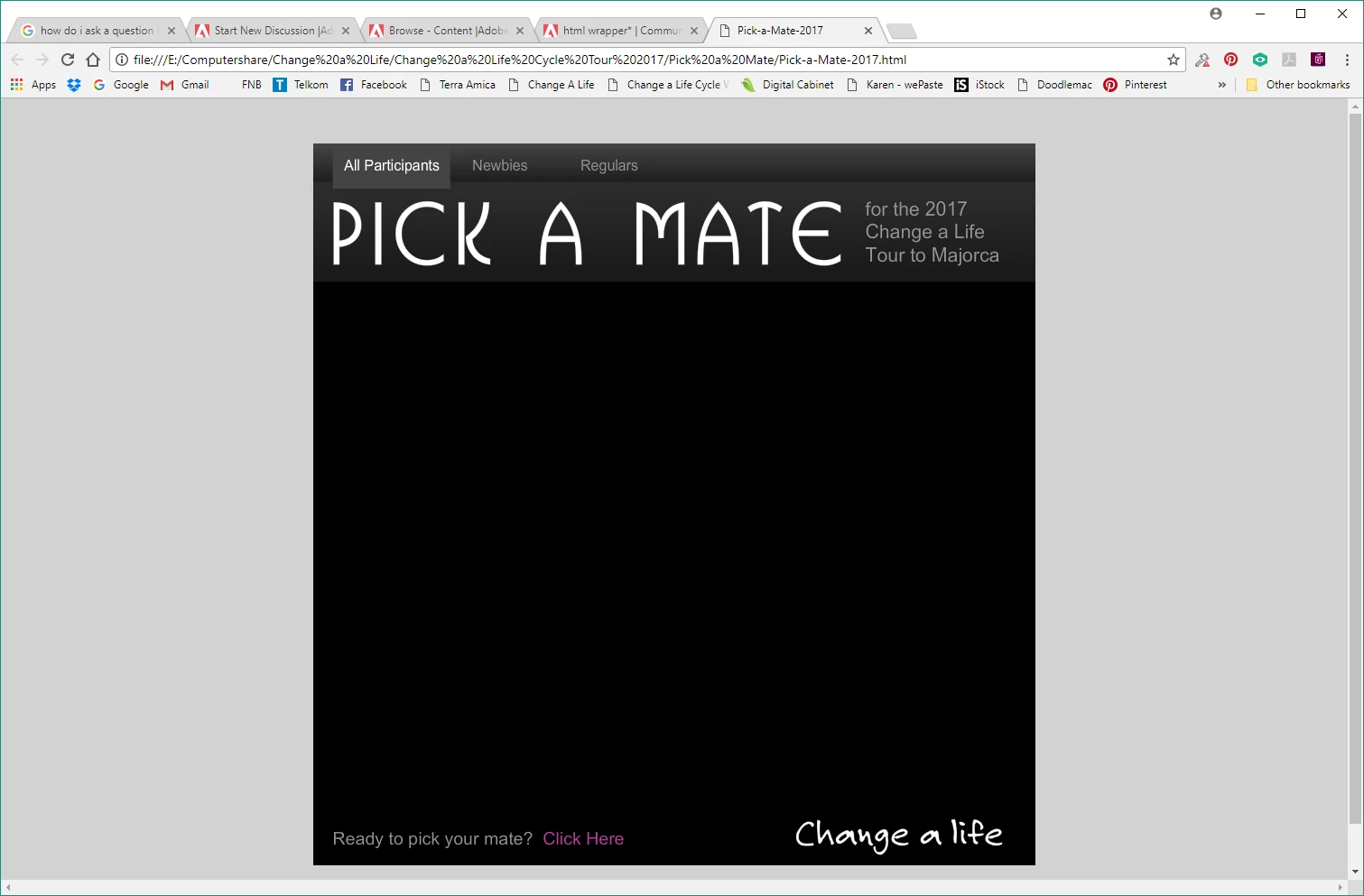
This is a weird question and hopefully I can explain correctly. I am not an expert in Animate so please bare with me when it comes to coding questions. I generally create simple animations and my knowledge ends there. I had a project that needed to load an image gallery. As my knowledge on how to do this was limited, I foind a free flash template from flashmo.com that allowed me to use their framework and just edit it for my own needs. I have been using this same template for a few projects over the last few years and it always works fine. the template imports photos, photo title and description from a linked xml doc. All goo. Now here is the rub. I am updating this project with new photos etc and when I publish it, the swf file works perfectly. the images and description load, all is good. BUT, the HTML wrapper only shows the background of the flash file and doesn't show the XML content. Below is a screenshot of the SWF file and a screen shot of the HTML wrapper for you to see. After contacting Adobe for help (they were stumped and pointed me in the direction of the forum). And a bit of testing and research on my own, I believe the problem may be with the browser and flash. I have tried in various browsers (Chrome, Firefox, IE etc) and all have the same problem. When viewing an old completed project that had no issues previously. the same problem occurs with the wrapper. but when checking the same project online (as it was completed and loaded a year ago) the entire project is fine and the browser shows the xml content. So the problem seems to purely be limited to previewing the HTML wrapper on my local machine.
I really hope I have explained myself correctly here. As the file is fine when loaded to the web, the problem is more an irritation than anything else. thanks for any help you can give. Bev
SWF screen

HTML wrapper with missing image gallery content
 AdChoices