Known Participant
April 17, 2019
Question

HTML5 File Not Opening in Browser?

  • April 17, 2019
  • 2 replies
  • 4475 views

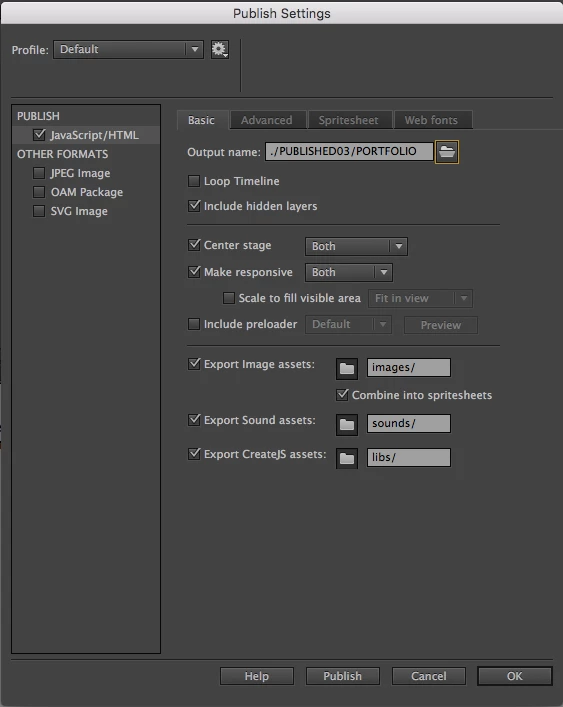
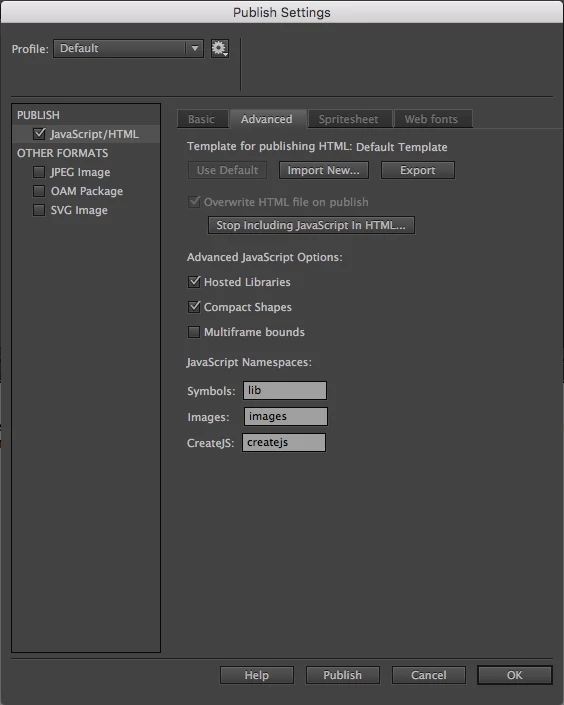
I've got a published .html file from Adobe Animate with very basic Go To and Play and Stop calls that has previously tested fine and worked fine in Firefox (Safari and Chrome didn't like viewing the file for security reasons or something). Only I continued working on the project and suddenly now I open the published files in Firefox it just shows a blank white page? I've attached screenshots of my publishing settings but I haven't changed any of them since it worked before - it's almost as though the browser just can't cope with the larger file or something? I feel like it could be security settings in the browser or something but it's frustrating when it's worked before and now it's suddenly stopped when the only thing that has changed is more content...
    This topic has been closed for replies.

    2 replies

    kdmemory
    Inspiring
    April 18, 2019

    Hi Ben

    "Only I continued working on the project and suddenly now I open the published files in Firefox it just shows a blank white page?"

    ThomasB is right: You are not using the latest version of Animate according to the look of your Publish Settings.

    But it could also be that in the progress of your file a problem arose. When you see a blank white page have a look at the browser's Web Console (Firefox: Tools => Web Developer => Web Console). If here an Error is listed (sometimes because of a seemingly benign reason like an instance is wrongly referred to in your code) it is quite normal that your page stays blank.

    And then by the sound of it "(Safari and Chrome didn't like viewing the file for security reasons or something)" it seems that you open the HTML file directly from your disk instead of testing it from Animate CC. Animate sets up a local web server, without the support of this server errors can as well show up.

    Klaus

    Known Participant
    April 18, 2019

    There is this error on the console... but to be completely honest I don't know what that means and it's not there when I open the previous iterations of the project? Again, it only seems to be now there's more content/a bigger file?

    kdmemory
    Inspiring
    April 18, 2019

    Don't worry, that can't be a big problem.

    In line 11792 char 1 a closing bracket ) is missing. The line number is from your published PORTFOLIO.js file and is not identical with the line number of your code in your timeline. Click on PORTFOLIO.html:11792:1 and it will bring you to the Debugger where you can find the code and location of your mistake. Then go to your timeline code and do the repair.

    If you experience difficulties then paste your code (your code, not the published PORTFOLIO.js) here. I will have a look.

    The second line: AdobeAn is not defined is just a consequence of error one. That will vanish once you added the missing ).

    Klaus

    Known Participant
    April 18, 2019

    I had the same problem and it seems to be solved after updating Animate.

    If it does not help please make a bug report.