
Question
Keyframe Icon is changed in update
Hi all,
So I made the mistake of updating my copy of Animate (20.4 I believe?) and this new feature's really frustrating me:
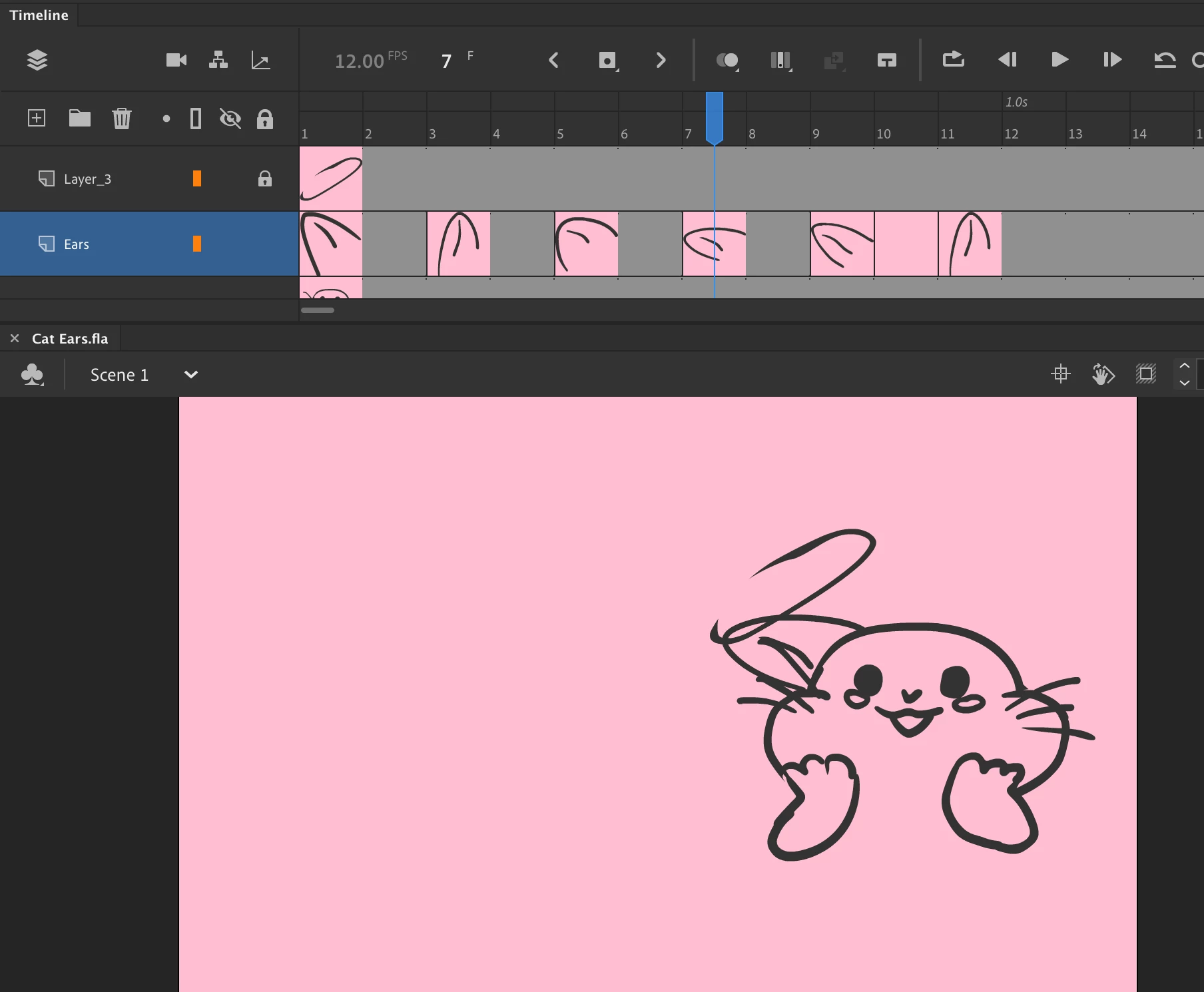
As you can see in the Timeline panel, they changed the dots of the keyframes into thumbnails of your drawing. It's taking up too much room on my screen because now the timeline is bigger, and it looks visually cluttered, and I just want it go back to the simple dots they used to have (see below image).
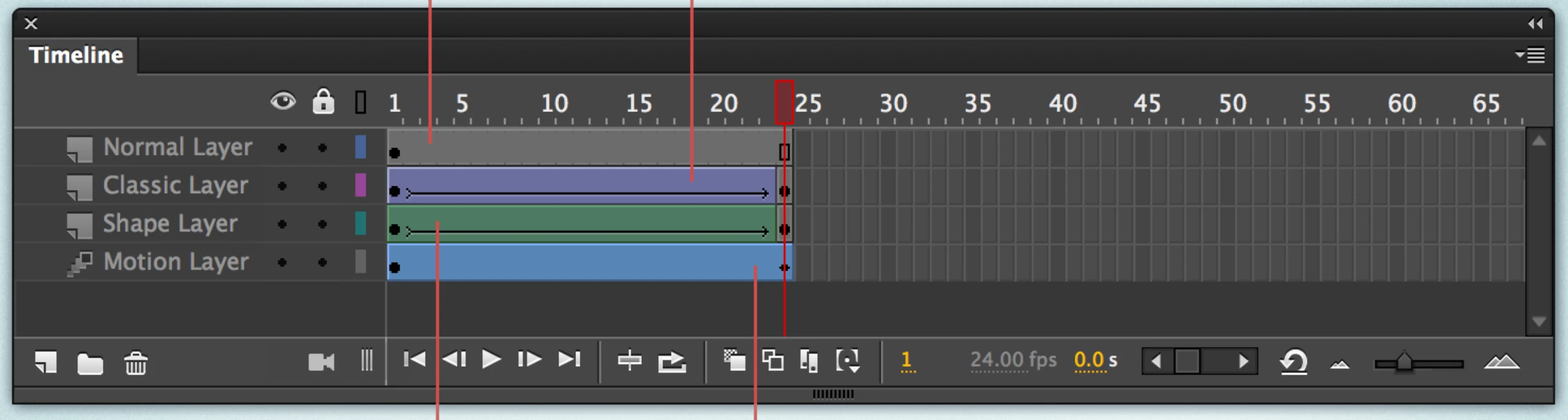
I wasted so much time looking for the setting but I cant find it (and it must be so new that there's nothing yet on the forums?)
Im currently waiting on an old version of Animate to download, but please if anyone has a solution let me know!
 AdChoices