Participant
September 23, 2019
Question

Keyframe issue
  • September 23, 2019
  • 3 replies
  • 3986 views

I started up animate and went to work. I made some key frames (all in the same layer) and started to put art onto the frames. I then noticed that my previous frame was still on screen and wouldn't leave. I didn't have onion skins on or anything of the like. I tried playing but it seemed like all my frames were playing as one frame and came on at the same time. 


That seems like the most simple way to explain it. All my key frames are acting like they are one keyframe instead of 10 separate frames. 


Any help would be great thanks. 

This topic has been closed for replies.

3 replies

_keyframer
Community Expert
Community Expert
September 23, 2019

You are using the F6 key. Do not. use the F7 key in your subsequent frames.

Animator and content creator for Animate CC
Participant
September 23, 2019

Oh okay. I wasn't oh okay. That is probably it. I hotkeyed the insert keyframe to my tablet and not the other one now that I am using the BLANK KEYFRAME hot key on my tablet it seems to be working. I probably didn't notice it before because I had made a bunch of keyframes at the start before i did anything and then when I went to create more it wouldn't let me.


Thanks. I haven't used flash and an only really starting to use animate so I didn't know there was a difference. Thank you so much for the help. Now I can get back to work without pulling my hair out lol. 

_keyframer
Community Expert
Community Expert
September 23, 2019

Are you 100% sure all of your frames were "keyframes"? keyframes are indicated by a hollow circle (if the keyframe is empty) and a solid circle if the keyframes contains an asset...


Animator and content creator for Animate CC
Participant
September 23, 2019
Yes I am sure. They were key frames and when it didnt work I removed them all and tried again with new keyframe but it still happened
_keyframer
Community Expert
Community Expert
September 23, 2019
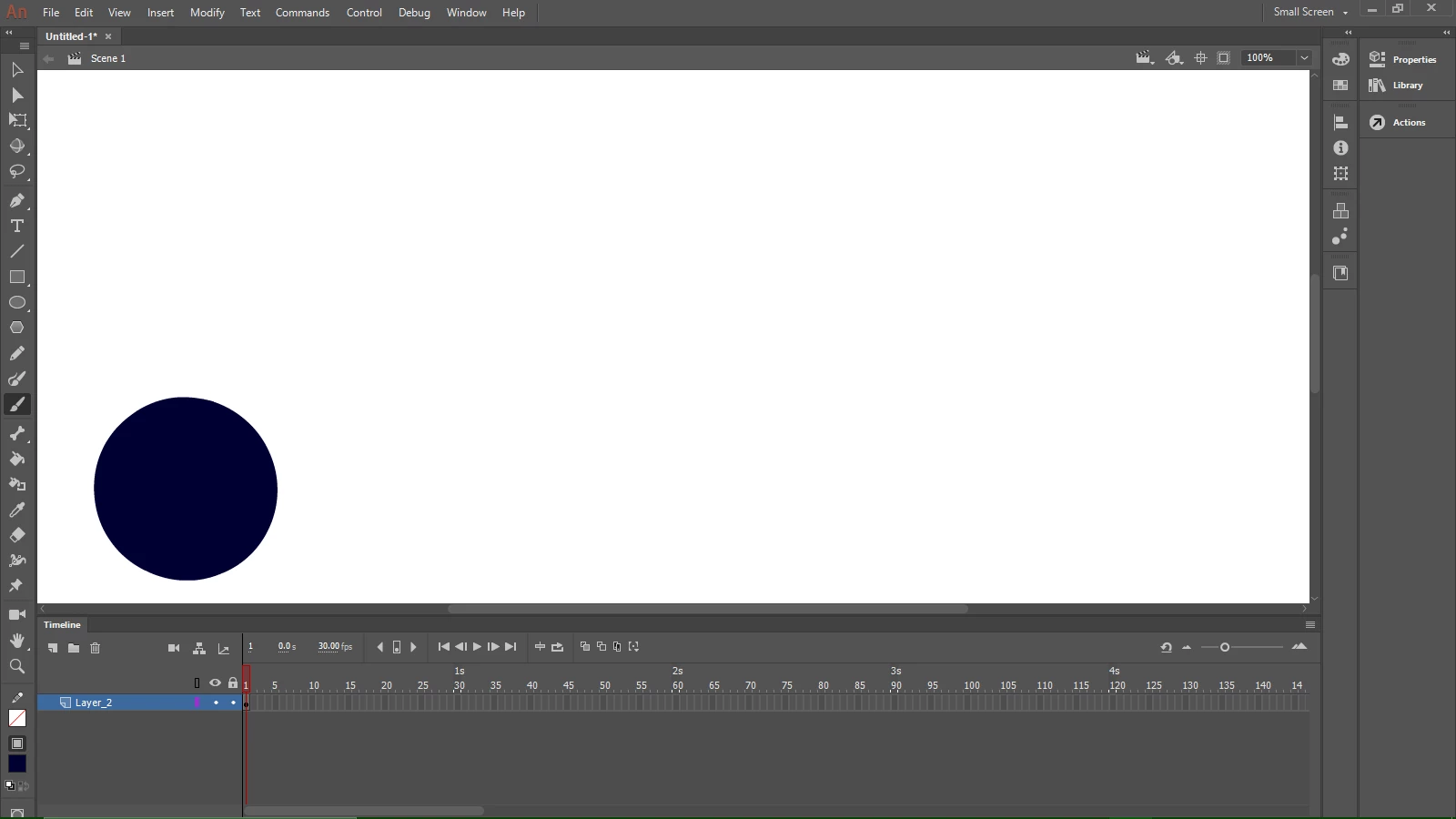
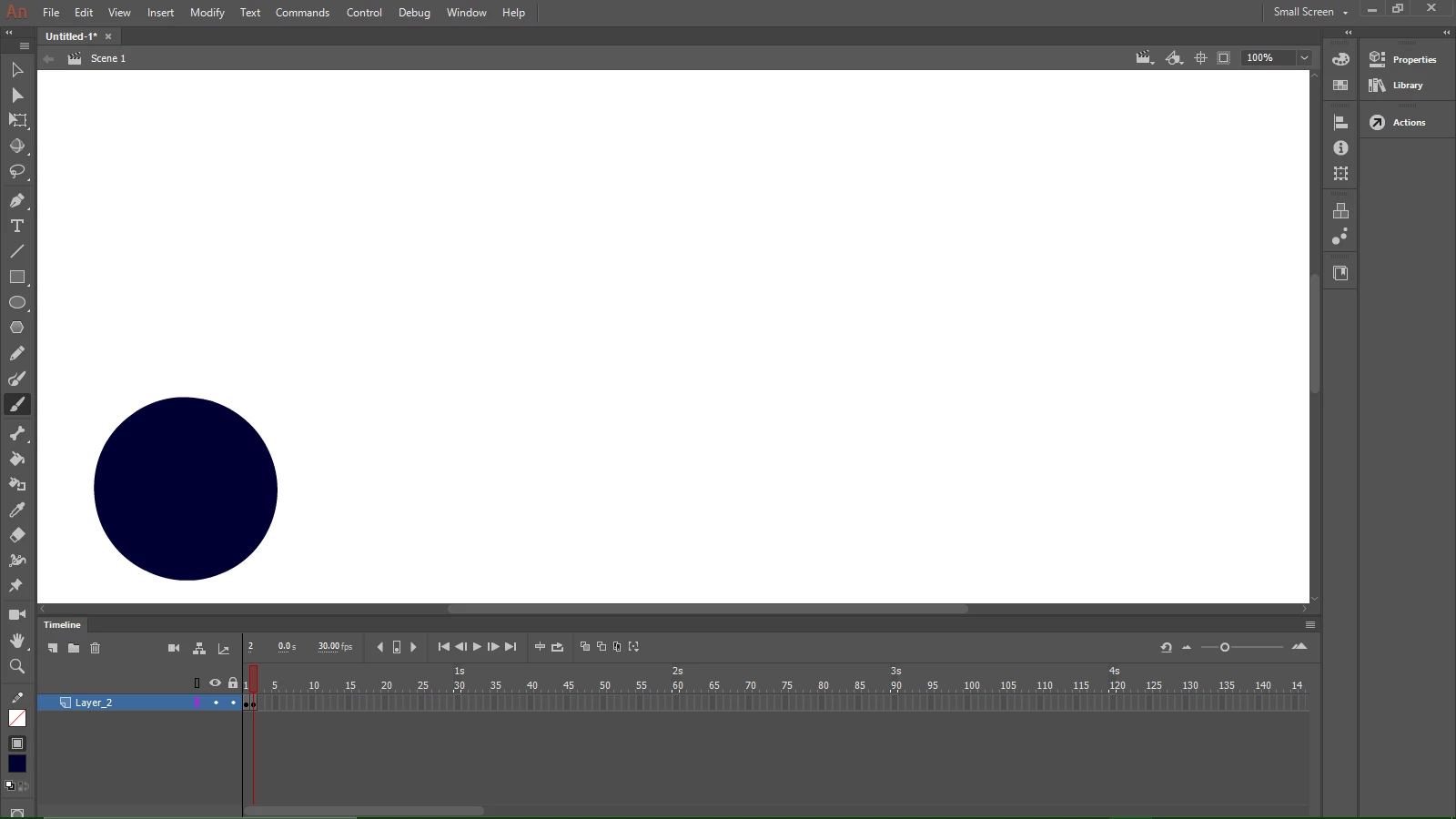
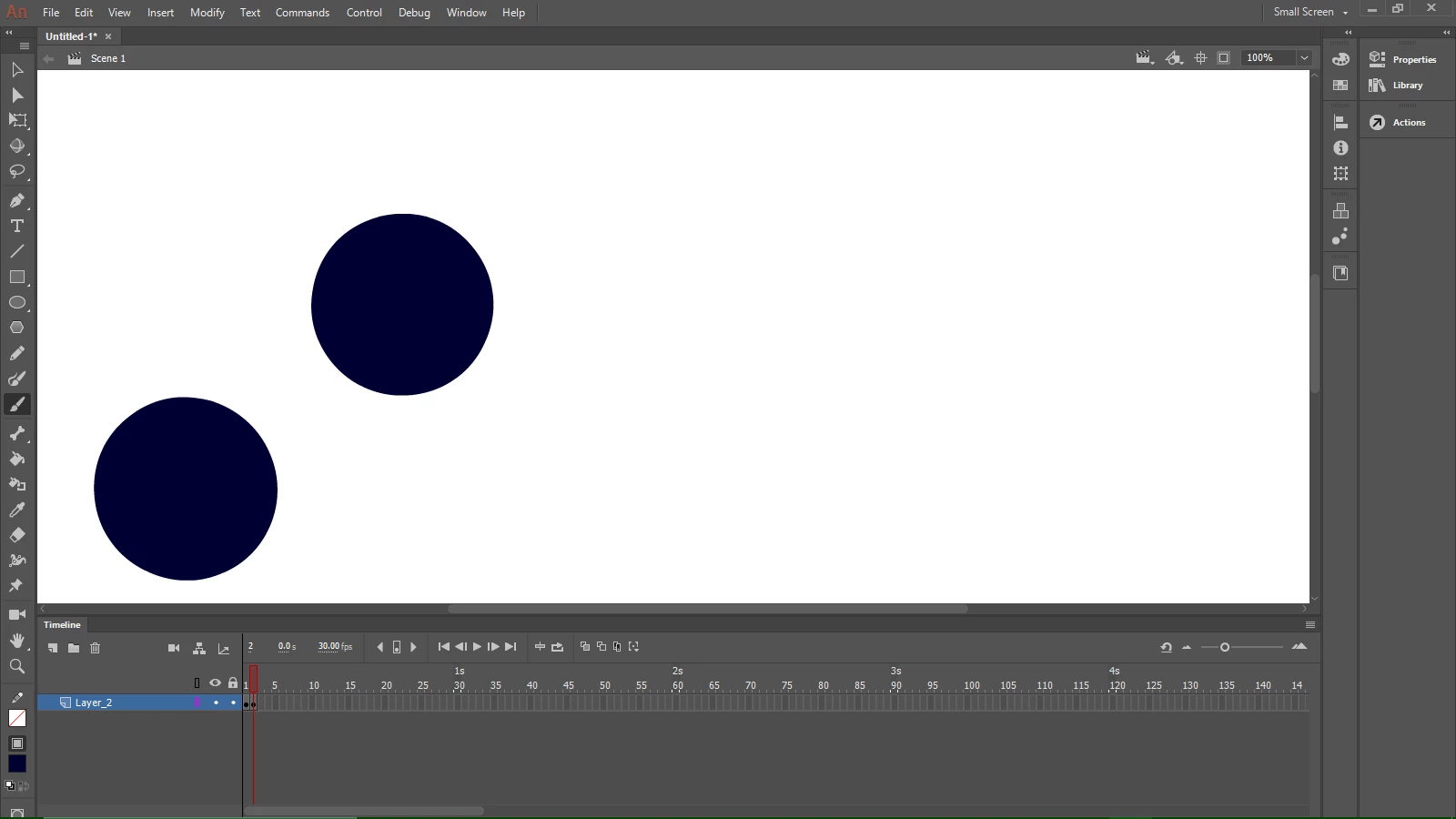
Posted some photos. I think my problem is that I can never create a blank key frame. Everytime I create a keyframe it is already filled with the image before hand. So the only way I can get it to work properly is to clear the frame and then work. Which if I have to fine but that just makes so much more work to do and I am already on a deadline.

F5 = Insert Frame (extends the "exposure" of the existing contents of the previous keyframe)
F6 = Insert KEYframe (if the current frame already contains assets(s), hitting F6 will create a new keyframe with those exact assets thereby allowing you to make a change (animation).

F7 - Insert Blank Keyframe (This will create a blank keyframe but if there's already assets residing on stage in the current frame, F7 will remove them from the current frame and create a blank keyframe.

Animate has worked like this for years. It's one of the things that has really never changed since the days of Flash.

Animator and content creator for Animate CC
kglad
Community Expert
Community Expert
September 23, 2019

embed a screenshot showing your problematic timeline and the stage.