Answered
Laggy animation playback
Increadibly laggy playback, probably from overload of frames, any way i can fix? Im only using pencil tool without many line complicated line segments.
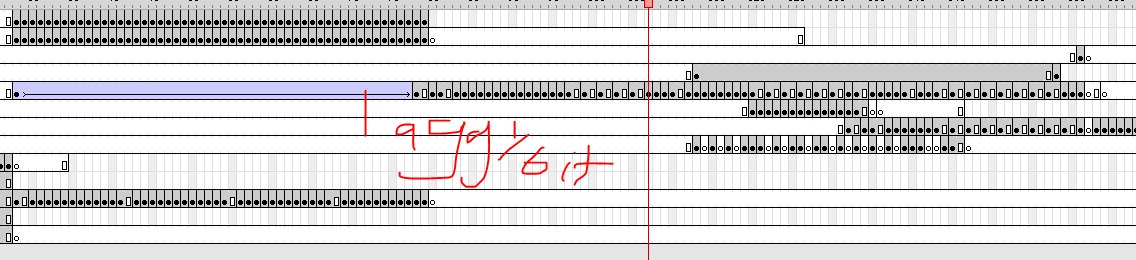

Increadibly laggy playback, probably from overload of frames, any way i can fix? Im only using pencil tool without many line complicated line segments.
Laggy playback could be caused by a number of issues...
Slow graphics card
Generous use of alpha and/or multiple large objects moving
Stage scaled up very high
Try scaling down your stage a little and hiding contents outside the stage. If you have a lot of vector information that changes on every keyframe, that could hurt performance also. Go to View > Preview Mode > Fast and see if that helps.
Also, hit command + return or Ctrl + Enter to publish your animation to a SWF that will launch in the Flash Player. It's like a preview mode of sorts. This usually shows you a more accurate and intebded frame rate.
Already have an account? Login
Enter your E-mail address. We'll send you an e-mail with instructions to reset your password.
 AdChoices