
Question
Lines flickering off and on when "asset warp" tweening
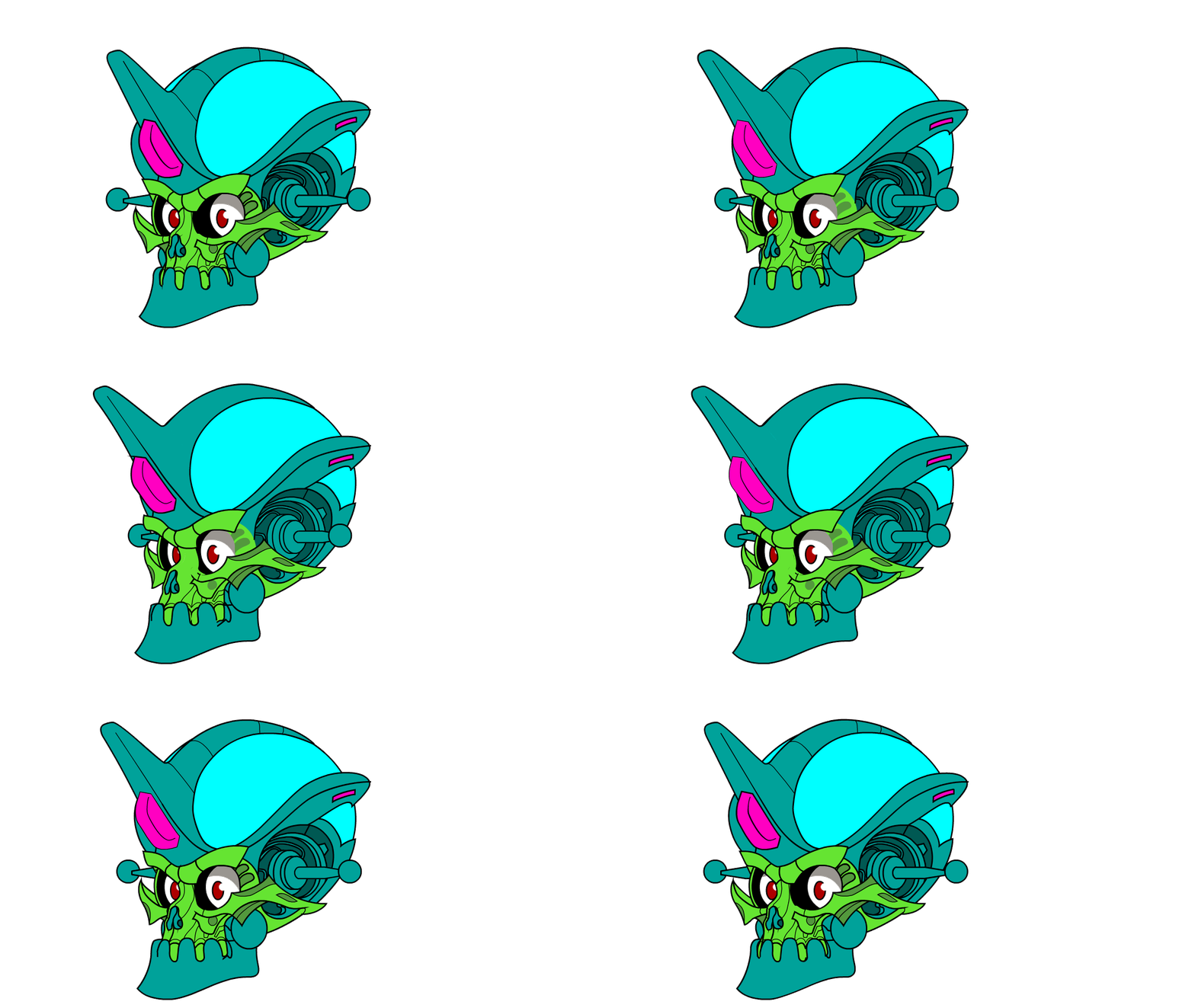
I'm trying to tween a "head turn" animation with the mesh deform tool added to the new version of Animate CC 2019. The problem may lie in the fact that the images I'm using are from an imported *.ai file and, I can only break them down so much before they begin to lose all aesthetic quality.
Still, when I tween a mesh deform, certain strokes disappear for a few frames, causing the animation to look like it's flickering in some parts. Will I just need to recreate the graphic images in Animate?
I uploaded the file to my drive, in case anyone wants to take a look. It should be pretty basic.
martian11-17-18.fla - Google Drive
The swf file is here:
https://drive.google.com/file/d/12aZjkkmRk0hhivfQolXRm_lRyFsNI7ua/view?usp=sharinghttp://
 AdChoices