Participant
July 12, 2020
Answered

Problem with Pop Up window size in Animate CC

  • July 12, 2020
  • 2 replies
  • 1316 views

So, I just started using Adobe Animate CC.

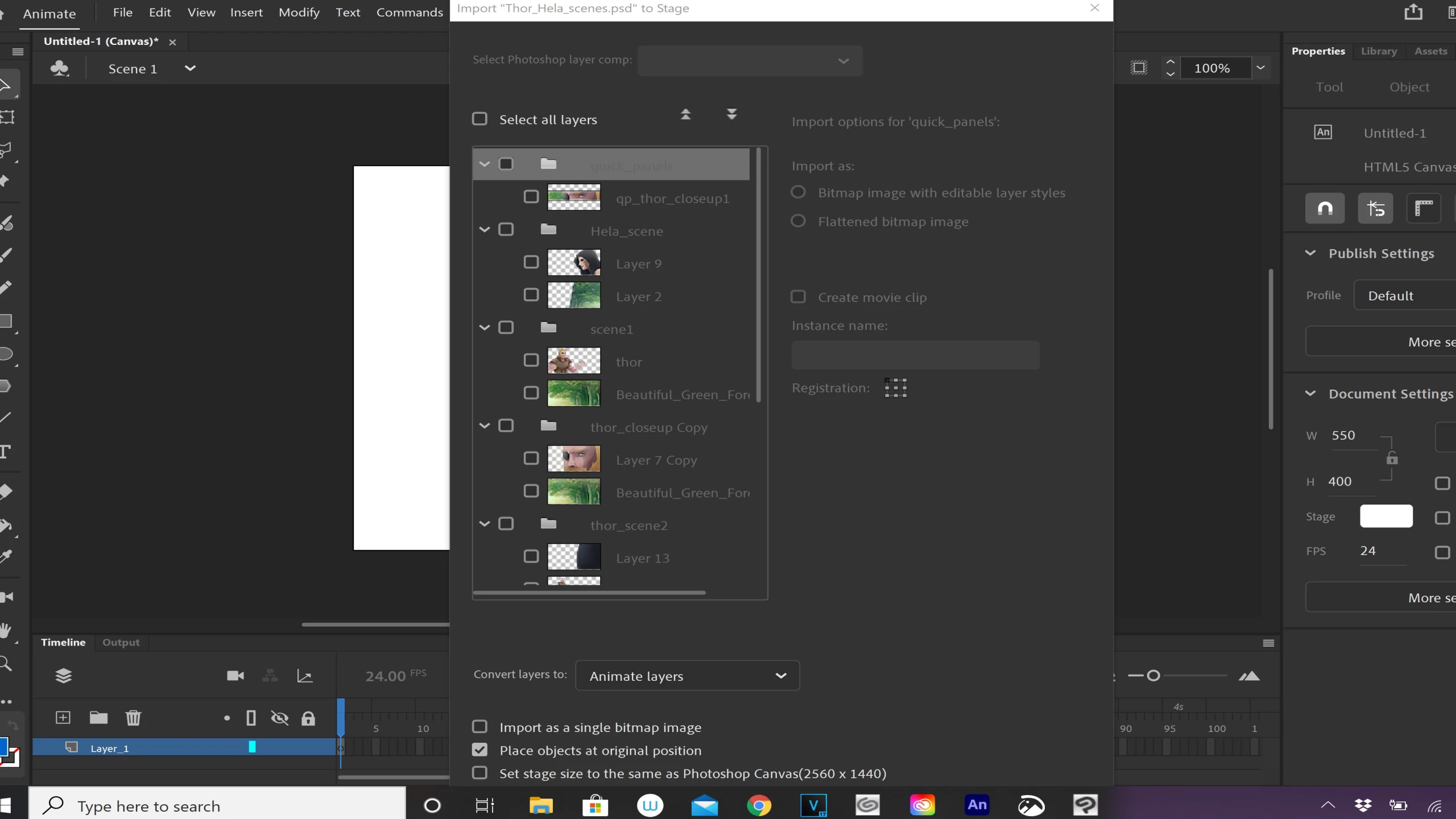
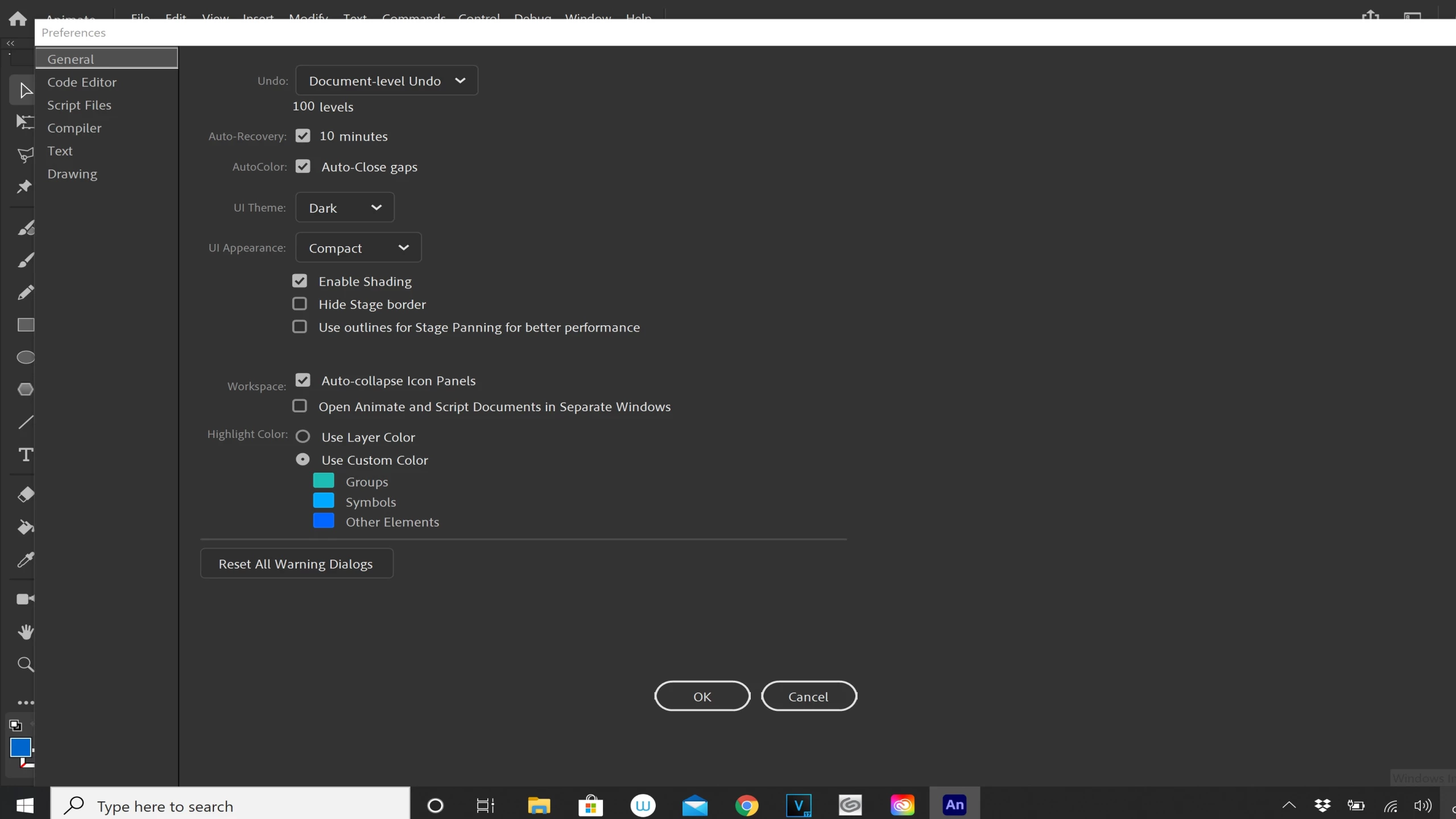
Everything is fine EXCEPT whenever I select certain menus, the pop up window is HUGE. So huge in fact that I can not even see the "Ok" and "cancel" buttons. 


I'm using a Wacom Mobile Studio Pro 16.

15.6" UHD

3840 x 2160 IPS Display


Is there any way to decrease the size of the windows?
 

This topic has been closed for replies.
Correct answer kglad

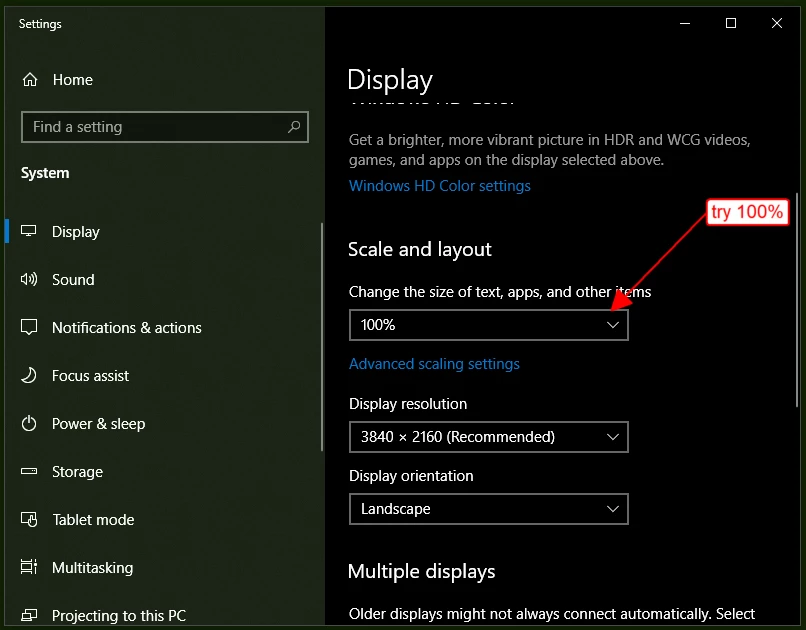
no, i don't think you can adjust that panel size.  but it's only 605px x 907px so i'm guessing you either have a super small monitor, or more likely, you have your window display scaling greater than 100% and you could adjust that setting:


2 replies

Participant
July 12, 2020

Thanks for the quick reply. Turns out my scaling was on 250% as the default for whatever reason. Though, 100% makes everything too small for this tablet pc, so i placed it on 200% and it works fine. Thanks again.

kglad
Community Expert
Community Expert
July 12, 2020

you're welcome.

kglad
Community Expert
kgladCommunity ExpertCorrect answer
Community Expert
July 12, 2020

no, i don't think you can adjust that panel size.  but it's only 605px x 907px so i'm guessing you either have a super small monitor, or more likely, you have your window display scaling greater than 100% and you could adjust that setting: