

Answered
"Paint Fills" Mode Not Working Properly
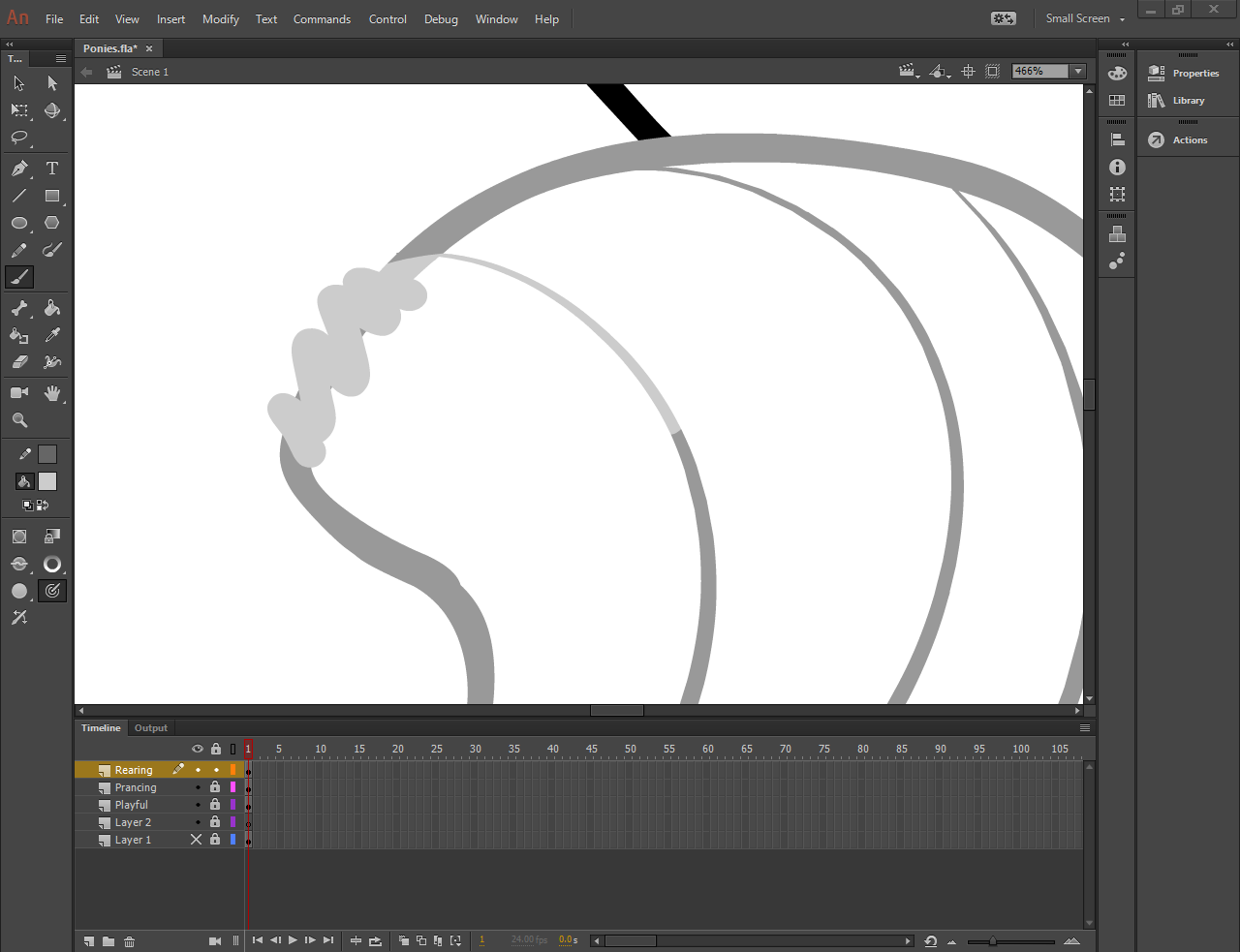
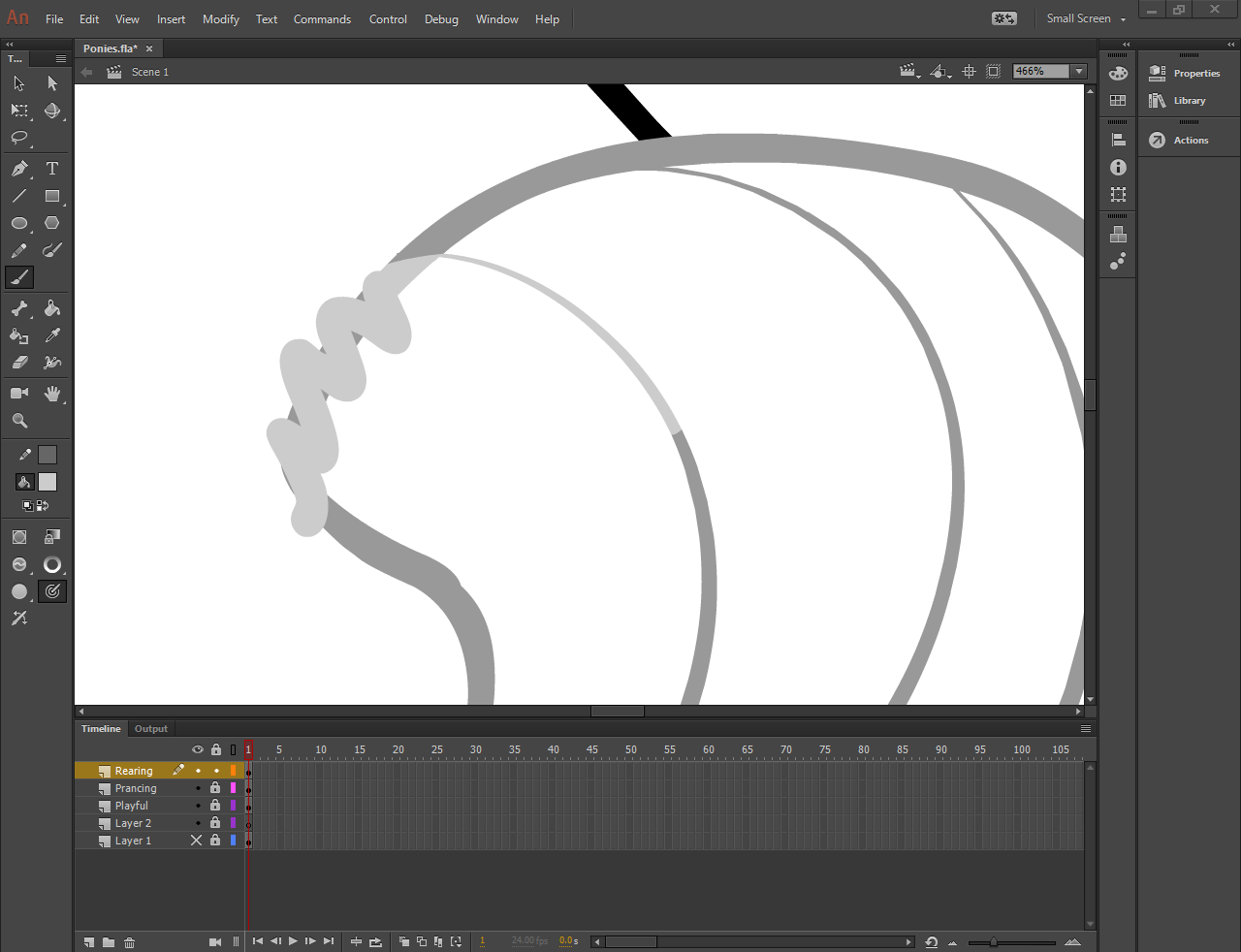
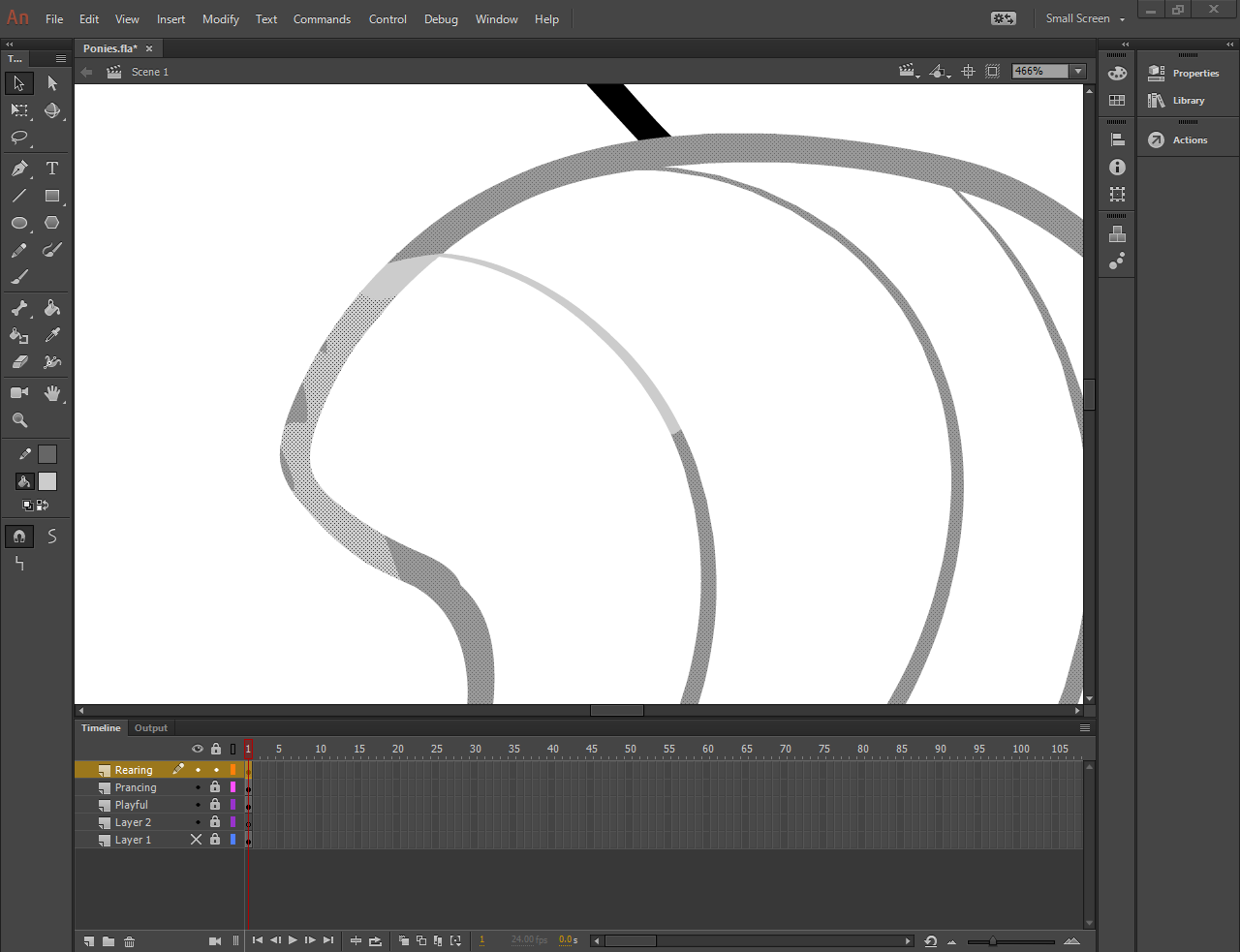
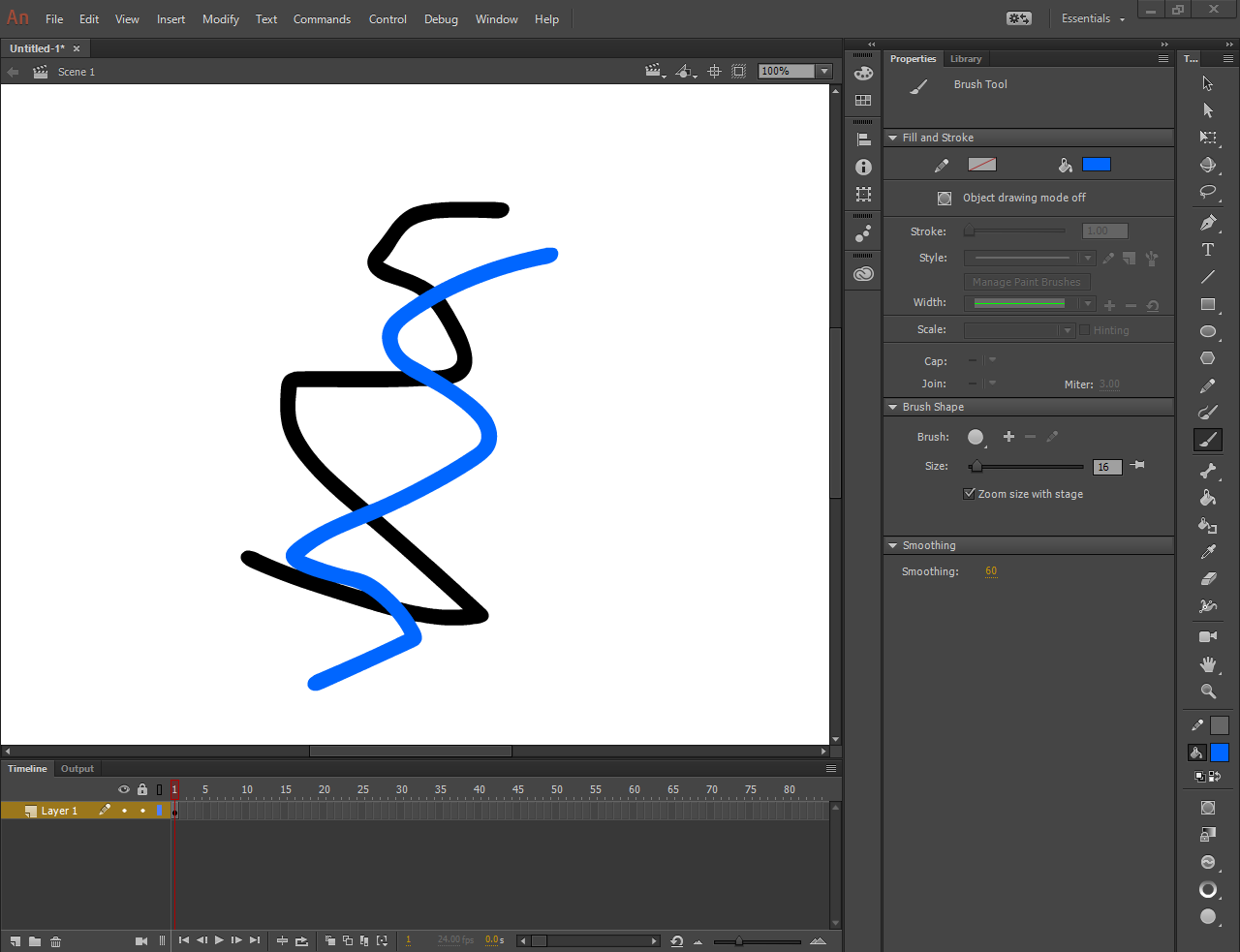
The "Paint Fills" brush mode is supposed to paint ONLY on top of already filled objects, right? And that's exactly what I want to do, I want to change the color of a certain part of my drawing by painting over it without messing up the already defined shape. But when I use the Paint Fills mode, it seems to operate exactly the same as the "Paint Normal" Mode. The only way I can get the result I want is by putting the brush in the "Paint Selection" mode and select the colored line I want to paint over.
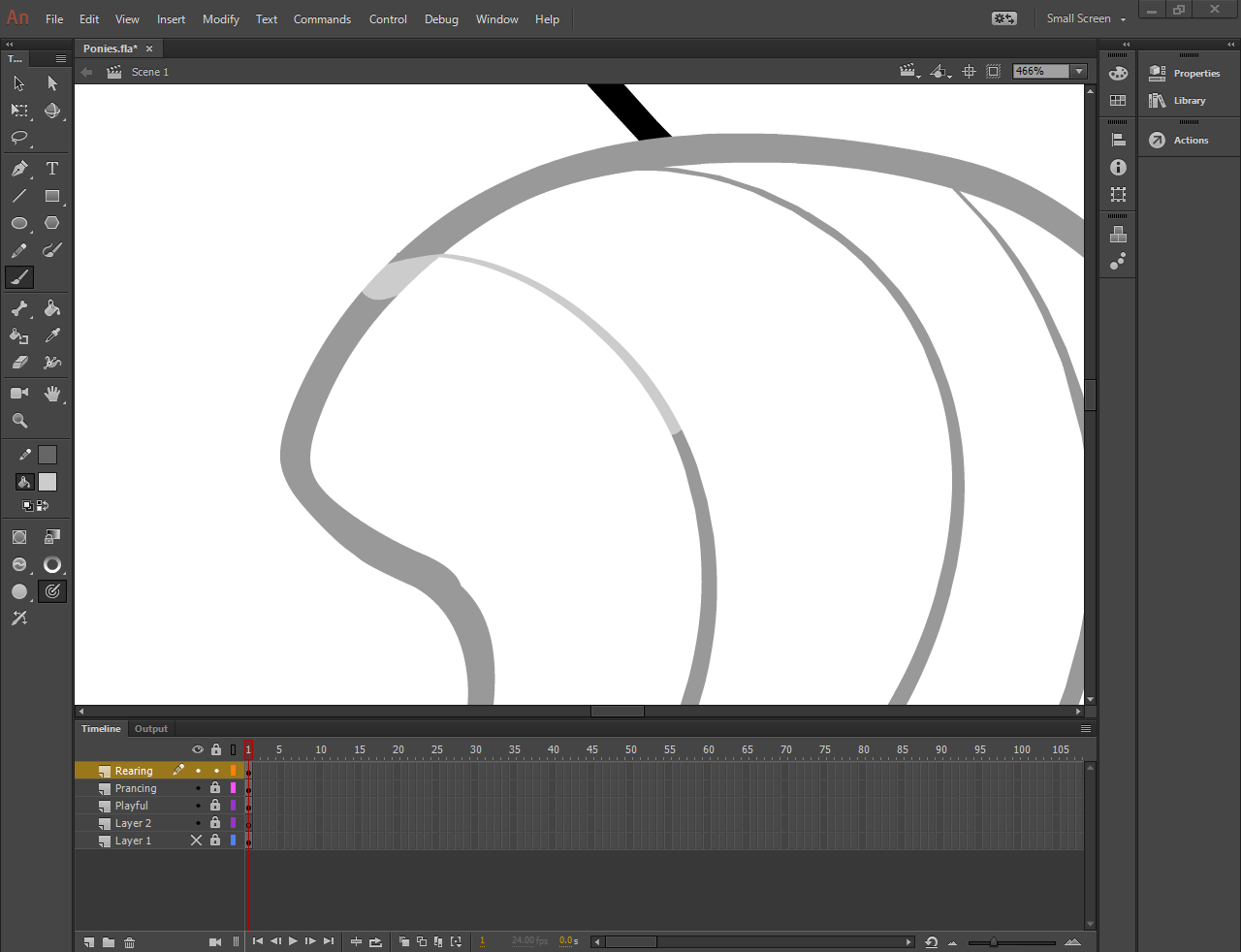
Before:
Paint Normal Mode:
Paint Fills Mode:
Paint Selection Mode (the result I wanted and thought Paint Fills was supposed to accomplish):
I am using Windows 10 Home, 64-bit and Adobe Animate CC 16.2.0.24.
 AdChoices