
Participant
March 30, 2019
Answered

text/object animation. fade away , new text/object appear?

  • March 30, 2019
  • 2 replies
  • 485 views

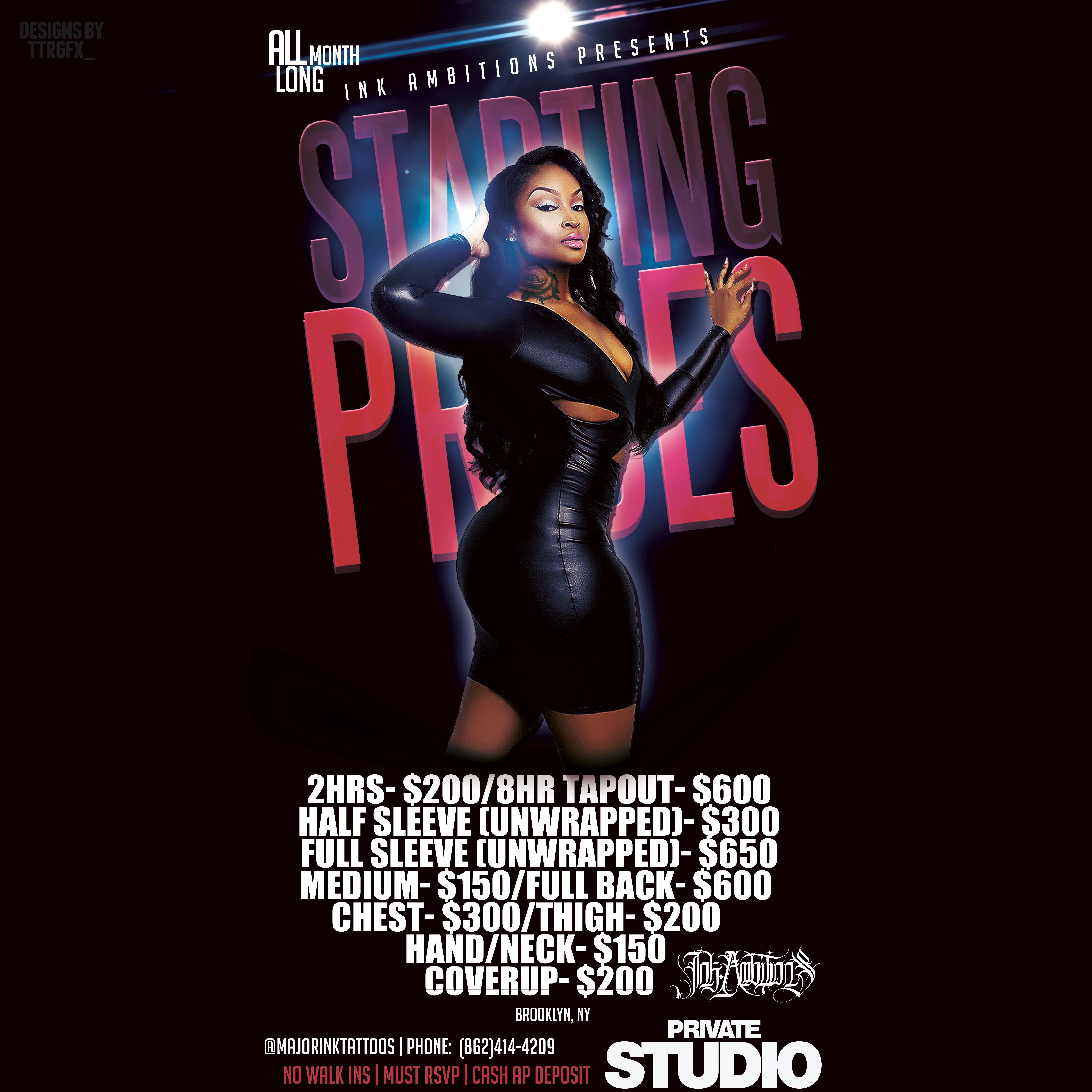
hello , i am here today because i want to make an animated flyer for Instagram .

id like there to be general client information where the price information is now , then id like general information to fade away and reveal this price list where it currently is placed.

i have the .psd file in appropriate layers .  - @ttrgfx_

and the adobe suite
    This topic has been closed for replies.
    Correct answer maxwithdax

    If you are starting with a psd, you really could just do the animation in Photoshop using a similar technique to the one covered in this video - How to Create a .GIF and Upload It to Instagram - YouTube

    2 replies

    maxwithdax
    Community Expert
    maxwithdaxCommunity ExpertCorrect answer
    Community Expert
    April 1, 2019

    If you are starting with a psd, you really could just do the animation in Photoshop using a similar technique to the one covered in this video - How to Create a .GIF and Upload It to Instagram - YouTube

    kdmemory
    Inspiring
    March 31, 2019

    Hi trutechrep1

    Well, I don't know which platform you are targetting, though for Instagram I guess you are on HTML5 Canvas.

    However put your image without the text you want to fade in a layer as background.

    Import both texts (general client information and price list) as separate psd or png bitmaps into Animate.

    Wrap the into Graphic symbols

    Place those in the timeline in a layer above your background image and create classic tweens. Use Properties -> Color Effect -> Style -> Alpha to fade in 0% to 100% and out 100% to 0%.

    Klaus