
josephk17576860
Participant
April 7, 2017
Answered

When using the brush tool in Animate CC, it is greyed out and has horizontal lines. How do I fix it?

  • April 7, 2017
  • 2 replies
  • 1564 views

This is an image of what i see when i use the brush tool:
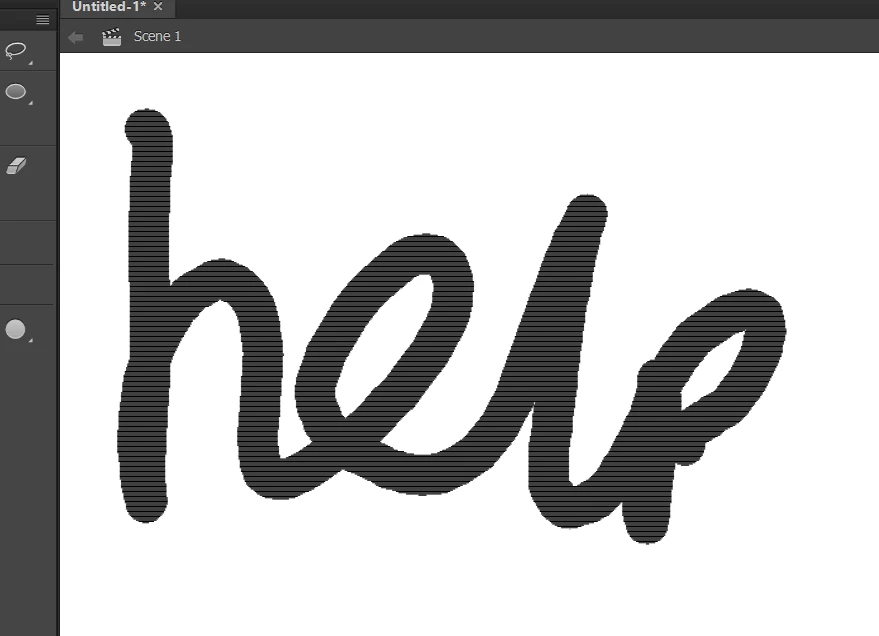
I want it to be a normal stroke as i draw with it.

After i let go it is a normal brush stroke:
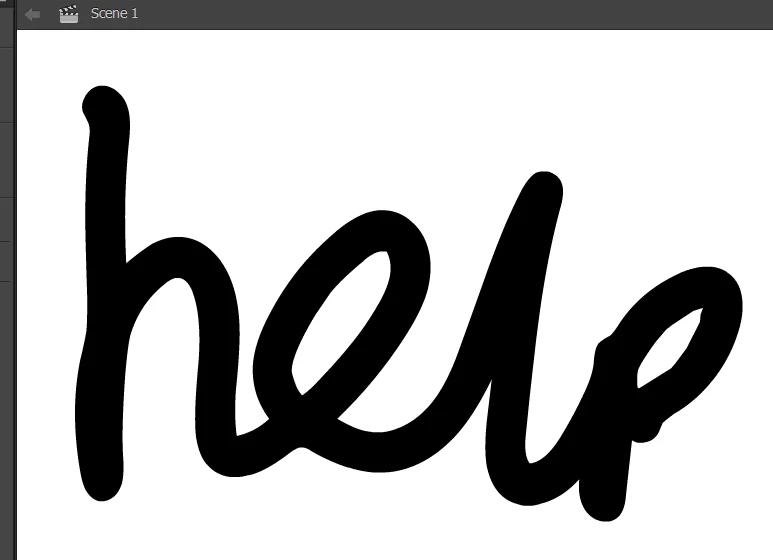
How do i fix this?

Moved from the Forum Comments forum (which is for discussing issues with these forums themselves) and into a product-specific, support forum - moderator]

This topic has been closed for replies.
Correct answer borisc1993

You got to change the smoothing to 0

2 replies

borisc1993
borisc1993Correct answer
Participant
February 14, 2018

You got to change the smoothing to 0

Colin Holgate
Inspiring
April 7, 2017

The smoothing in what you're drawing takes some time to calculate and would be constantly changing as you draw. That would be distracting and also take away CPU time from following the line you are drawing.

If you want to trade off line accuracy for instant smoothing you could send in a feature request here:

Feature Request/Bug Report Form

josephk17576860
Participant
April 10, 2017

i have had an older version of animate(flash) and the lines did not appear then.