


Participant
April 30, 2020
Question

Bosto tablet

  • April 30, 2020
  • 1 reply
  • 1151 views

So I installed adobe animate ( trial version ) and I have a Bosto tablet. When I started to draw it just made a wierd line.I watched a lot of videos. But it didn't work.

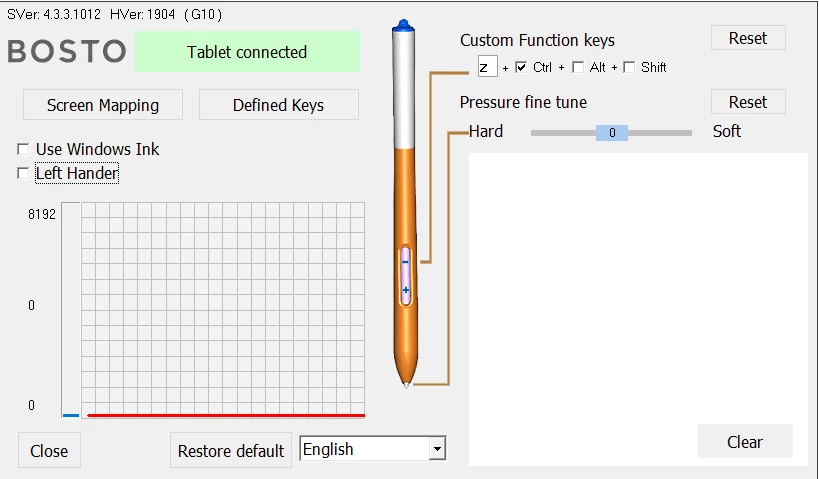
This is the normal settings of bosto tablet.
 

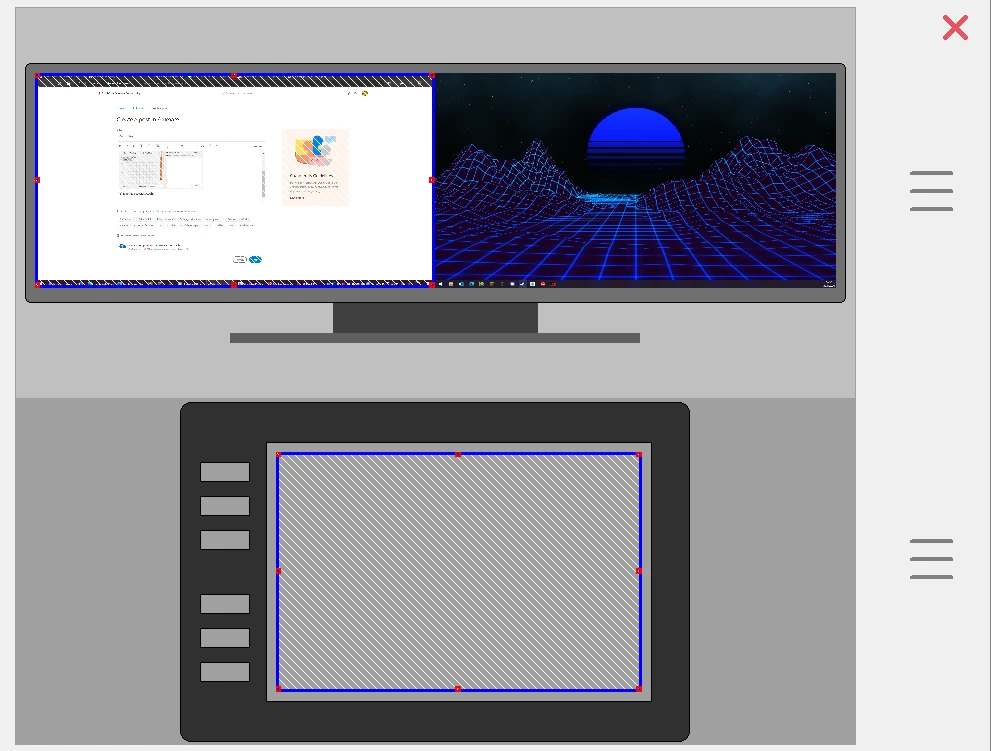
This is the screen mapping
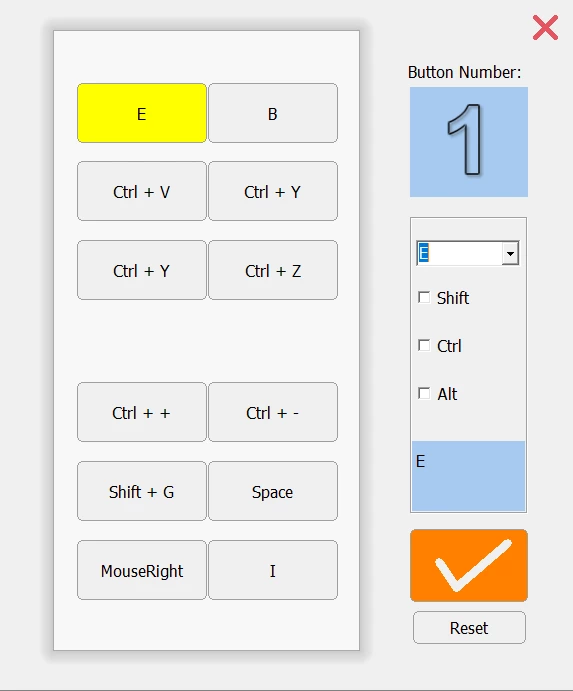
And this is the definited keys menu
 

    This topic has been closed for replies.

    1 reply

    Adobe Employee
    May 4, 2020

    Thanks for reporting. There is a fix available for these drawing related issues in the recent update (v20.0.3) available in Creative Cloud Desktop app. After installing please follow below steps.


    1. Enable Use Windows Ink option in your tablet driver settings
    2. In Animate go to Edit-->Preferences-->Edit Preferences-->Drawing-->Tablet Input--> Windows Ink(Beta) --> Press OK
    3. Open a new/created document for the changes to take place.


    Note: Please be aware Windows Ink option is a beta version and if you face any stylus interaction issues over Application/Tools, switch back Tablet Input to Wintab mode in Preferences.


    Let us know if you face any other issues.


    Also you can also join our Animate Prerelease beta program where you will have an early access to our developmental builds, features and bug fixes. You can sign up to the program using http://adobe.ly/20AEkbJ