



Answered
Drawing tools (brush, pencil, eraser) appearing not calibrated to mouse cursor
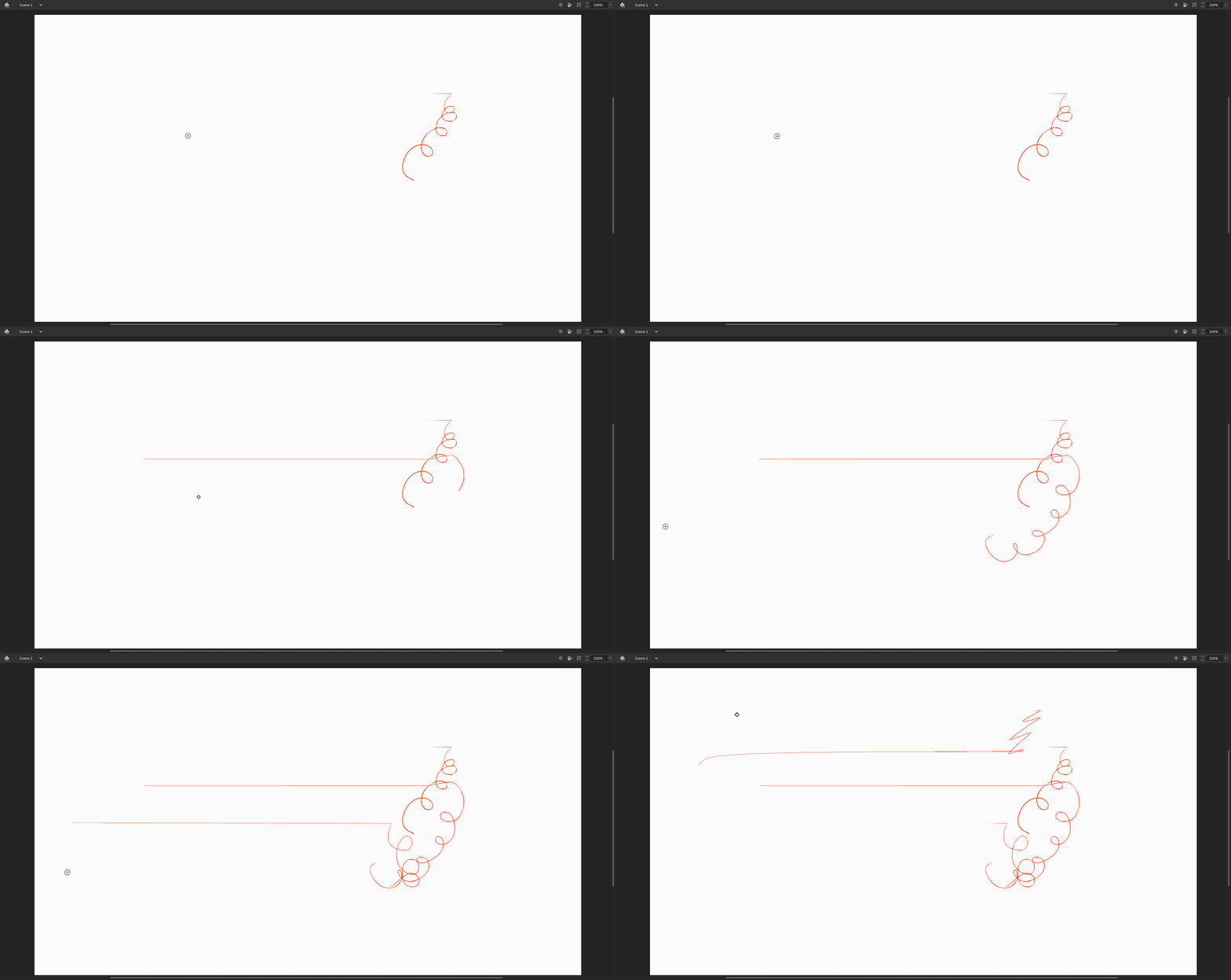
In the November 2019 release of Adobe Animate, all of my drawing related tools (brush, eraser, pencil) are drawing in the wrong spot on the canvas, after creating a straight line as if I'm pressing shift. Every other tool is calibrated to the position of the cursor except for drawing tools. The problem isn't tablet or mouse related - everything works fine in other adobe apps. I did not have this issue with the previous version of Animate. See below for example:
 AdChoices