


- Home
- Animate
- Discussions
- How to make html5 banner width 100% in Animate CC ...
- How to make html5 banner width 100% in Animate CC ...

Copy link to clipboard
Copied
Hello and sorry my english 
In Animate CC 2015 everything worked out.
I wrote JS script:
var r = this;
function onResize() {
stage.canvas.width = window.innerWidth;
var w = stage.canvas.width;
var h = stage.canvas.height;
}
window.onresize = function () {
onResize();
}
onResize();
and everything worked fine. Banner expanded to the full width of the window (not stretch proportionately!!!). Example as it was: https://yadi.sk/d/2qtVH8aL3Y9jJy
In Animate CC 2018, this script stopped working. How can I fix this?


 1 Correct answer


Can you have a look at this post How can I create SCALABLE HTML5-banner? Which would full 100% of the screen. - Stack Overflow and see if it offers you any insights? It is not related to Animate, but more about how you could achieve that on a file placed on a web page.
This blog post Creating HTML5 Ads with Animate CC: Responsive Canvas Scaling | Adobe Blog could also probably help you.
Thanks,
Preran

 3
Replies
3
3
Replies
3


Copy link to clipboard
Copied
Hi,
Do you get any errors on the Chrome dev console?
Copy link to clipboard
Copied
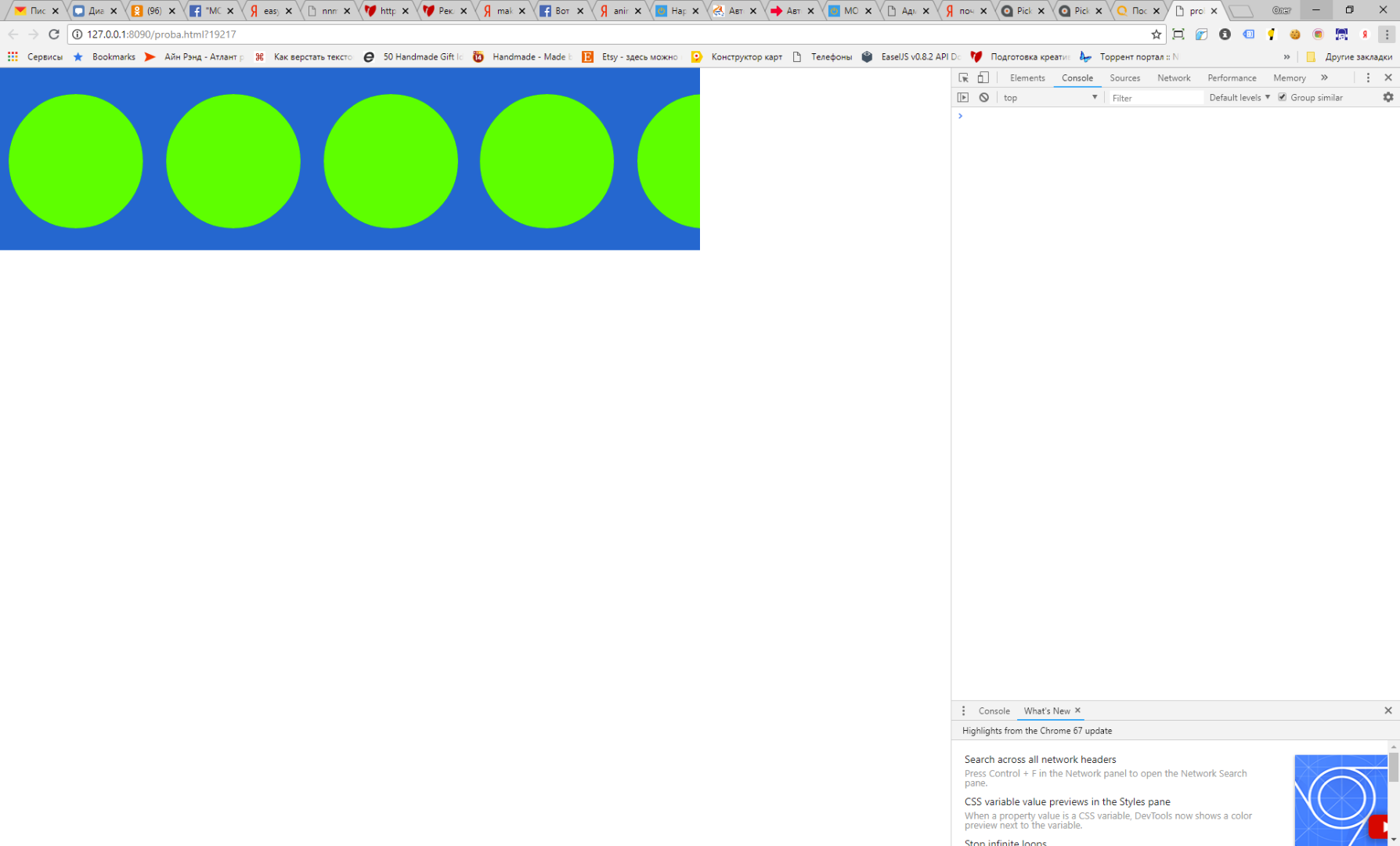
Copy link to clipboard
Copied
Can you have a look at this post How can I create SCALABLE HTML5-banner? Which would full 100% of the screen. - Stack Overflow and see if it offers you any insights? It is not related to Animate, but more about how you could achieve that on a file placed on a web page.
This blog post Creating HTML5 Ads with Animate CC: Responsive Canvas Scaling | Adobe Blog could also probably help you.
Thanks,
Preran


Get ready! An upgraded Adobe Community experience is coming in January.
Learn more
 AdChoices