



Audition Crashed. Now what?
Supply General Information about the Crash
- What were you doing when it crashed?
- What have you done since you last launched the application?
- If it crashes with a plug-in or a file, supply information about the plug-in or file.
- Has anyone else experienced the crash? Anyone else on the forums, or perhaps a friend that also owns Audition?
- Was there an error message? Post a screenshot.
- Submit a bug report with as much of the above information here for a bug: Post here for a feature request.
- When asked, send additional information directly to the Adobe Audio team by emailing links to media, projects, crash dumps, or other supporting files here: audbugs@adobe.com
- Finally, let us know if Audition's Crash Recovery system or automatic session backups worked for you.
Supply Information about your System
| Mac OS X |
Windows |
|---|---|
|
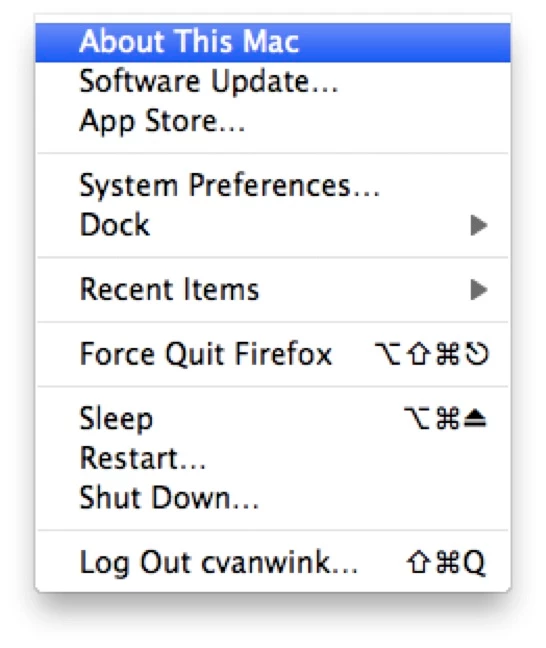
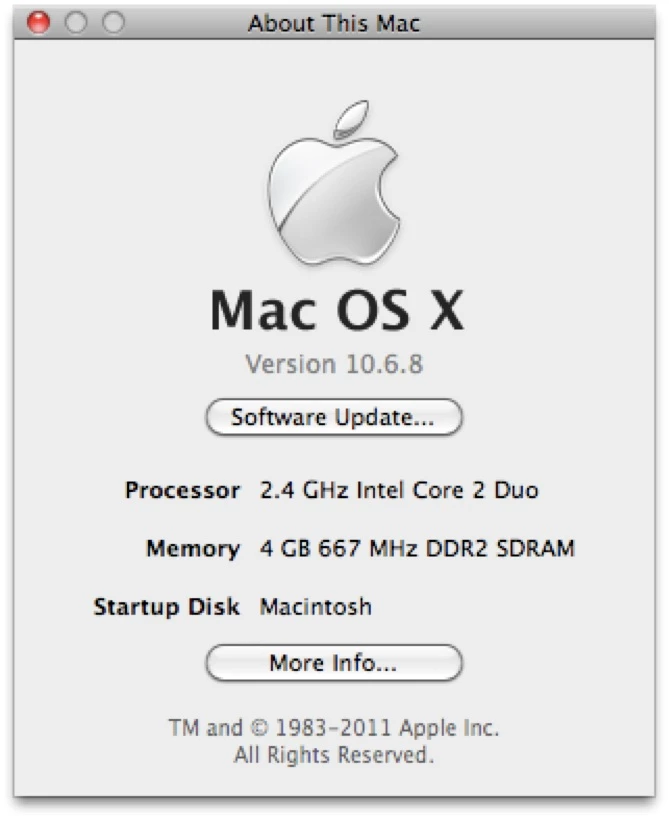
Go to "About This Mac"
Press [ More Info... ] to launch the System Profiler
|
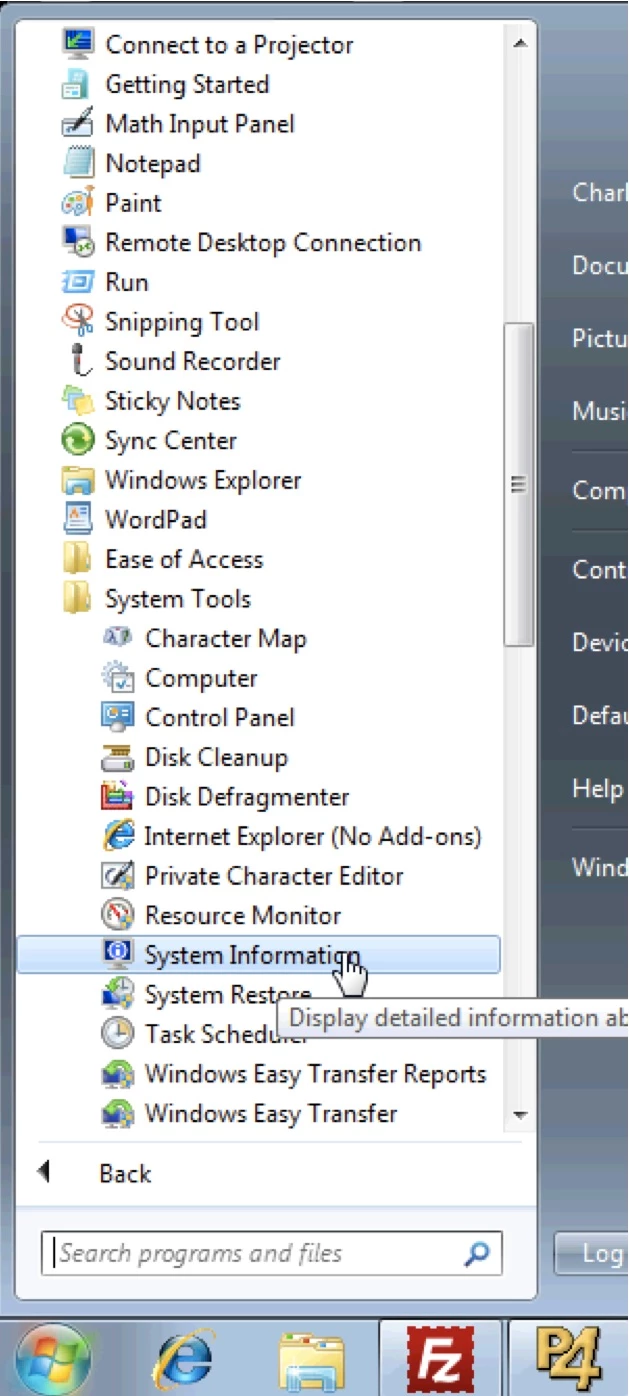
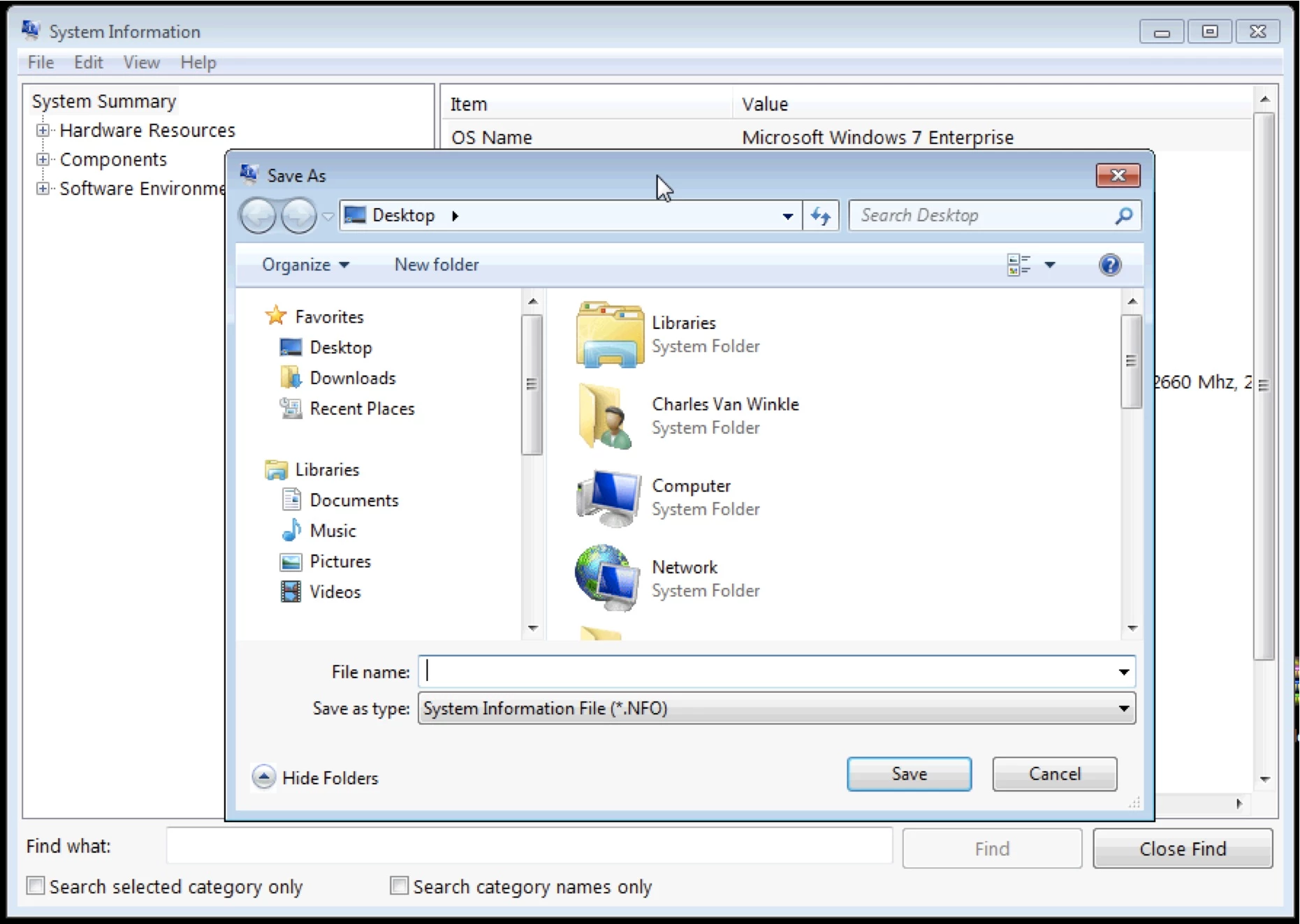
Go to the Start Menu > (All) Programs > Accessories > System Tools > System Information |
Save the profile to a file. 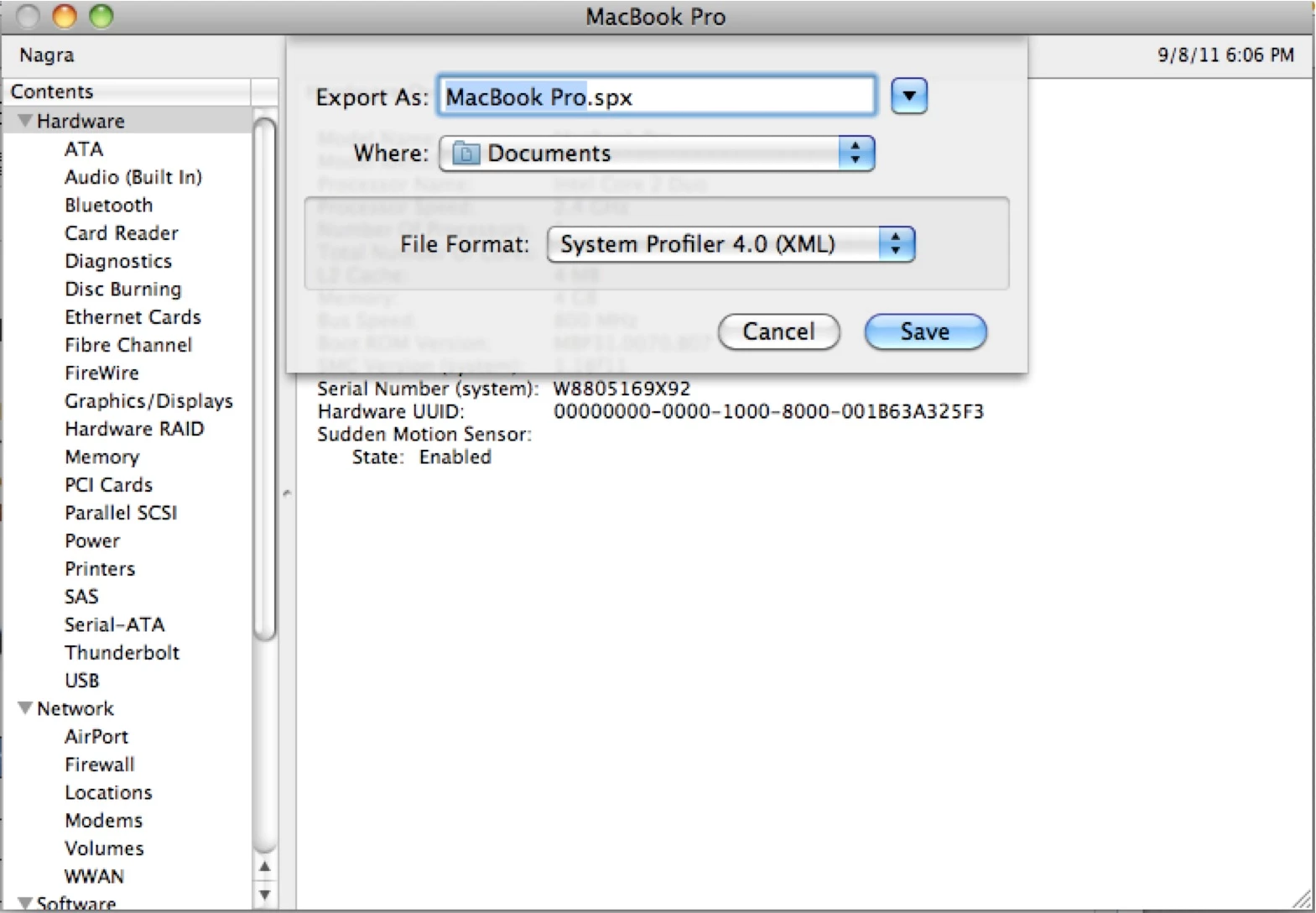 |
Save the System Information to a file.
|
Supply Information about the Crash
| Mac OS X |
Windows |
|---|---|
|
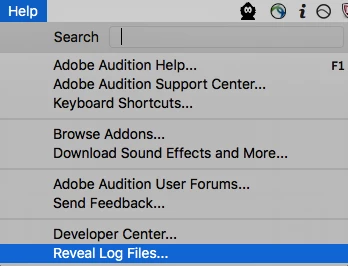
Include log files that Audition Creates by choosing Include log files that Audition Creates. Help > Reveal Log Files...
|
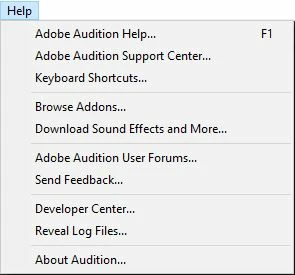
Include log files that Audition Creates by choosing Include log files that Audition Creates. Help > Reveal Log Files...
|
|
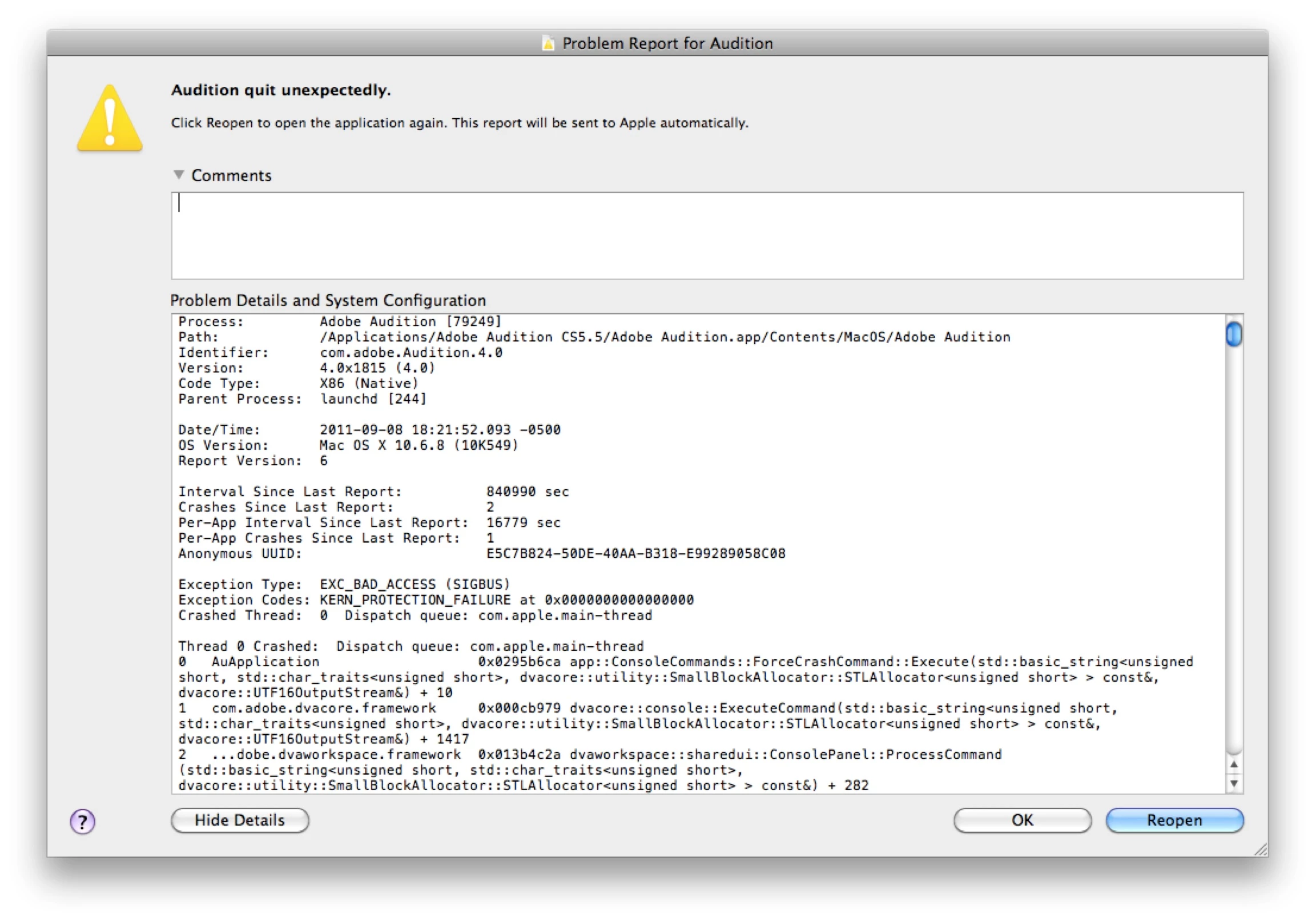
Copy the text from the OSX Crash Log, supply this information with any crash report.
|
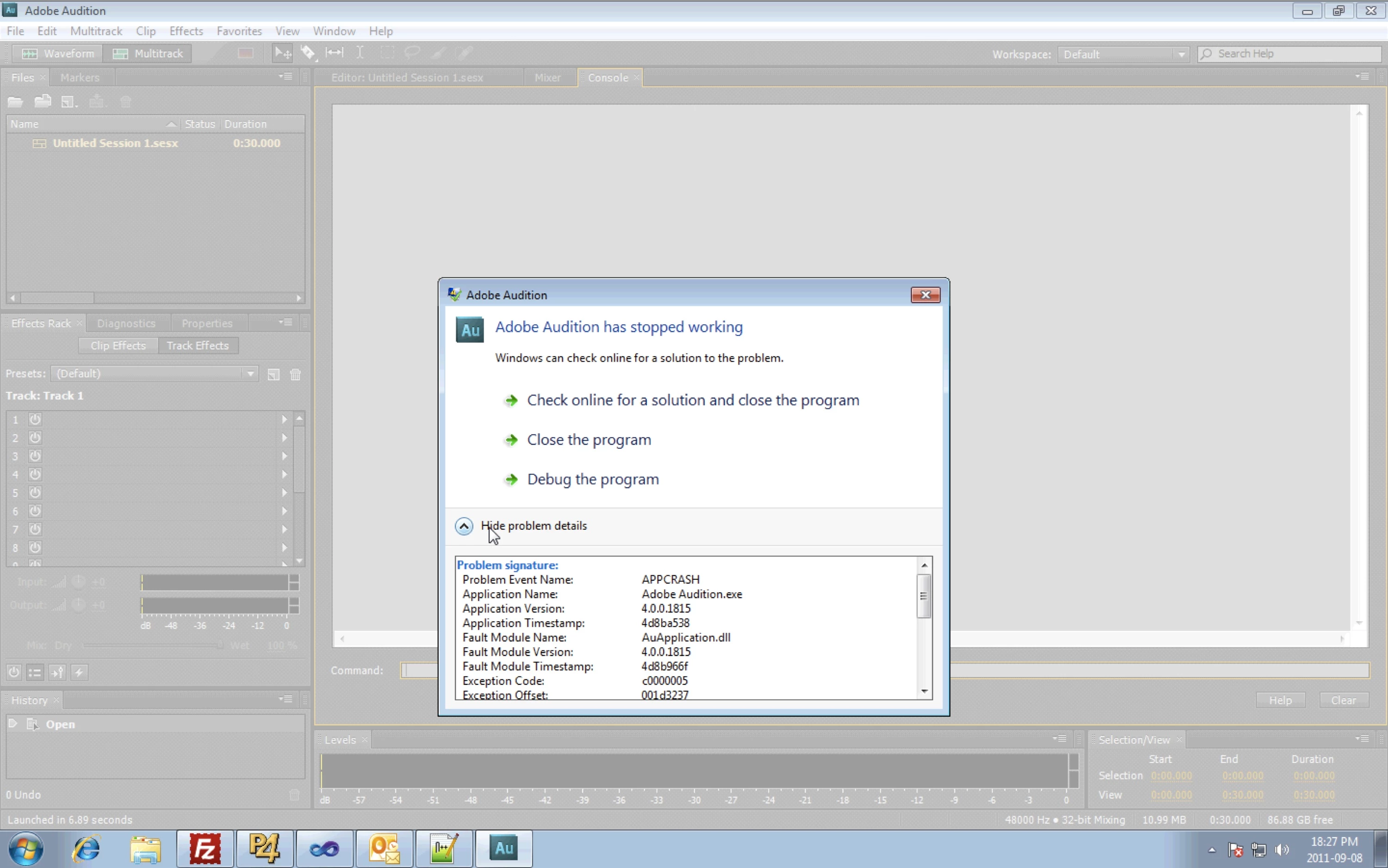
Note any additional information from the Windows Error Reporter dialog
|
|
Go ahead and still submit the crash report through the OSX crash reporter as well as the Adobe Crash Reporter Tool. Be sure to supply comments that answer the questions mentioned above. |
Go ahead and still submit the crash report through the Windows Error Reporter. |
 AdChoices